


How do I remove the color gradient on the Tab Row that was added in this update to the Dark Mode Theme

v157.0
The new update changed the Dark Mode Theme to include a color gradient on the tab row. This is quite distracting an I would like to know how to revert back to the plain, non color gradient Dark Mode Theme prior to the update.
All Replies (6)
Bonjour
A space for users to give product feedback https://support.mozilla.org/en-US/kb/what-mozilla-connect
https://www.reddit.com/r/FirefoxCSS/comments/1wndy2t/comment/pbgj6lz
Screenshot 2 a test with userChrome.css Remove the gradient completely
:root:not([theme-image-in-toolbox]) body, :root[theme-image-in-toolbox] #navigator-toolbox { background-image: none !important;}
WARNING from the moderator team: This script is not provided by Mozilla and is not officially supported.
Firefox is a work in progress and, to allow for continuous innovation, Mozilla cannot guarantee future updates won’t impact your customizations. For this reason, Mozilla does not officially support style rules customization.
Please read Firefox advanced customization and configuration options to learn more.
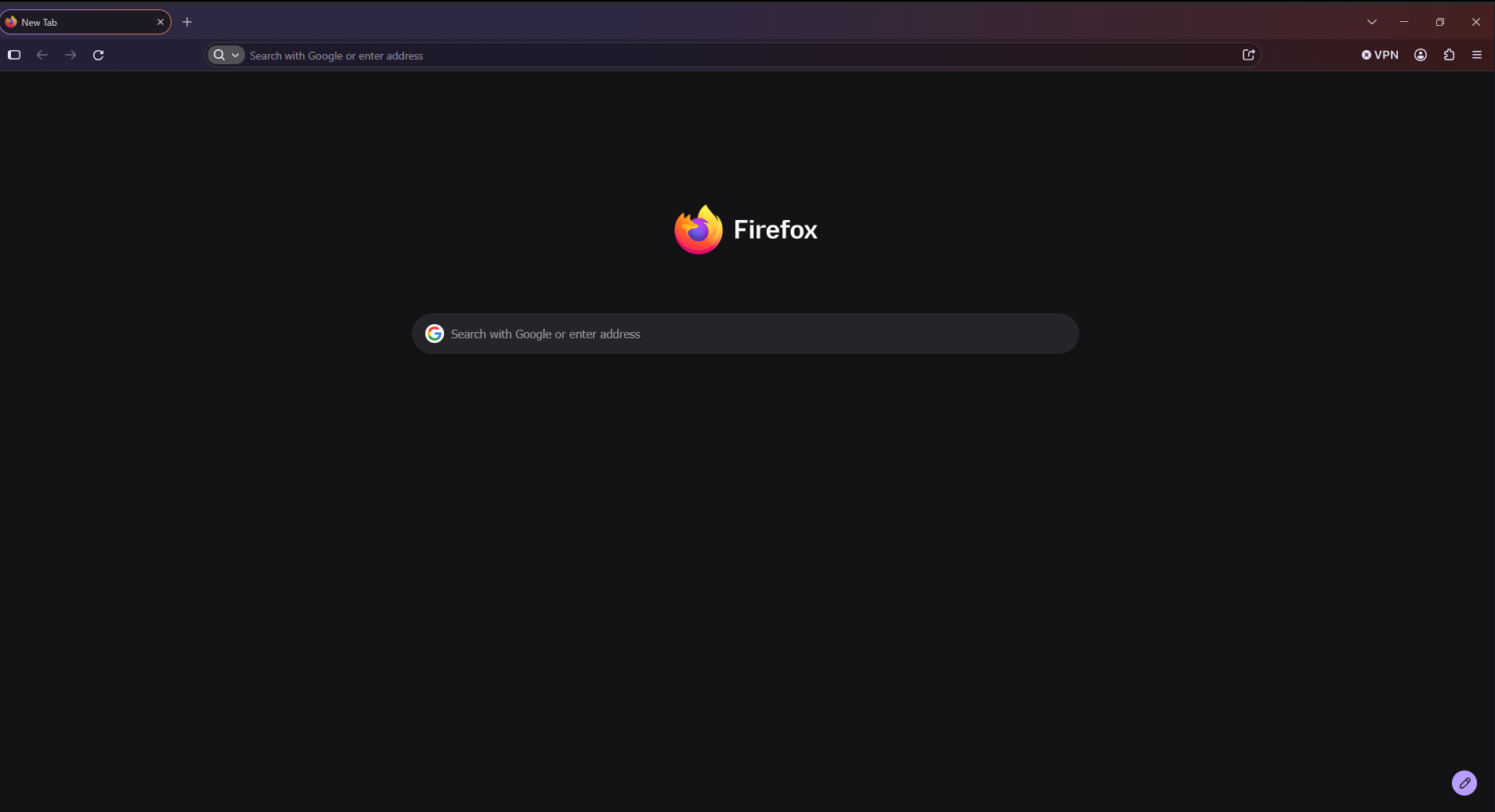
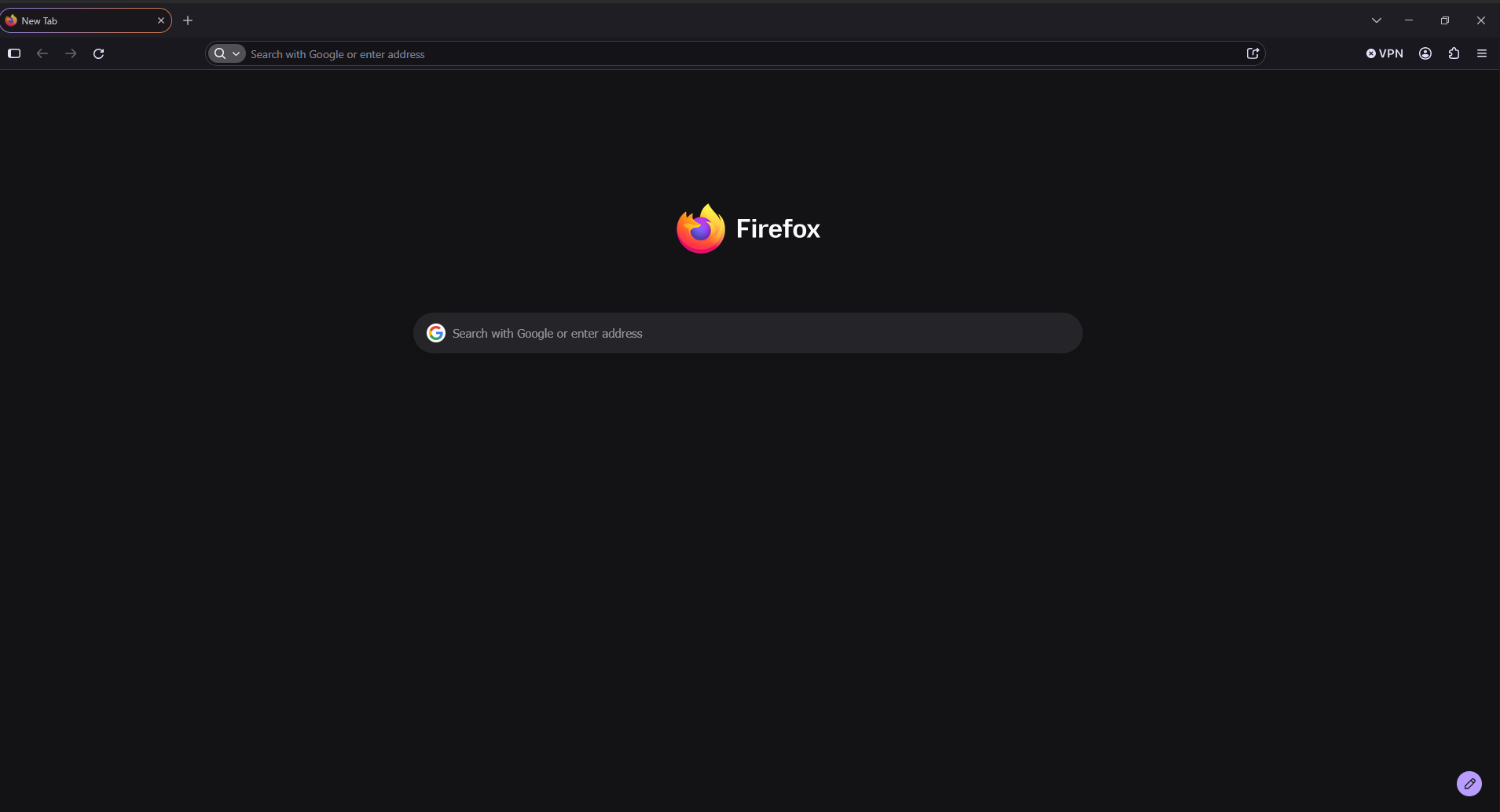
Novain'i Paul t@
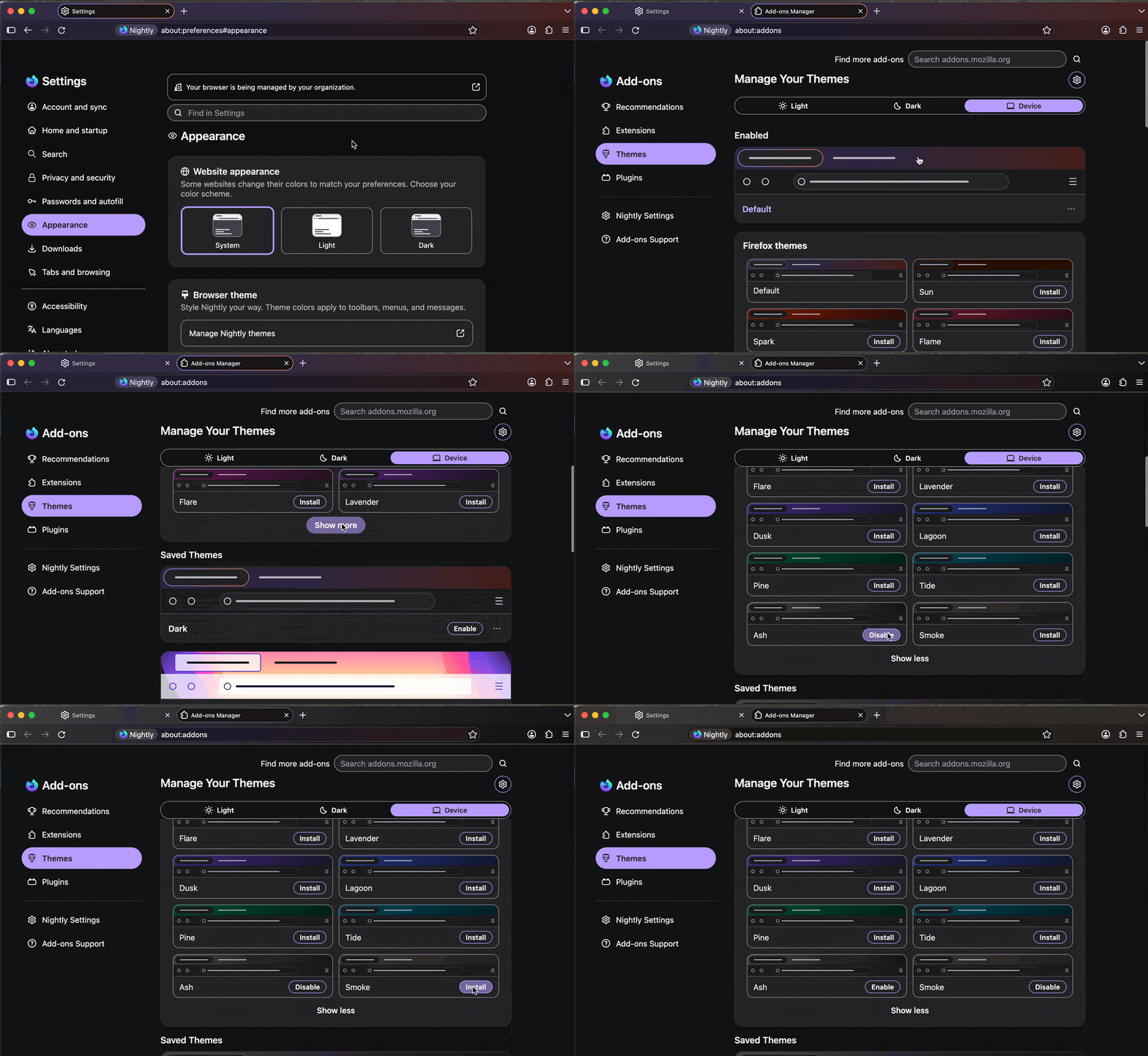
Oh it's just a "theme" when nothing else is set — check the Appearance › Browser theme › Firefox themes options — I think the "Smoke" or "Ash" might be what you're looking for in the "Show more" options for colorways:
Same complaint here. I updated this morning and cannot find a way to simply change the top menu bar with tab headers back to a regular monochrome color, preferably black or dark grey with white text. The color gradient described as "Default: A balanced, familiar grey-purple for a classic Firefox look" is ugly to my eyes...
Okay, I think I found a theme I can live with: AMOLED. I suggest other users try it out.
Hi,
The people who answer questions here, for the most part, are other users volunteering their time (like me), not Mozilla employees or developers. When a Mozilla employee jumps into a discussion, you'll see the Mozilla Staff label next to their name.
If you wish, you can leave feedback for developers on the Mozilla Connect website. Click the Firefox Menu  button in the toolbar, click Help and select Share ideas and feedback…. Alternatively, you can use this link. Your feedback is collected by a team that reads it and gathers data on the most common issues.
You can also file a bug report or feature request. See File a bug report or feature request for Mozilla products for details.
Bonsoir
The new Firefox design lands in today. This is what you can expect https://connect.mozilla.org/t5/discussions/the-new-firefox-design-lands-in-today-this-is-what-you-can/td-p/139524

LIGHT THEME SOLUTION: Uh yeah so I have the similar problem with the light theme.
I do not like the orange gradient noticed immediately
I installed the Proton theme by searching for firefox themes.
Tabs are still oval but who cares i dont have to look at the orange.
- Sparxx
Novain'i sparxx t@