


Firefox doesn't load all websites correctly

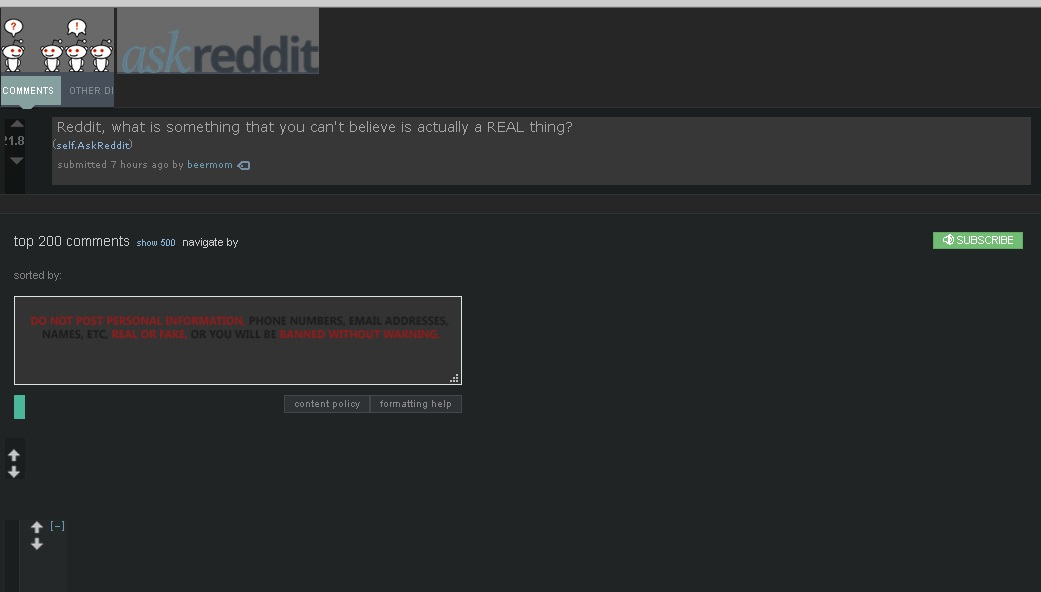
My Firefox hasn't been loading websites correctly. It happens randomly and not on all websites. It won't load some images or texts, and if I go over them with the cursor it will sometimes load some of them.
I tried a few suggestions like disabling the override colors thing, disabling ad-block and others, and nothing works, not even restarting my PC. Running Windows 10, both OS and Firefox are up to date.
Novain'i Joostar t@
Vahaolana nofidina
hi, thanks for reporting this. we are currently looking into this issue in https://bugzilla.mozilla.org/show_bug.cgi?id=1435472
so far it appears to be an issue that only affects users who have turned off cleartype font rendering within their windows settings. so a workaround for the moment would either be to turn cleartype back on or disabling hardware acceleration in firefox: Firefox's performance settings
Hamaky an'ity valiny ity @ sehatra 👍 2All Replies (2)
Vahaolana Nofidina
hi, thanks for reporting this. we are currently looking into this issue in https://bugzilla.mozilla.org/show_bug.cgi?id=1435472
so far it appears to be an issue that only affects users who have turned off cleartype font rendering within their windows settings. so a workaround for the moment would either be to turn cleartype back on or disabling hardware acceleration in firefox: Firefox's performance settings
Thanks, the cleartype change worked, but now my fonts look blurry haha! It's a fine solution for the time being.