


Can't load a specific website on any browsers

Hello,
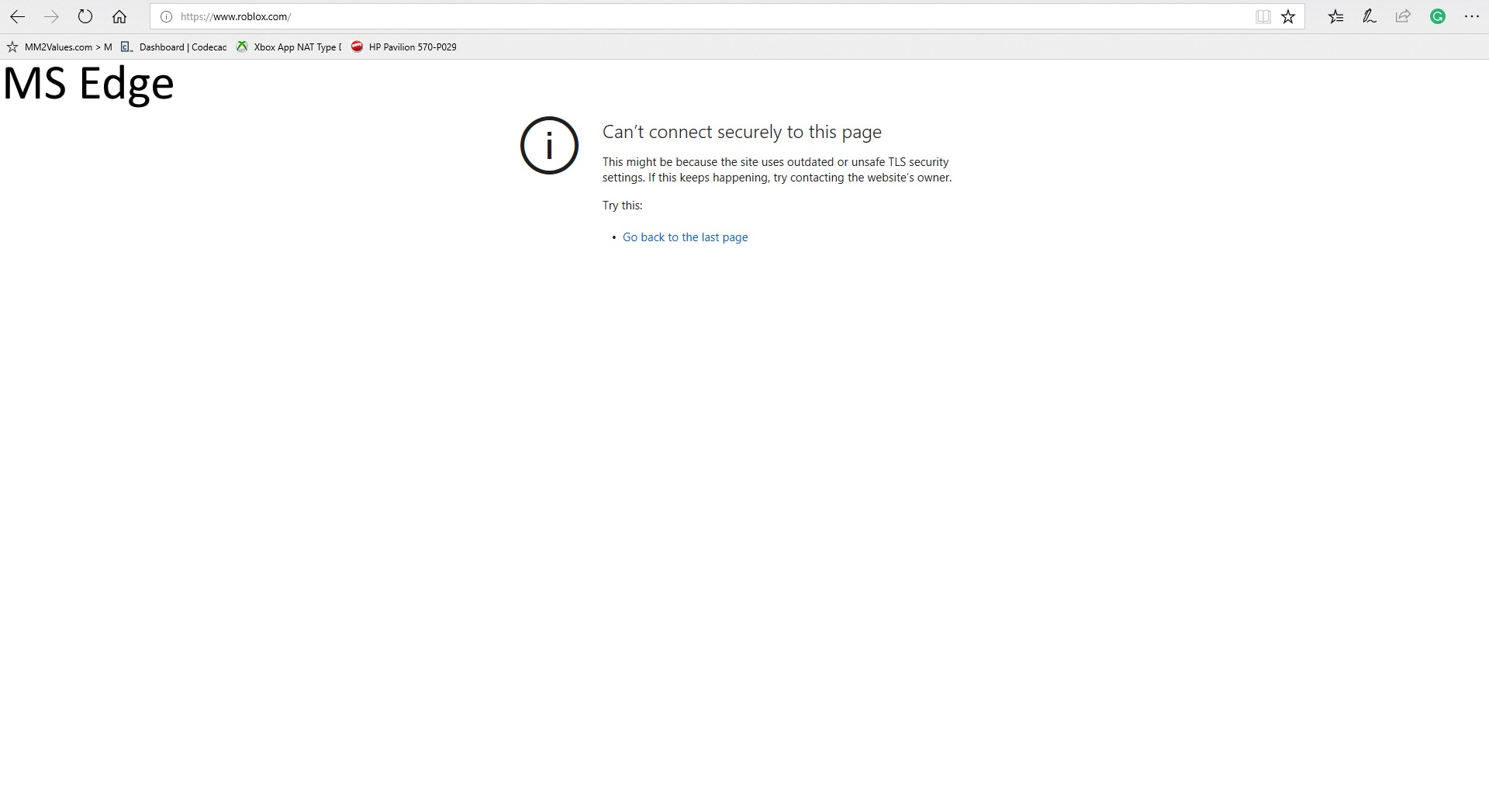
I'm having a problem loading a specific website on any browsers. Each time I try to load "https://www.roblox.com/" on Firefox, the error code SSL_ERROR_RX_UNKNOWN_ALERT shows up. I have tried many things, like restarting the computer or flushing the DNS cache, but no success. I also tried scanning my computer with AdwCleaner, but the problem was still the same.
If someone knows how to fix this, help would be appreciated.
Thanks, Xavier B.


Novain'i Xavier t@
All Replies (2)
I clicked on the link and the site doesn't load. Sounds more like a site problem. Also Chrome doesn't load it.
Works for me on Linux, but there are issues reported (Unexpected failure).
The roblox.com domain reports better:
Does this work for you?
You can check the SiteSecurityServiceState.txt file for references for this domain.
You can use the button on the "Help -> Troubleshooting Information" (about:support) page to go to the current Firefox profile folder or use the about:profiles page.
- Help -> Troubleshooting Information -> Profile Directory:
Windows: Show Folder; Linux: Open Directory; Mac: Show in Finder - http://kb.mozillazine.org/Profile_folder_-_Firefox