Is it possible to change colors of the font and background in Firefox on iPad?

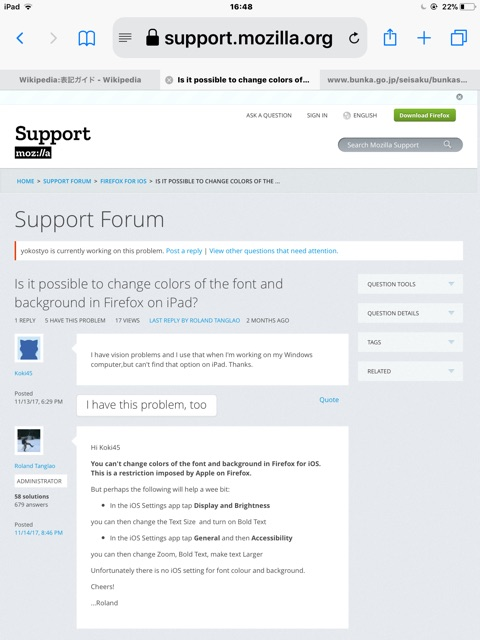
I have vision problems and I use that when I'm working on my Windows computer,but can't find that option on iPad. Thanks.
I have vision problems and I use that when I'm working on my Windows computer,but can't find that option on iPad.
Thanks.
All Replies (2)
Hi Koki45
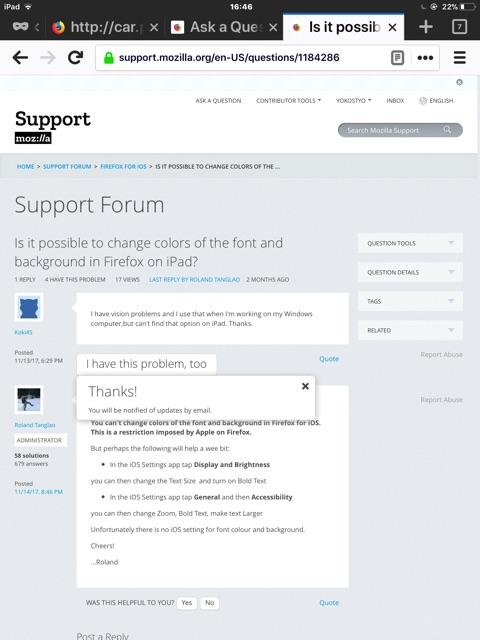
You can't change colors of the font and background in Firefox for iOS. This is a restriction imposed by Apple on Firefox.
But perhaps the following will help a wee bit:
- In the iOS Settings app tap Display and Brightness
you can then change the Text Size and turn on Bold Text
- In the iOS Settings app tap General and then Accessibility
you can then change Zoom, Bold Text, make text Larger
Unfortunately there is no iOS setting for font colour and background.
Cheers!
...Roland
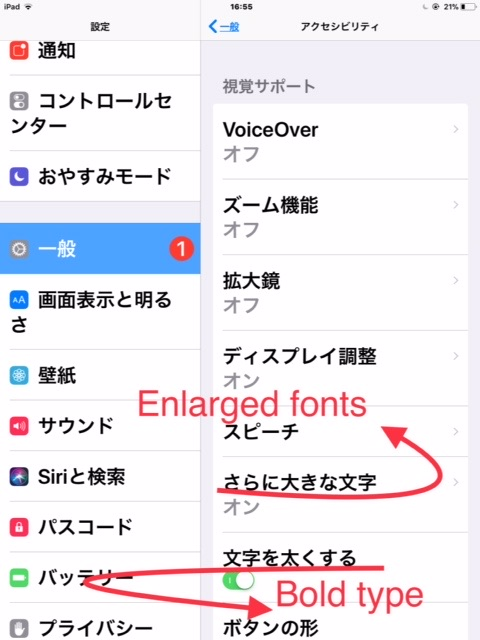
Unfortunately, Settings > General > Accessibility does not seem to work for Safari or FF on iPad. I set font size close to 40 point, but what I actually show is as attached (sorry UI in Japanese). I’m on iOS 11.2.1., model A1489.