


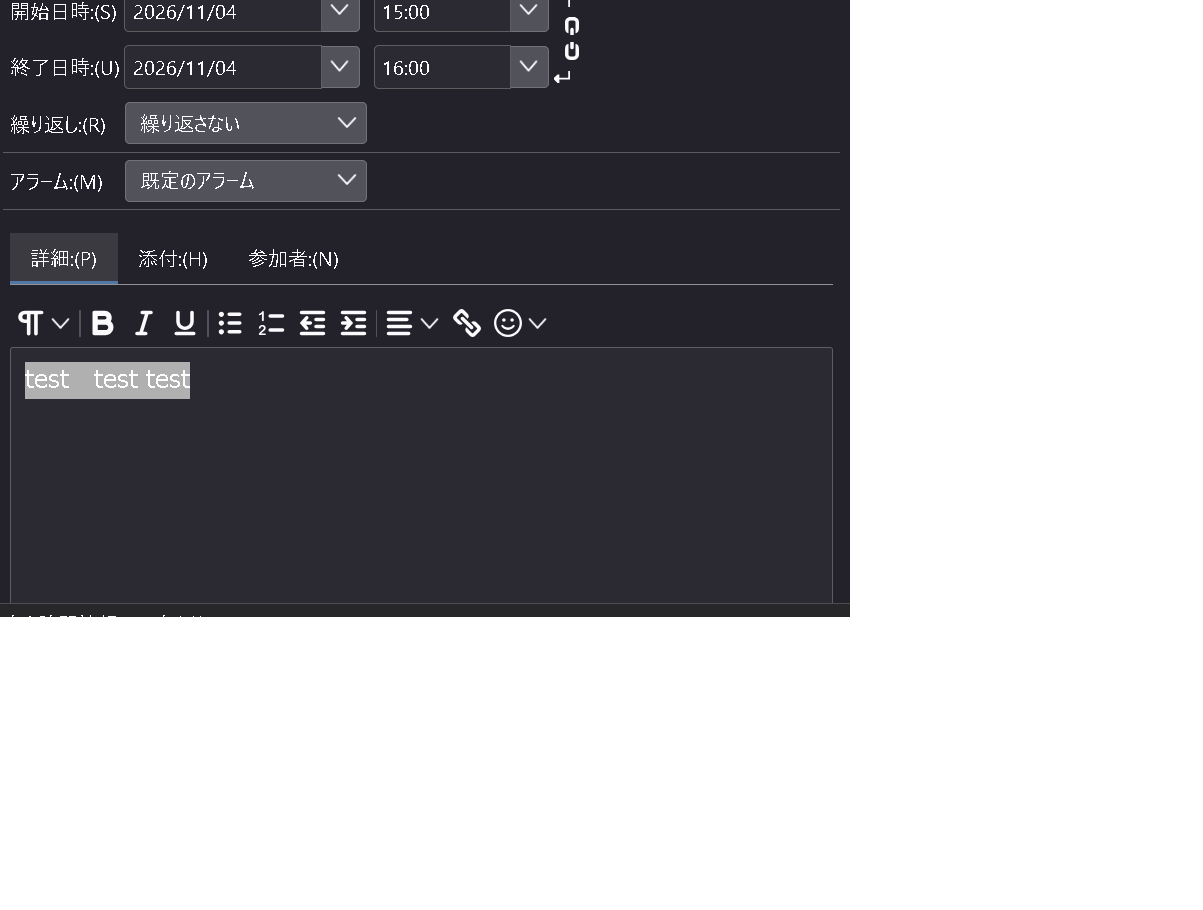
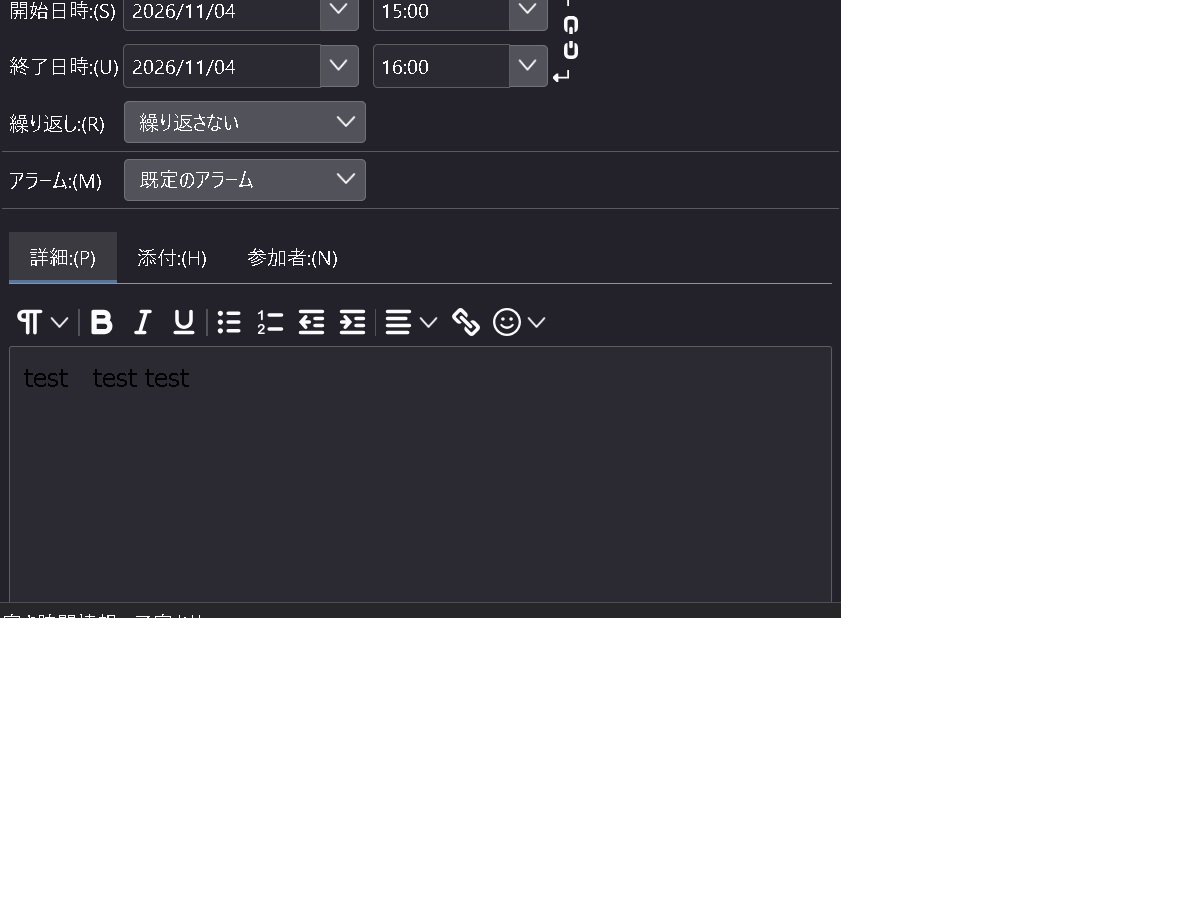
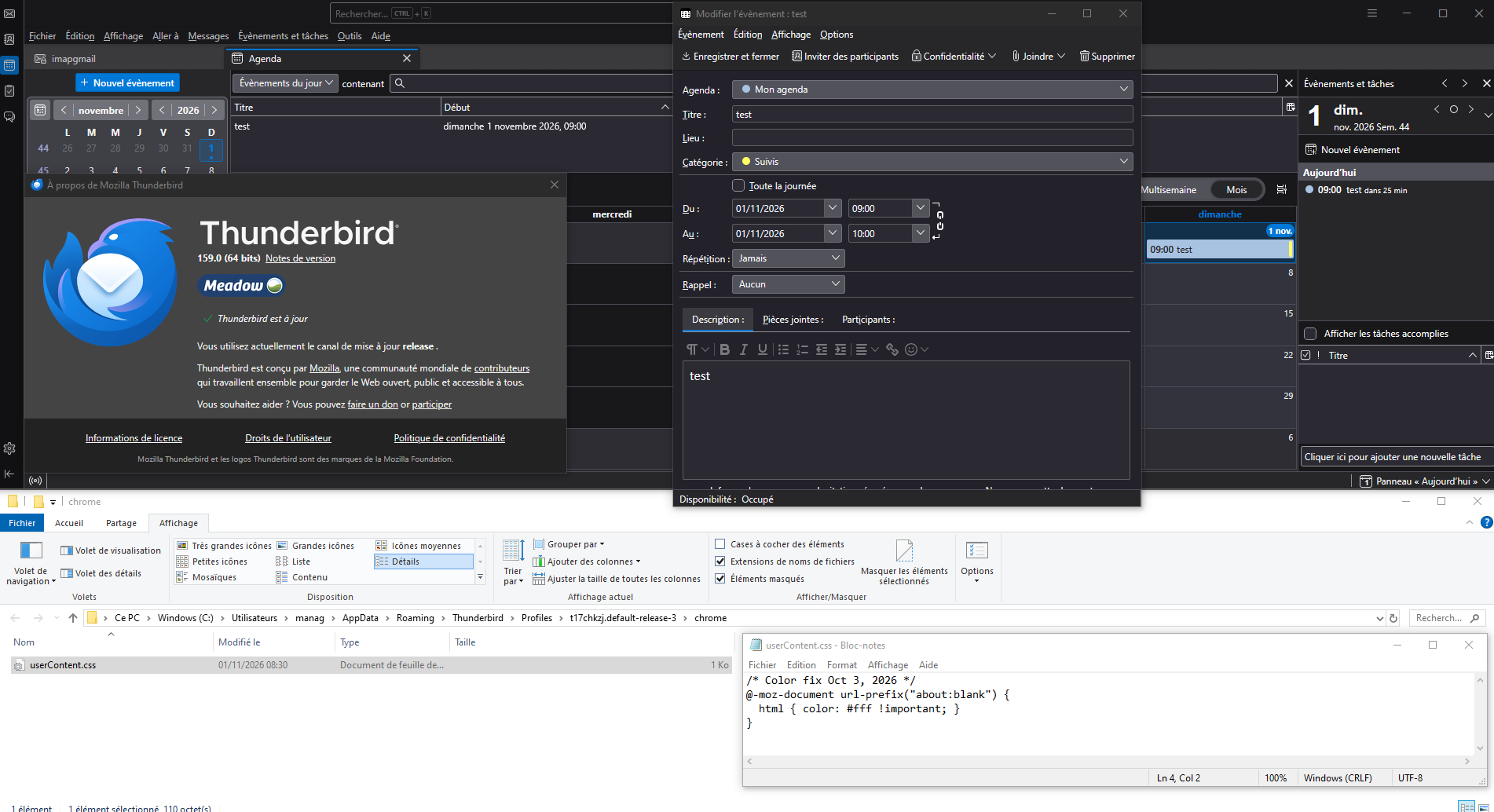
When I create an event in the Thunderbird calendar and enter text in the “Details” field, the text appears the same color as the black background, making it unreadable.
When I create an event in the Thunderbird calendar and enter text in the “Details” field, the text appears the same color as the black background, making it unreadable, as shown in the attached image. However, red and blue text displays normally. It seems there is no option to specify font colors in the calendar. I would appreciate it if you could suggest a solution. Thank you in advance.
Chosen Solution
Bonjour
A additional information, since release Thunderbird 102.2.2
Setting added to change Calendar event double-click action to open Edit Event dialog rather than view only; Set calendar.events.defaultActionEdit to true.
If you wish 1 - Go to configuration editor https://support.mozilla.org/en-US/kb/config-editor 2 - Enter a search term calendar.events.defaultActionEdit You can double-click on the preference, to set its value to true
Version 160.0 released November 10 2026.
All Replies (3)
Bonjour
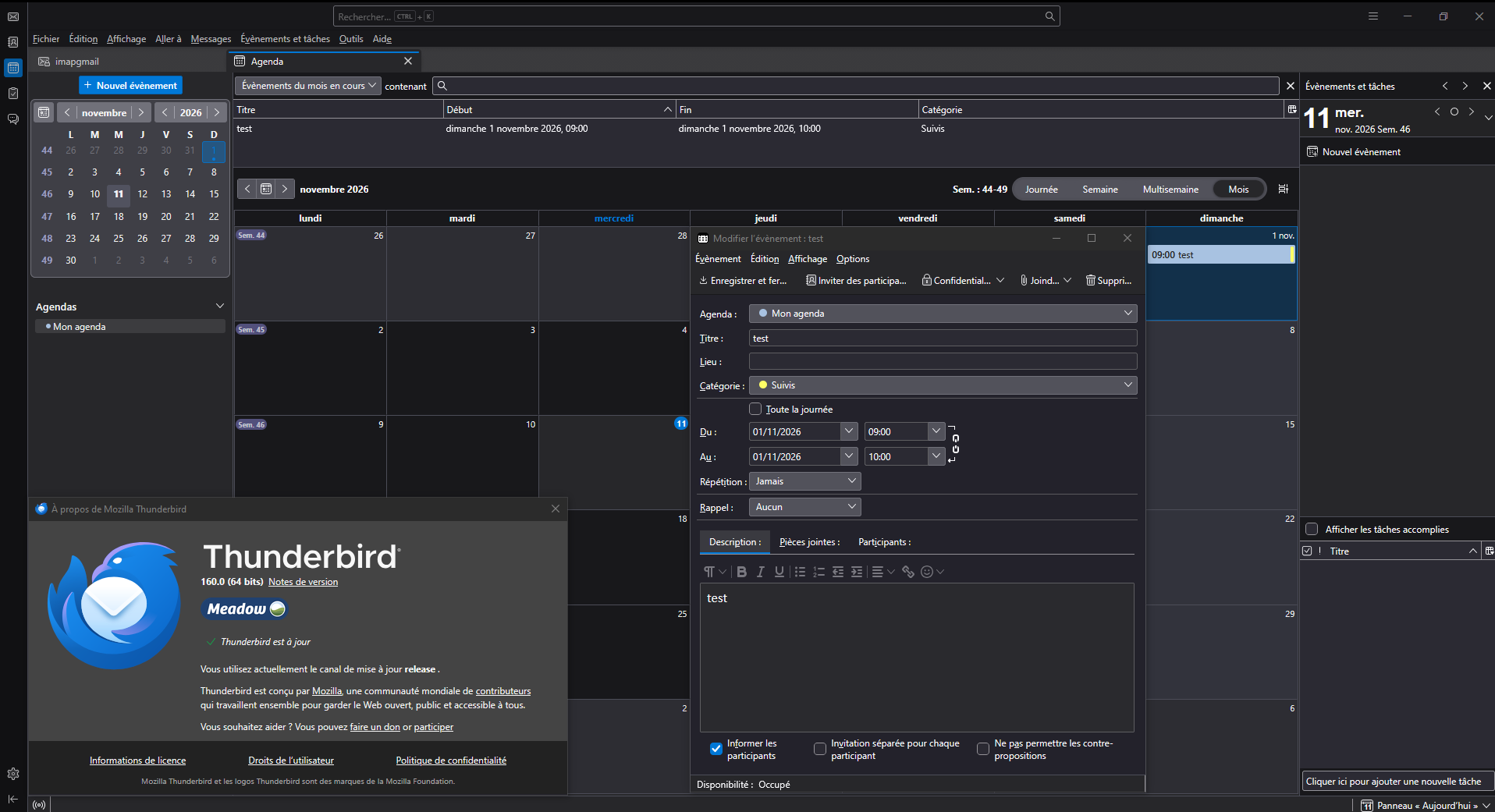
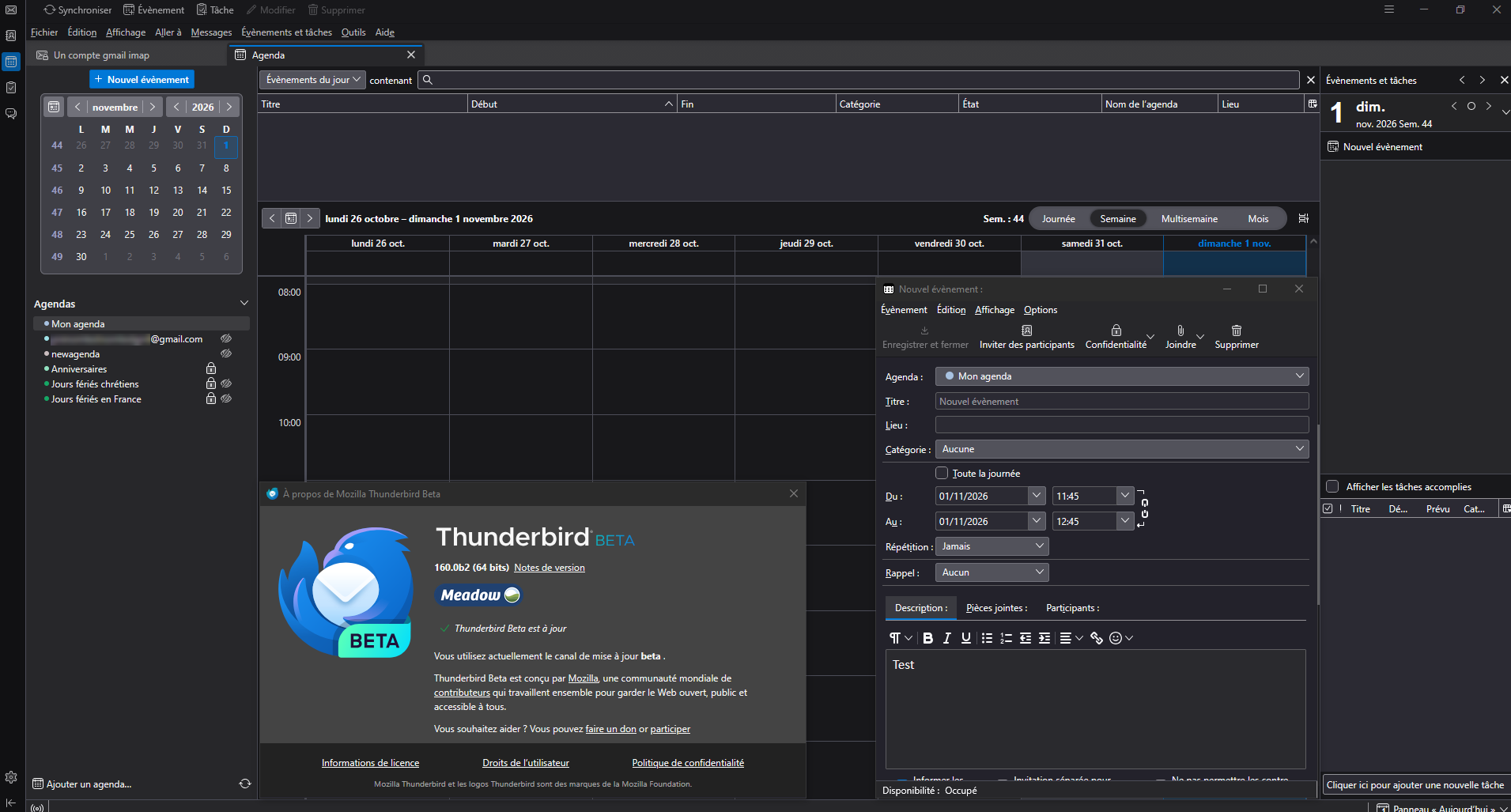
Take a look at https://bugzilla.mozilla.org/show_bug.cgi?id=2077553
Chosen Solution
Bonjour
A additional information, since release Thunderbird 102.2.2
Setting added to change Calendar event double-click action to open Edit Event dialog rather than view only; Set calendar.events.defaultActionEdit to true.
If you wish 1 - Go to configuration editor https://support.mozilla.org/en-US/kb/config-editor 2 - Enter a search term calendar.events.defaultActionEdit You can double-click on the preference, to set its value to true
Version 160.0 released November 10 2026.