


thunderbird fofware updater

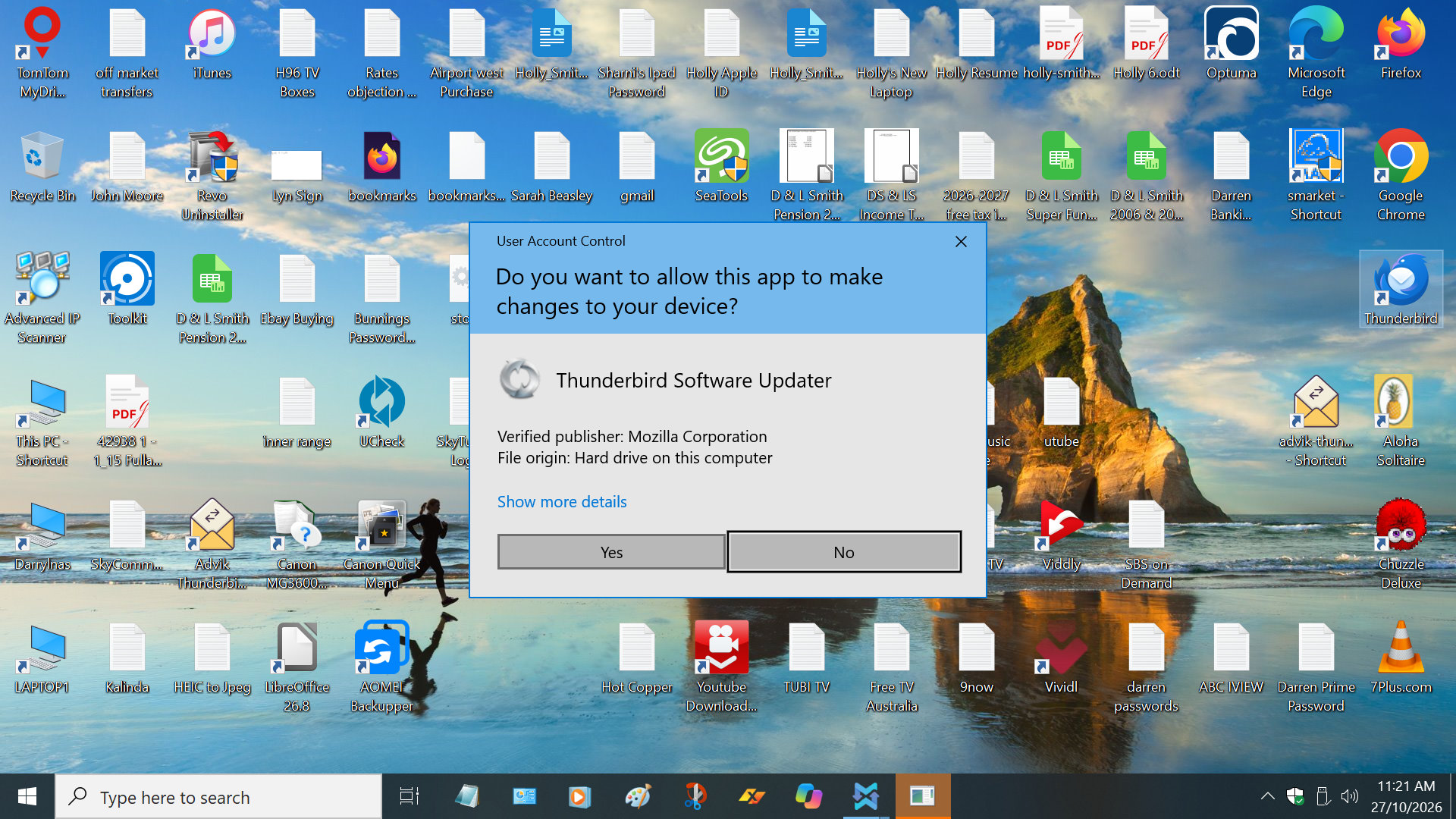
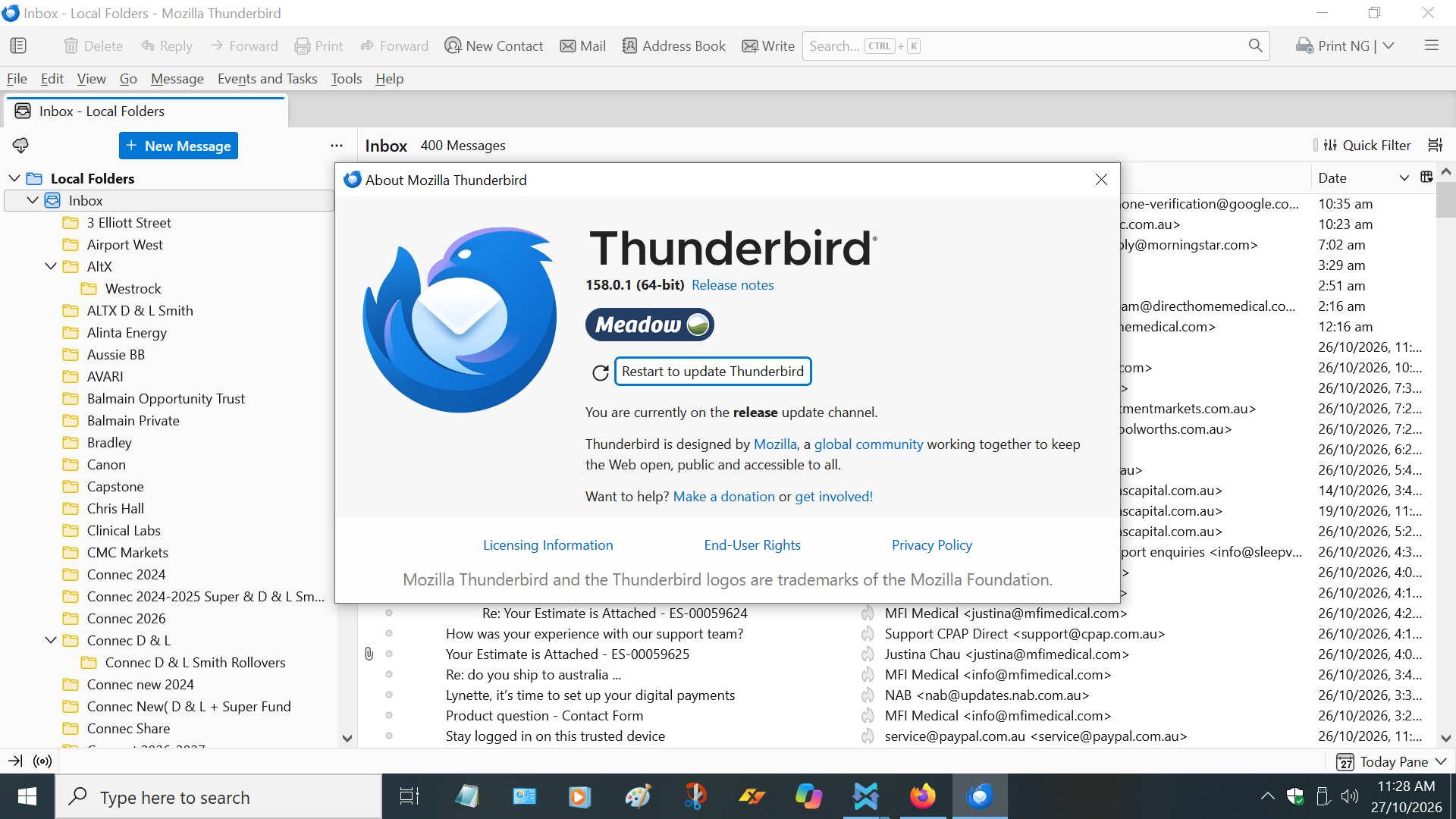
Hi,Please assist Every time I open Thunderbird it shows Software Updater(user account Control) But the Sofware is already up to date & this has been happening for over a week
All Replies (3)

Chosen Solution
You don't say whether you let it 'restart to update'. Did you? Have you rebooted the computer? Does Thunderbird otherwise work as it should?
If the answer to all those is Yes, I'd blame the symptoms on a botched upgrade. I'd try the following (make a backup copy of your Thunderbird Profile first; see <https://support.mozilla.org/en-US/kb/thunderbird-export> for how to do that):
- Download the installer for the same version from <https://www.thunderbird.net/en-US/thunderbird/all/> and install it over the current installation.
- If that doesn't improve the situation I'd uninstall the current version, reboot the computer, then reinstall Thunderbird.
Hi Lin, Thank you I did download & upgraded it,But The same occurred SO I did as you suggested & Backed up via export & now I will delete Thundebird & Install a new version Thank you Darryl
Hi Lin, Thank you so much, After deleting Thunderbird & the Down loading a new version It auto Selected All My Previous Emails,Contacts Etc & It now works well Thank you once again for your help Regards Darryl