


How do I get rid of a box that says Password required-Mozilla Firefox?
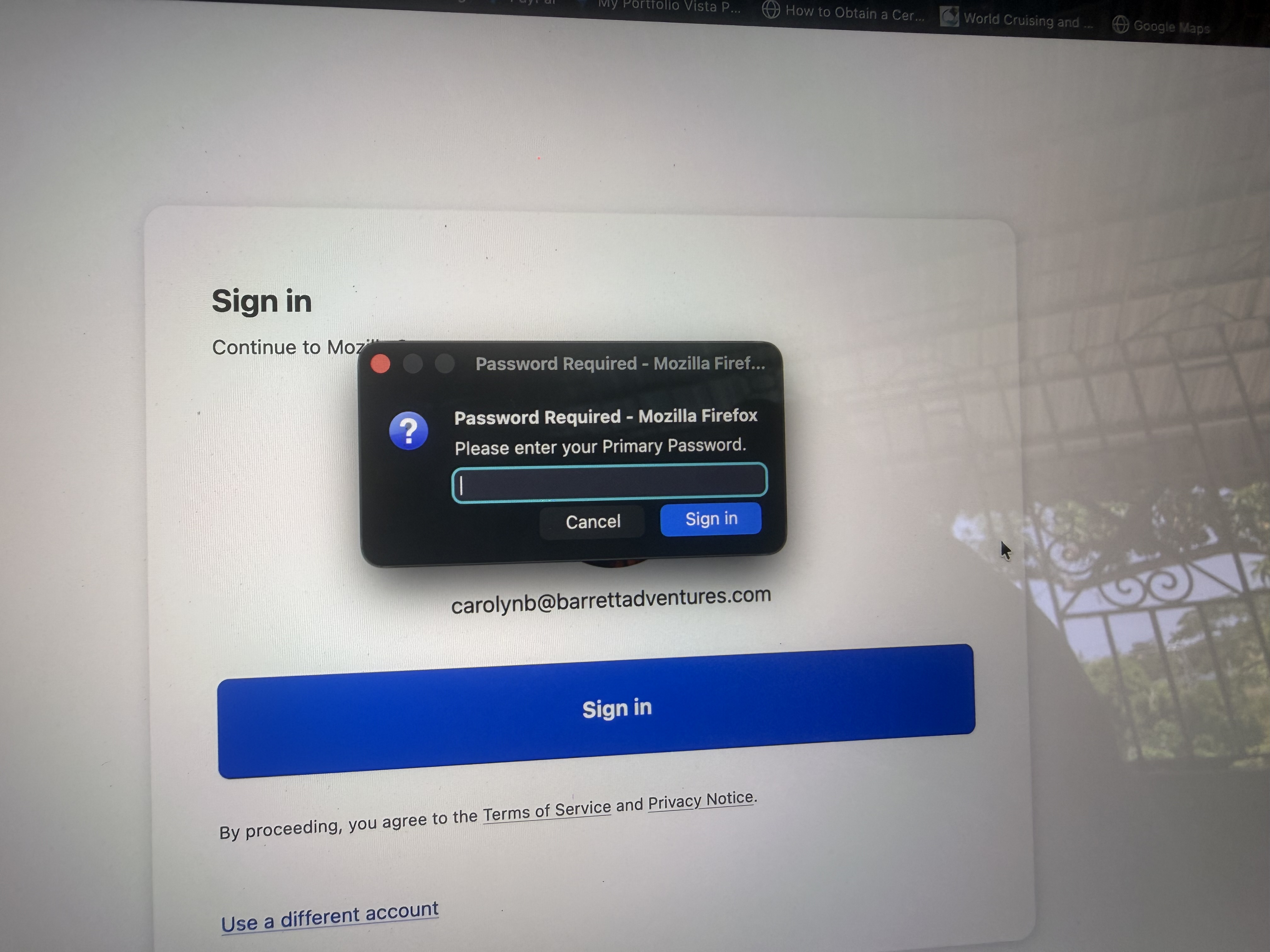
A box shows up on my screen when I log into various sites. It says: Password Required - Mozilla Firefox Please enter your Primary Password I have tried several different passwords but none of them have worked. I have to click on cancel and it often disappears and comes back again immediately. It is annoying. How do I get rid of it. I have been using Firefox for several years. This has only started happening recently.
All Replies (2)
Please enter your Primary Password
That seems like you have a 'Master (Primary) Password' set which has to be entered before Fx will allow any specific site password.
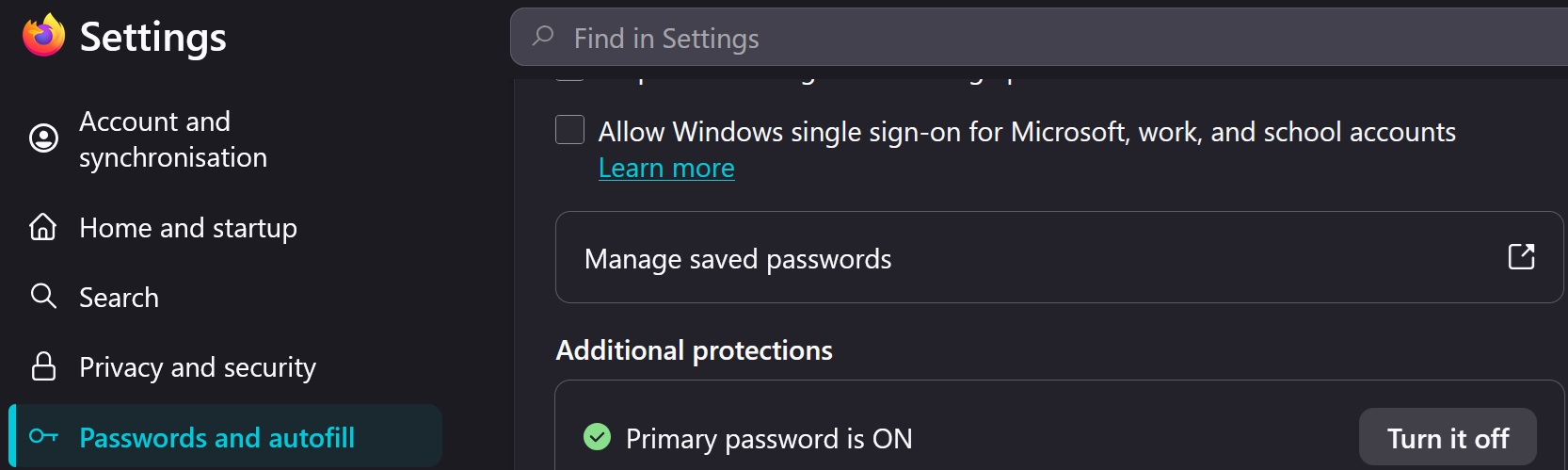
Go to Settings > Passwords and autofill > See image below to turn it off
Modified by amoun
There is no Passwords and Autofill on my MacAir. Nowhere in my passwords do I have a password for Firefox or Mozilla