


Open
How do I deselect multiple folders selected it didn't happen until today and now I can't use thunderbird

How do I deselect multiple folders selected it didn't happen until today and now I can't use thunderbird. There is no way to deselect multiple folder and I did not select that option need to move through different emails account and my local folder where I have emails sorted and I need this at I have emails pertained to forms I need to complete in order to submit request for pension. It work perfectly well yesterday prior to recent update. I need access to my emails
How do I deselect multiple folders selected it didn't happen until today and now I can't use thunderbird. There is no way to deselect multiple folder and I did not select that option need to move through different emails account and my local folder where I have emails sorted and I need this at I have emails pertained to forms I need to complete in order to submit request for pension. It work perfectly well yesterday prior to recent update. I need access to my emails
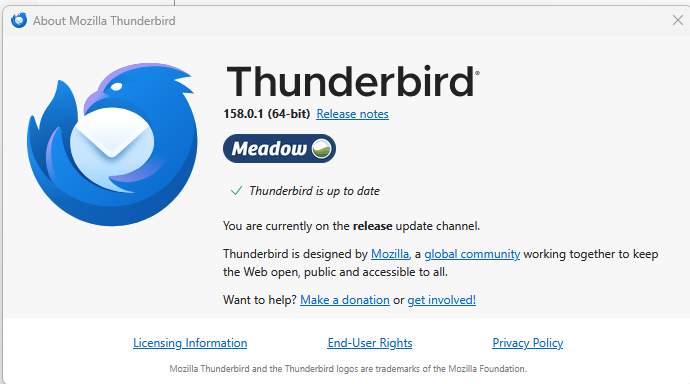
All Replies (1)

To select multiple non-contiguous folders, hold <Ctrl> while you select each one. To select multiple contiguous folders, select the first one, then, while holding <Shift> select the last one. To deselect, click any one folder.