


CAPTCHA for Google Searches in Private Browsing

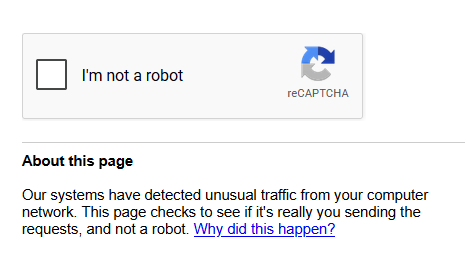
For the past 2 weeks now, every single time I search on Google on private browsing there would be a CAPTCHA. I tried troubleshoot mode but the same thing happened.
All Replies (2)
Hello,
that is a natural response from google, as private windows dont have history cookies, so it makes your connection look like a bot. This is normal
If you want it to go, you can go to about:config, (use at own discretion), go to privacy.resistFingerprinting, and set it to the inverse of its boolean value. (e.g. if true, then false. if false,then true).
You can also try going to settings> general, scroll down to network connections, and click settings, and change the option for proxy settings to no proxy. after that, click ok and restart firefox and test.

The repeated Google Captcha has been frustrating - for weeks unable to find a solution. Today I used a combination of changes and it seems to have stopped. That is just "today". Time will tell if it returns. I did this.
In Google settings - instead of clearing browsing history every time I close, I changed to 3 months.
In Firefox I turned off private browsing.
And following a 6/12/2026 post made by clb6 who fixed it on a MAC......I followed clb6 recommended steps in Firefox - copied in below.
added http://google.com and https://google.com to Settings->Privacy and Security->Cookies and Site Data -> Manage Exceptions , clicked "ALLOW" , clicked "SAVE CHANGES",
uncheck Clear Site Settings, go to: History -> Clear Recent History -> Clear Browsing Data and Cookies -> when Everything -> uncheck Site Settings
I closed all programs, rebooted the Windows 11 PC.....and performed numerous searches closing Firefox in between each.....that before were blocked with repeated Google Captcha. The problem has not repeated (at least yet)!