


Open
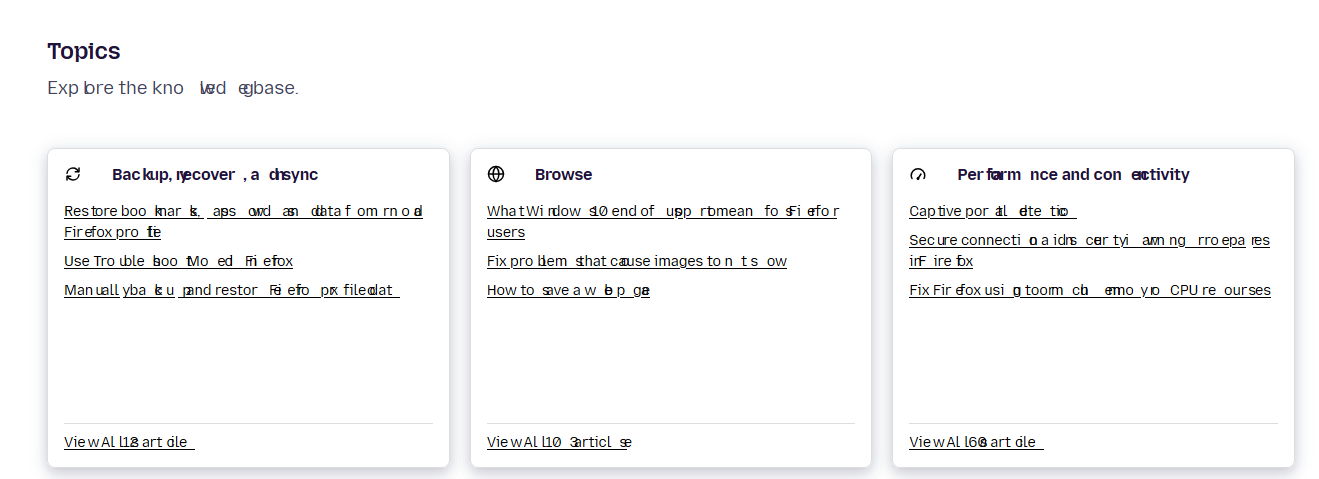
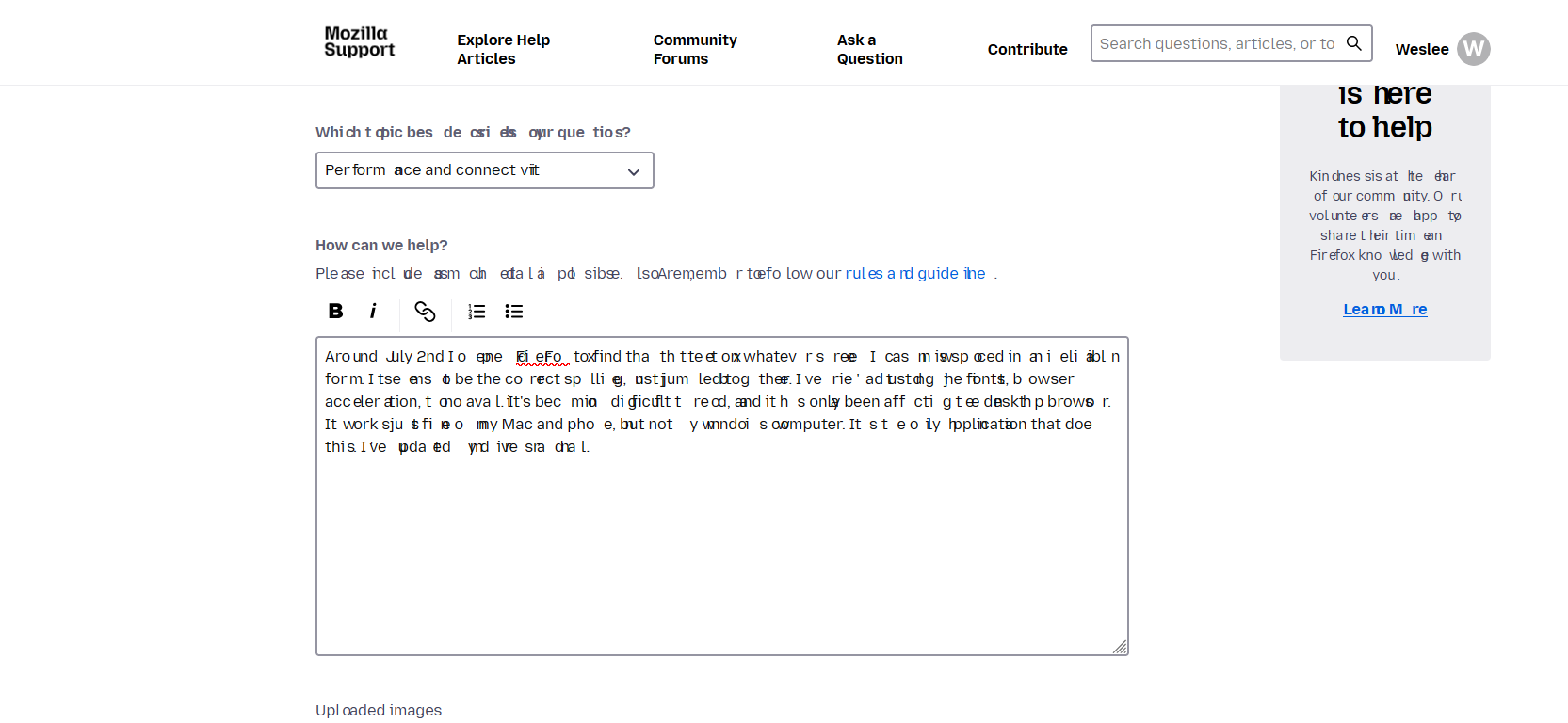
How do I make my browser stop jumbling characters and assets on the screen?

Around July 2nd I opened FireFox to find that the text on whatever screen I was on is spaced in an ineligible form. It seems to be the correct spelling, just jumbled together. I've tried adjusting the fonts, browser acceleration, to no avail. It's becoming difficult to read, and it has only been affecting the desktop browser. It works just fine on my Mac and phone, but not my windows computer. It is the only application that does this. I've updated my drivers and all.
Around July 2nd I opened FireFox to find that the text on whatever screen I was on is spaced in an ineligible form. It seems to be the correct spelling, just jumbled together. I've tried adjusting the fonts, browser acceleration, to no avail. It's becoming difficult to read, and it has only been affecting the desktop browser. It works just fine on my Mac and phone, but not my windows computer. It is the only application that does this. I've updated my drivers and all.
All Replies (1)

Does the issue persist on Troubleshooting Mode?
Does it affect every website that you visit, or a few? Perhaps it is an issue with a specific font.