


I can't interact with sutterhealth.org

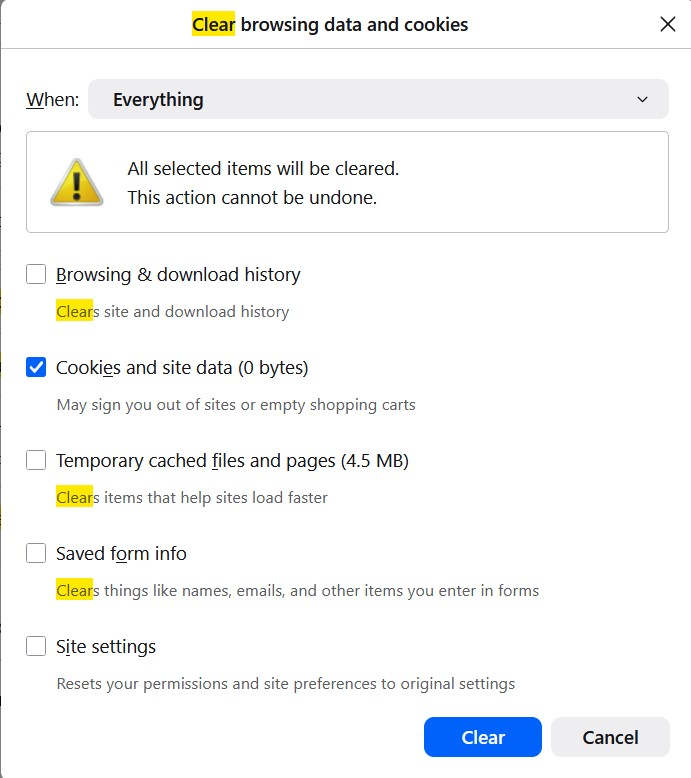
I'm running Firefox 152. When I try to interact with chat bot at https://www.sutterhealth.org/contact-us it says to "Update Permissions". Their tech support said to clear cookies and cache or use Google Chrome. I cleared cookies and data. Their Chat bot still says to "Update Permissions".
I need to help to find out what is causing this block. Thank you!
All Replies (2)
Hi,
I've just checked that out, and it seems that "Update permissions" refers to their own cookie dialog, where you need to allow "Chatbot Technology" (everything else can be disabled). Doing that and clicking "Confirm my choices" let me access the chatbot. Does that work for you?
Modified by Denys
First, thank you for investigating! Is "Chatbot Technology" a Firefox setting? I'm not sure where you found this setting. Thank you again!