


Is it possible to set the default sort order to by last modified when visiting file:// paths?
I frequently need to access logs in HTML format from a particular application. I find Firefox more comfortable for this, so I visit the parent path directly in the browser. However, the default sort order is by name; since these are logs, it's more useful for me to list them by last modified time. Is it possible to make this sort order the default when visiting file:// paths?
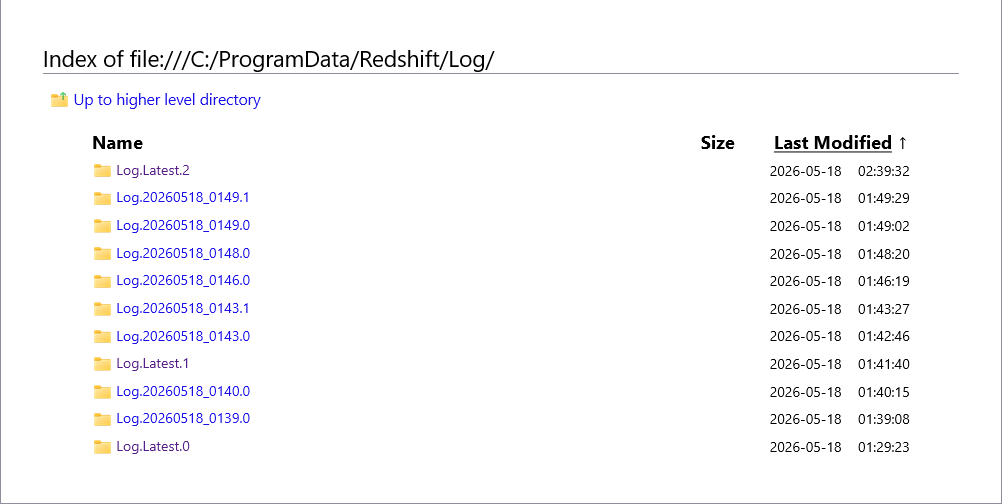
I've attached an image of what I typically visit for completeness.
Thanks.
All Replies (1)

As far as I know, Firefox doesn’t currently have a built-in setting to permanently change the default sort order for file:// directory listings. It pretty much always falls back to sorting by name when opening local folders directly in the browser. You can manually click “Last Modified” each time, but I don’t think there’s an about:config option for making it persistent globally. for log folders specifically, a lot of people end up using either: a dedicated file manager window alongside Firefox a small local web server or extensions/userscripts that customize directory listings Feels like one of those tiny quality-of-life things Firefox surprisingly still doesn’t expose as a setting.