


How to set the browser's tab bar to lock and stay permanently

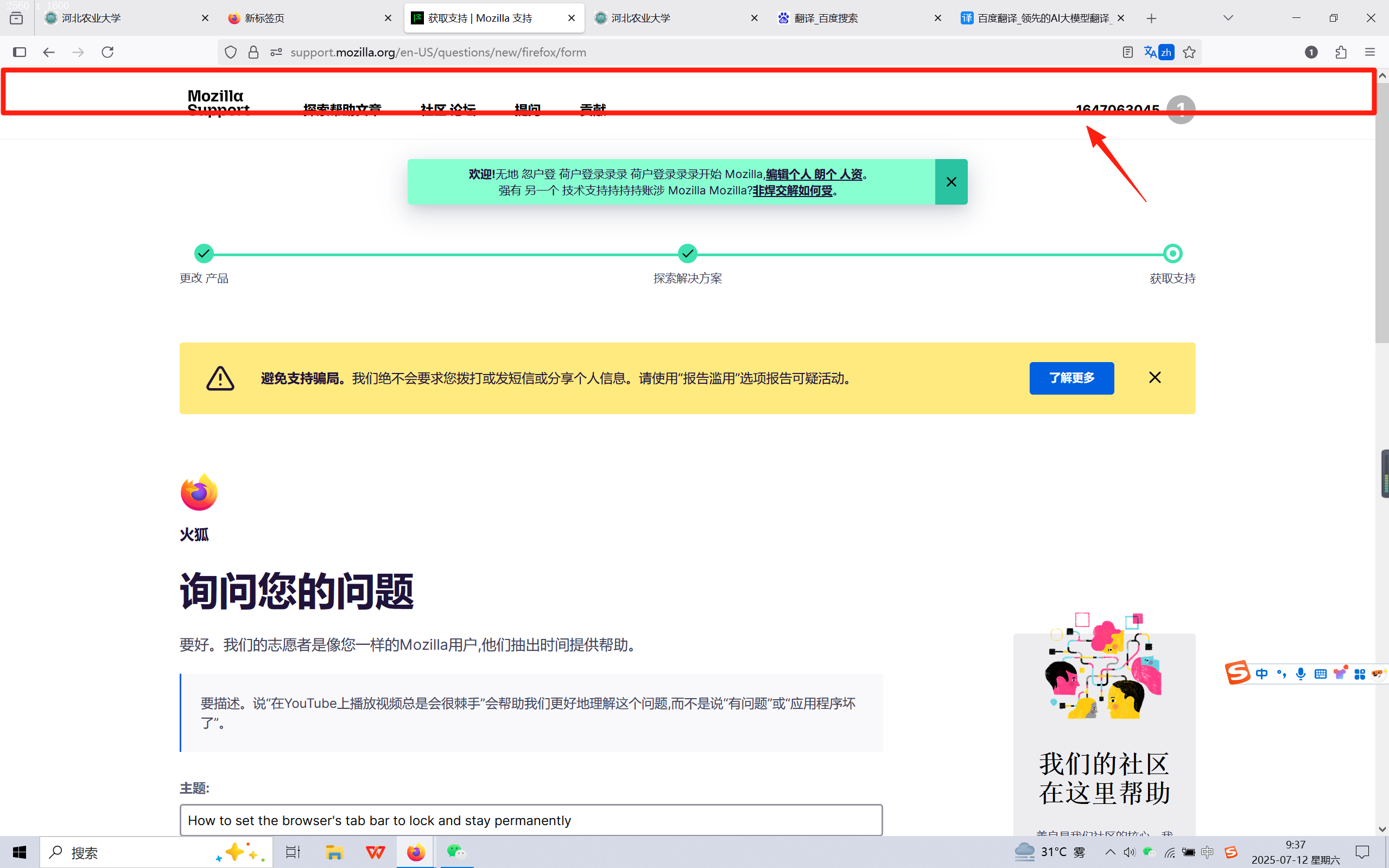
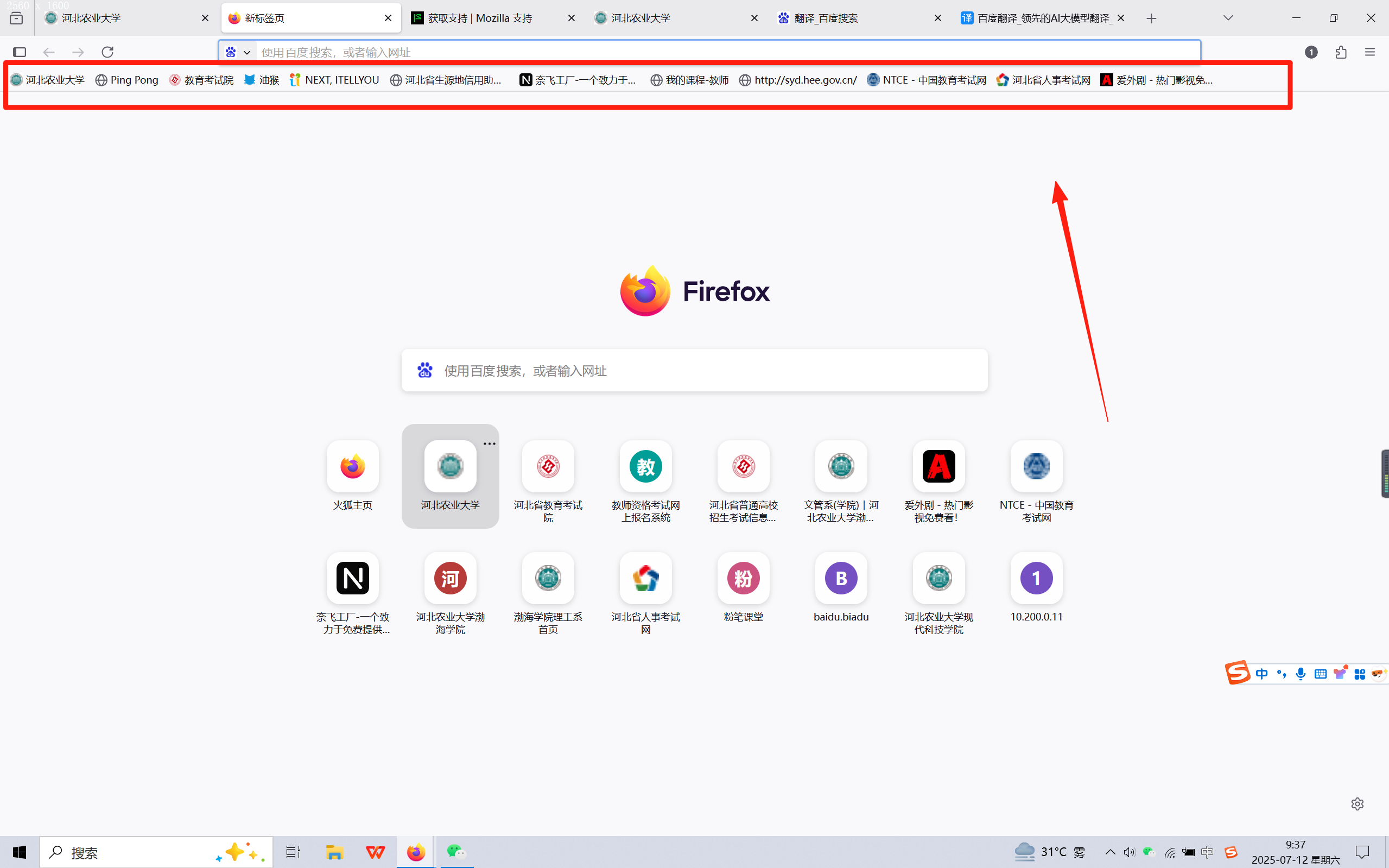
I want the browser's tab bar to display like the homepage, instead of disappearing after opening a webpage tab bar. I don't know if I can accurately express my meaning, but I will attach two pictures
I want the browser's tab bar to display like the homepage, instead of disappearing after opening a webpage tab bar. I don't know if I can accurately express my meaning, but I will attach two pictures
Chosen solution
Hi
I think this support article should help:
If this does not help, pleasd let us know here and we will do our best to find a different solution.
Read this answer in context 👍 1All Replies (1)
Chosen Solution
Hi
I think this support article should help:
If this does not help, pleasd let us know here and we will do our best to find a different solution.