


Youtube won't load in Firefox, no solutions work

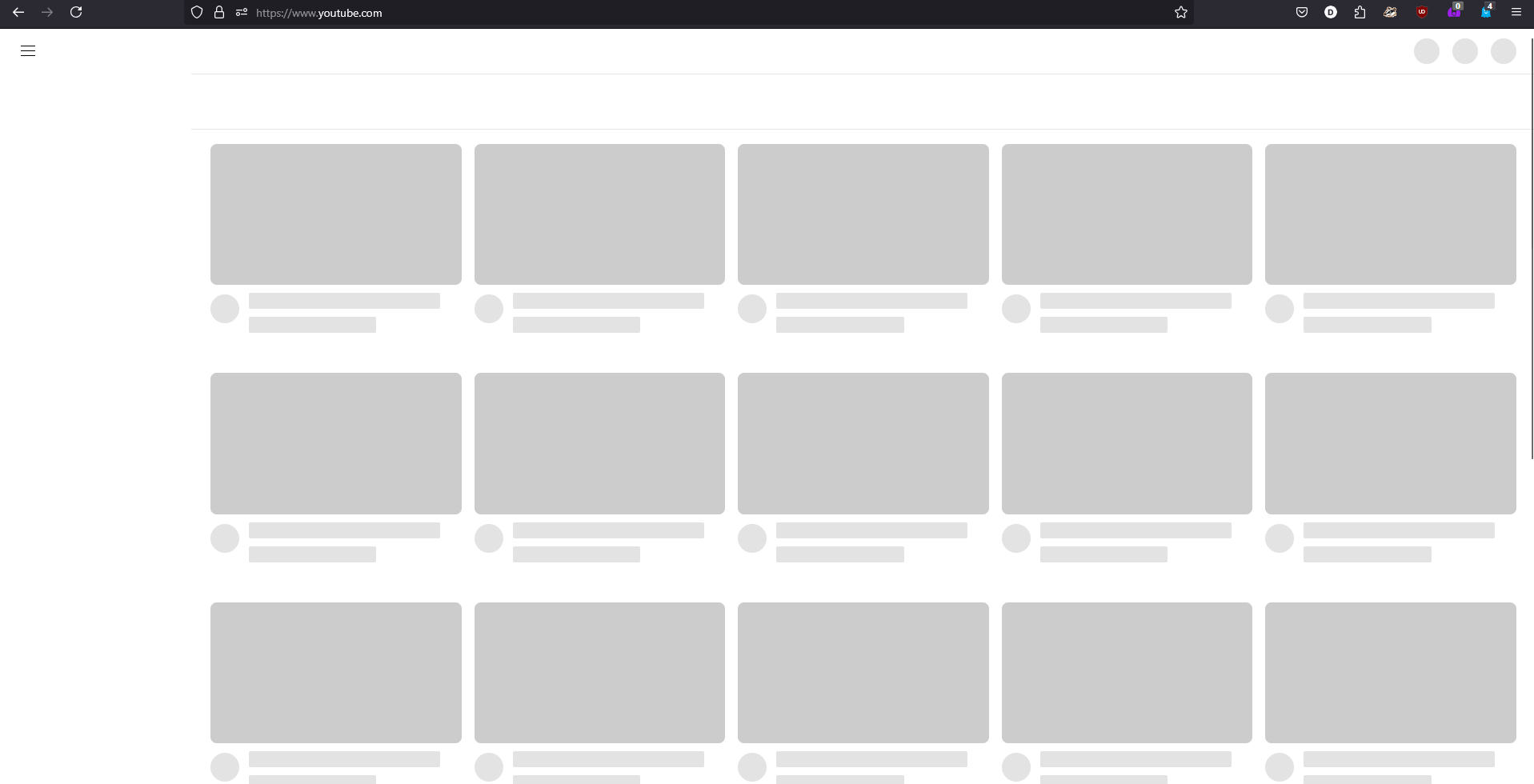
I can not get Youtube to load on desktop Firefox. It works fine on the mobile website, app, and Chrome. I've tried clearing cookies and site data, removing extensions, resetting Firefox, and disabling hardware acceleration, and so far nothing has worked. Has this been happening to anyone else ?
ყველა პასუხი (2)

Hi there! Mozilla is actively investigating if you want to follow along or add a comment here: https://bugzilla.mozilla.org/show_bug.cgi?id=1963511#c20
In the meantime, do you have Ublock Origin? If you try viewing in Private Browsing Mode, are you still running into the issue?
If anyone is still experiencing this issue, we believe the fastest way to get things working again is:
- Ensure your uBlock Origin filters are up to date (see the uBlock Origin Documentation for how to do this.
- Close all YouTube tabs
- In the Firefox hamburger menu go to Settings, then Privacy and Security and click on the Manage Data button. In the resulting dialog, search for youtube.com, select the row for site youtube.com and click "Remove Selected"
- Opening a new tab with youtube.com should now work.
If anyone follows these steps and still experiences the same symptoms, please let us know here.