Password location/Syncing

I save all my passwords in Firefox. I have just synced my Firefox browser with Firefox on my IOS device into the Firefox IOS app. What do I need to do to get my passwords to appear when I want to log into the respective websites?
すべての返信 (3)

Hello! I understand you're looking to sync your passwords between Firefox on your desktop and Firefox on your iOS device. To make your passwords appear when you want to log into websites, you need to ensure that you have enabled the Firefox Sync feature on both devices. First, on your desktop, go to the menu (three horizontal lines) and select "Logins and Passwords." Then, click on "Sync" and make sure that "Logins and Passwords" is selected for syncing. On your iOS device, open the Firefox app, go to Settings, tap on "Sign in to Sync," and log in with the same account you used on your desktop. Once synced, your passwords should be available on both devices. If you encounter any issues, feel free to ask for further assistance on the forum. Happy browsing!
Thanks!

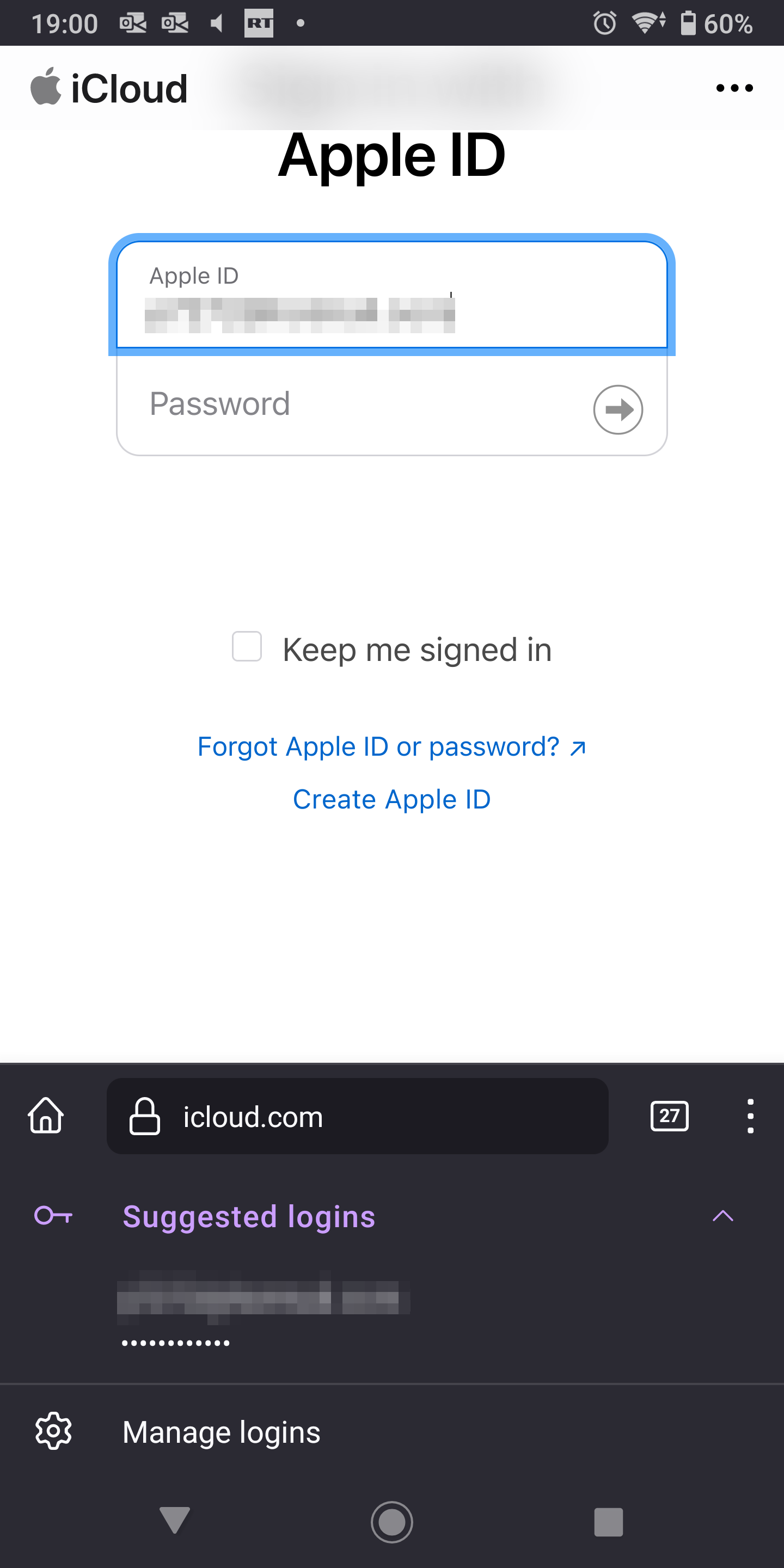
To verify, go to a regular site on you desktop and try the same site on you phone. see screenshots