


Amazon prime video not working

Amazon prime will not play videos keeps saying to go check for updates on firefox then restart it. Fully updated restarted cleared all cookies and cache multiple times not sure if its a firefox issue or amazon.
すべての返信 (4)

Try downloading a different version of Firefox and run it. Do not sign into your Firefox account and see if you have the same issue.
https://www.mozilla.org/en-US/firefox/all/#product-desktop-release
One possible reason for this is if your Widevine DRM decoder is not updating. You could try forcing an update using the following method:
(1) Disable DRM support (2) Wait a few minutes (3) Re-enable DRM support (4) Wait a few minutes
That should trigger Firefox to remove, and then re-download and re-install the Widevine plugin. Steps to disable and re-enable are in this article: Watch DRM content on Firefox.
Is this the error you're getting? see screenshot
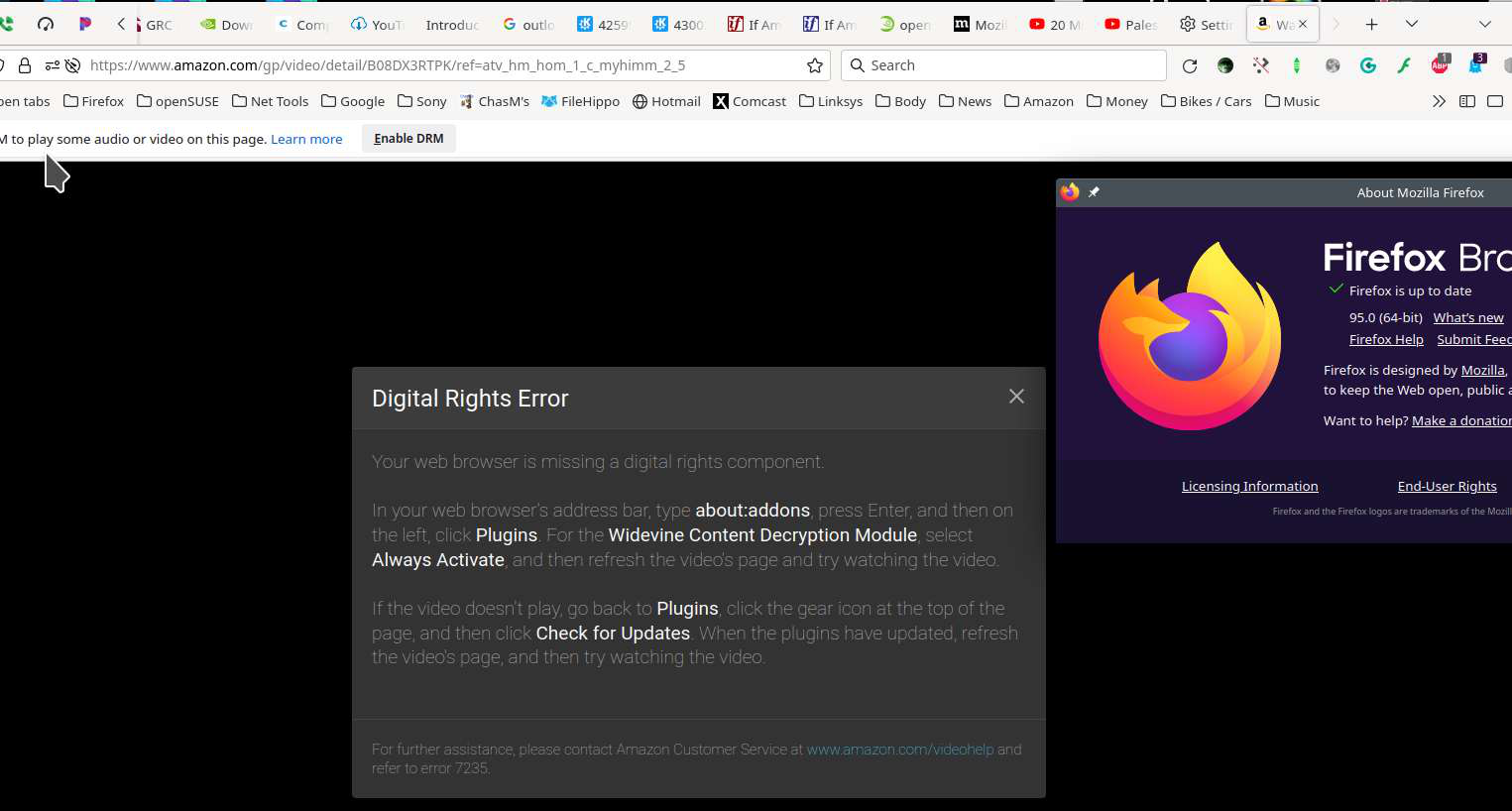
Do you have the latest Widevine version ?
Make sure you have the latest Widevine version (4.10.2391.0).
- Tools -> Add-ons -> Plugins
You can toggle DRM off/on to see if that makes Firefox (re)load DRM components.
- Settings -> General: Play DRM
- https://support.mozilla.org/en-US/kb/enable-drm
You can possibly check the GMP XHR requests in the Browser Console if this doesn't work.