YouTube video playback speed setting not working

I cannot change the playback speed on YouTube recently (about a week). Videos play without issue but using the option to change playback speed does not affect the speed.
Is it a Firefox problem or a YouTube problem? Anyone else experiencing this?
I cannot change the playback speed on YouTube recently (about a week). Videos play without issue but using the option to change playback speed does not affect the speed.
Is it a Firefox problem or a YouTube problem? Anyone else experiencing this?
すべての返信 (2)
Hello,
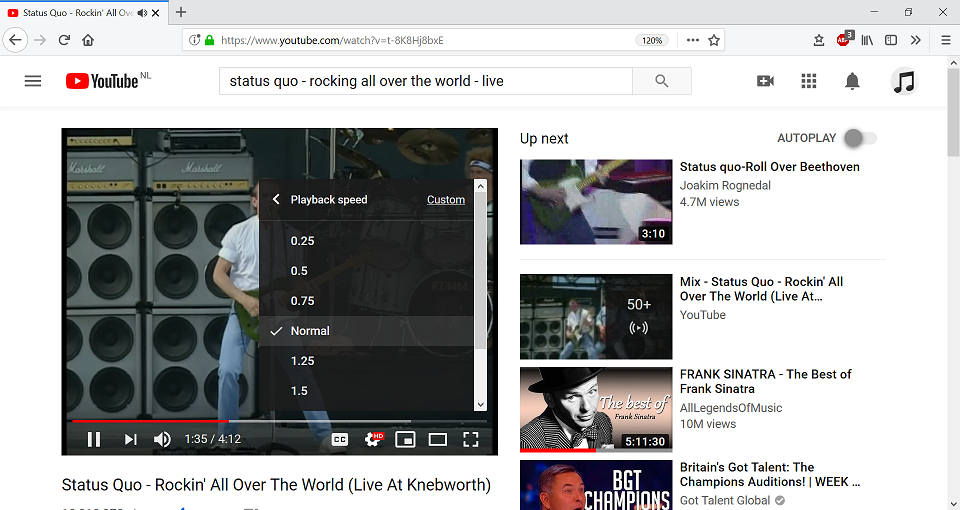
I don't have that problem (see screenshot), so I'm afraid that it's something on your end.
Maybe an add-on that's causing this (if you have any add-ons, that is) ?
https://support.mozilla.org/en-US/kb/troubleshoot-firefox-issues-using-safe-mode.