

このスレッドはアーカイブに保管されました。
必要であれば新たに質問してください。

アーカイブに保管済み
Why Firefox won't open www.hornetapp.com in private window but does open in standard window?

Issue: www.hornetapp.com will not open in private window mode but does open in standard window mode.
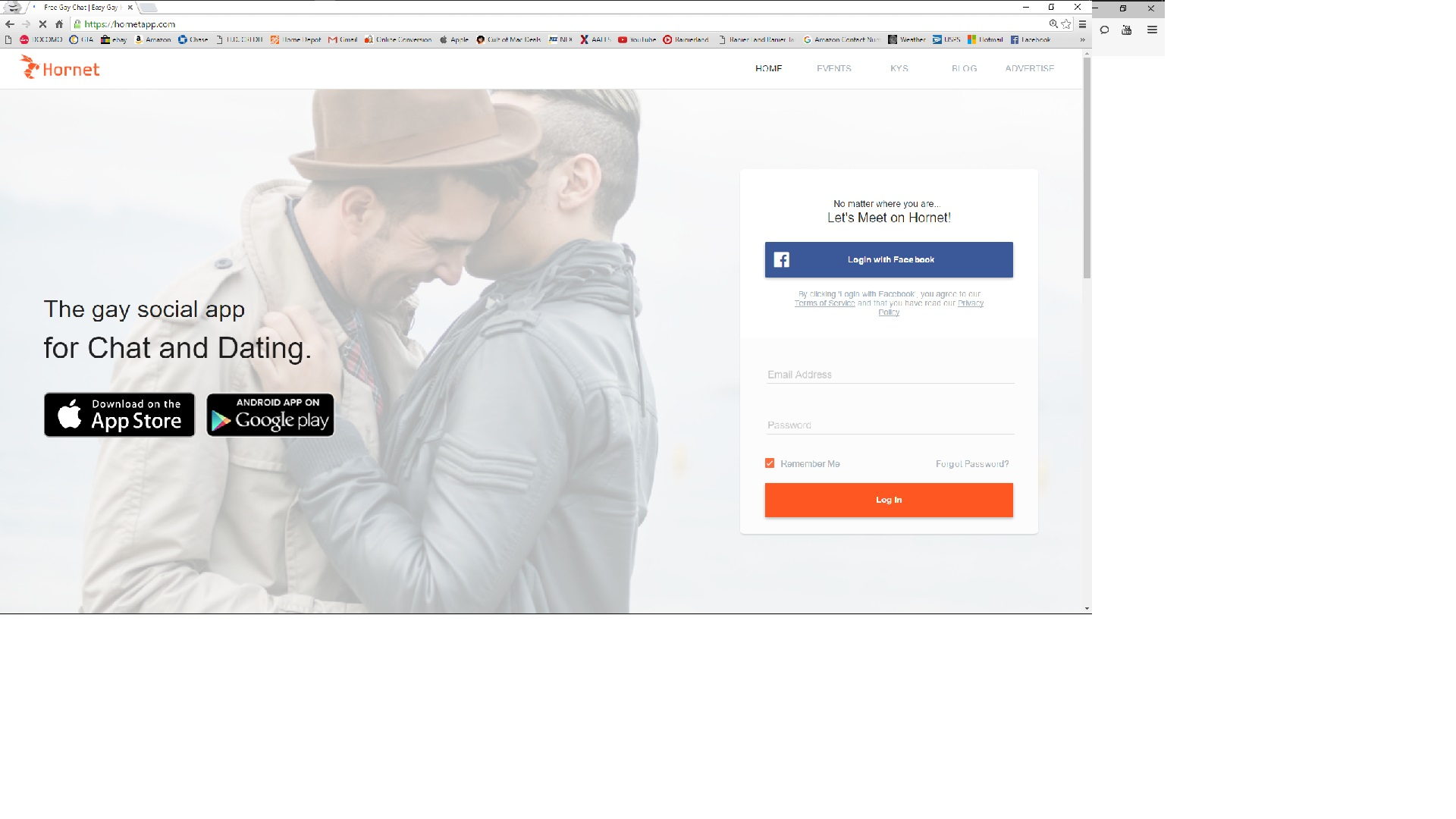
I've tried opening the site on a different browser, namely Google Chrome, on both the private and standard windows and have not encountered any issues with site not opening.
Issue: www.hornetapp.com will not open in private window mode but does open in standard window mode.
I've tried opening the site on a different browser, namely Google Chrome, on both the private and standard windows and have not encountered any issues with site not opening.

すべての返信 (1)
Firefox 42+ has a Tracking Protection feature that is enabled by default in Private Browsing mode. When you are in private browsing mode then Firefox can show a shield icon at the left end of the location/address bar that some content is affected.
You can disable this feature in "Options/Preferences > Privacy" or via the about:privatebrowsing page that get when you open a New Private Window.
- Options/Preferences > Privacy: "Use Tracking Protection in Private Windows"