


How do I enable JavaScript

I'm using Firefox for tor and I need to know how to enable JavaScript once i've reached my intended website
選ばれた解決策
Java and JavaScript are different languages. To avoid confusion, see:
If you use extensions (Firefox menu button/Tools > Add-ons > Extensions) that can block content (e.g. Adblock Plus, NoScript, Flash Block, Ghostery) then make sure that such extensions aren't blocking content.
Start Firefox in Safe Mode to check if one of the extensions (Firefox menu button/Tools > Add-ons > Extensions) or if hardware acceleration is causing the problem.
- Switch to the DEFAULT theme: Firefox menu button/Tools > Add-ons > Appearance
- Do NOT click the Reset button on the Safe Mode start window
- https://support.mozilla.org/kb/Safe+Mode
- https://support.mozilla.org/kb/Troubleshooting+extensions+and+themes
すべての返信 (2)
Hello Masterjamea,
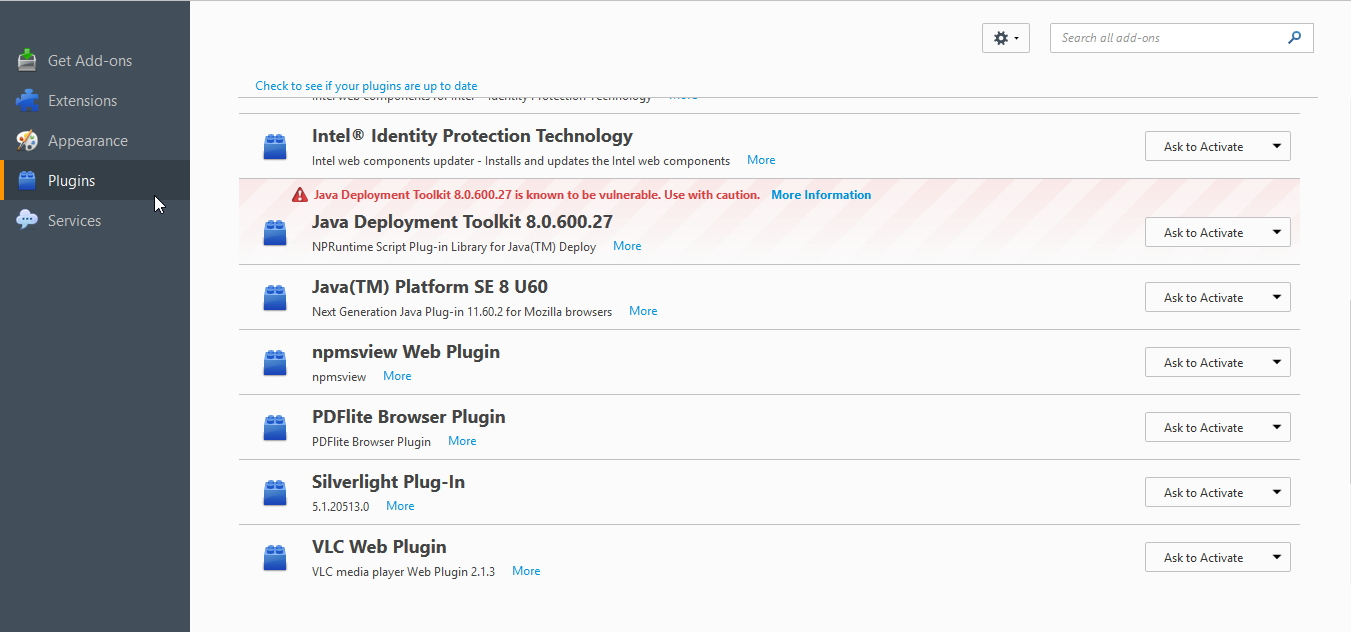
you have the option to activate the JavaPlugin under the Add-ons Manager. Hope that helps
選ばれた解決策
Java and JavaScript are different languages. To avoid confusion, see:
If you use extensions (Firefox menu button/Tools > Add-ons > Extensions) that can block content (e.g. Adblock Plus, NoScript, Flash Block, Ghostery) then make sure that such extensions aren't blocking content.
Start Firefox in Safe Mode to check if one of the extensions (Firefox menu button/Tools > Add-ons > Extensions) or if hardware acceleration is causing the problem.
- Switch to the DEFAULT theme: Firefox menu button/Tools > Add-ons > Appearance
- Do NOT click the Reset button on the Safe Mode start window