


bookmarks on mobile menu gone
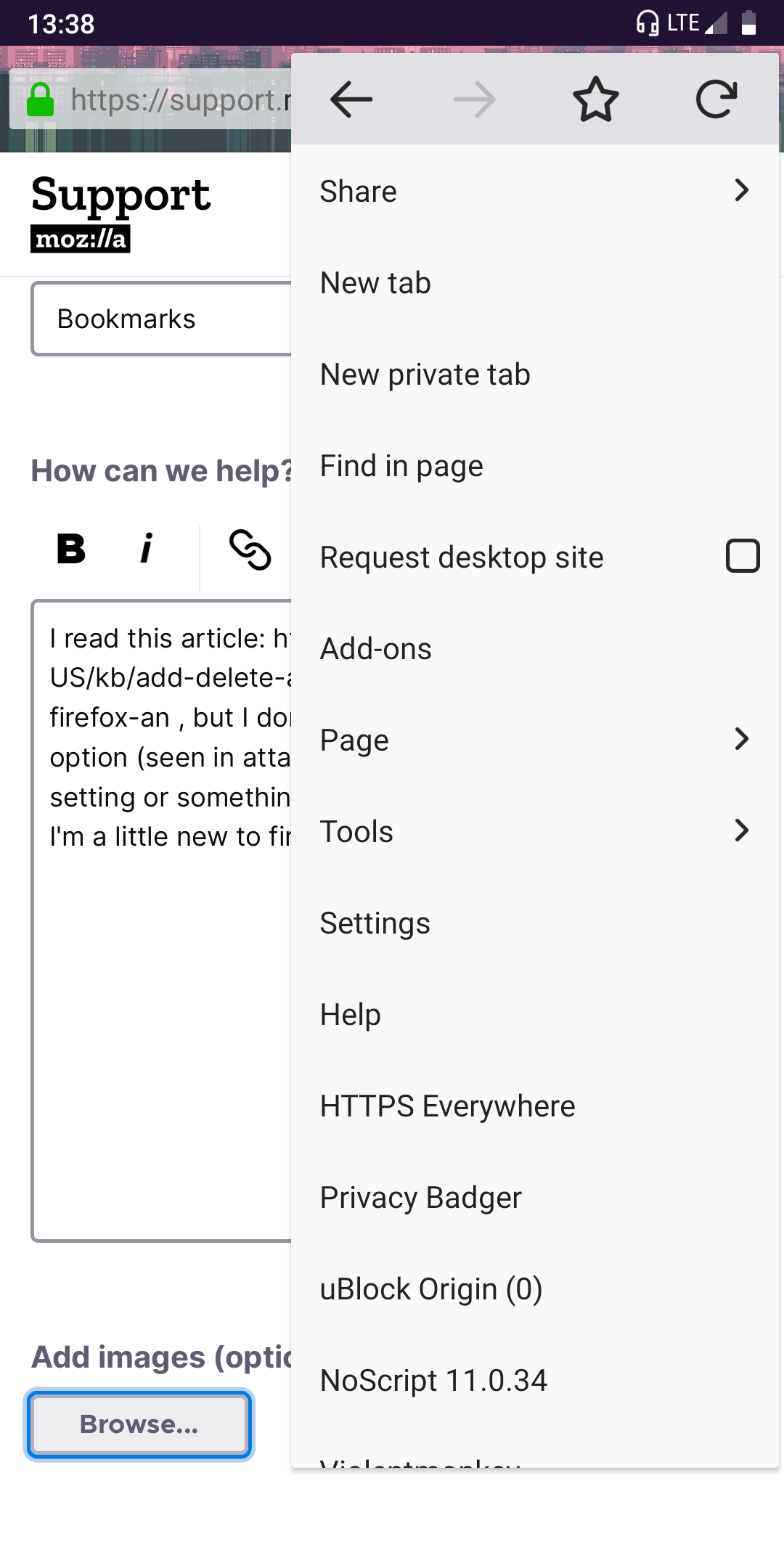
I read this article: https://support.mozilla.org/en-US/kb/add-delete-and-view-bookmarked-webpages-firefox-an , but I don't seem to have a bookmark option (seen in attached screenshot). Is there a setting or something that would disable the option? I'm a little new to firefox for android.
Soluzione scelta
Hi Amber, can you check your "Home" configuration?
Menu > Settings > General > Home
(1) Home page on new tabs?
If you set Firefox for Android to show your home page on new tabs, then you will not get the panels displayed on new tabs. Use the switch to turn off showing your home page on new tabs.
(2) Panel configuration
In the Panels section, is Bookmarks grayed out? If so, tap that and tap Show.
Does that work?
Tutte le risposte (5)
Hi Amber
I cannot see your screenshot, but I will try to help.
From the Firefox for Android home screen, if you swipe from right to left, you should see the bookmarks panel where pages that you have bookmarked can be accessed.
I hope that this helps.
Seburo said
Hi Amber I cannot see your screenshot, but I will try to help. From the Firefox for Android home screen, if you swipe from right to left, you should see the bookmarks panel where pages that you have bookmarked can be accessed. I hope that this helps.
There doesn't seem to be a bookmark panel. In case this screenshot doesn't upload, here's an imgur link: imgur.com/a/3Ng7XfY
Hi
From that screenshot, if you select "New tab", you will be able to swipe across to the bookmarks panel.
Seburo said
Hi From that screenshot, if you select "New tab", you will be able to swipe across to the bookmarks panel.
This also doesn't seem to work.
Soluzione scelta
Hi Amber, can you check your "Home" configuration?
Menu > Settings > General > Home
(1) Home page on new tabs?
If you set Firefox for Android to show your home page on new tabs, then you will not get the panels displayed on new tabs. Use the switch to turn off showing your home page on new tabs.
(2) Panel configuration
In the Panels section, is Bookmarks grayed out? If so, tap that and tap Show.
Does that work?