


firefox.exe has been blocked from accessing graphics hardware windows 10

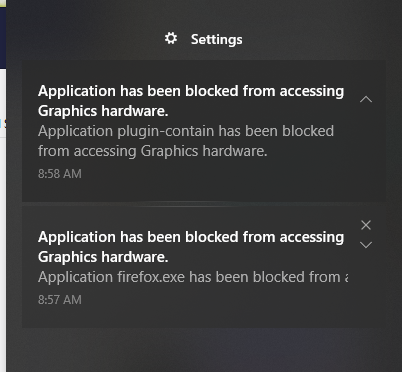
Today while using Firefox, my screen suddenly went black. after a few moments, it came back and I received the following Windows notifications:
1: Application has been blocked from accessing Graphics hardware. Application firefox.exe has been blocked from accessing graphics hardware. 2: Application has been blocked from accessing Graphics hardware. Application plugin-contain has been blocked from accessing graphics hardware.
This is a first time occurrence, am hoping there is a way to ensure this does not happen again.
Tutte le risposte (4)
Looks like an issue of a specific version of an Intel GPU drivers.
Is this the only GPU in this computer?
Yes, this is the only one.
You can check if there is an update for your graphics display driver and check for hardware acceleration related issues.
Well, I updated the driver and it toasted the system to the point that I had to do a restore. So, I won't be re-installing what NVidia says is the newest driver. To be honest, I have had unrelated periodic 'glitches' since the last windows update (on the 16th). At any rate, I am going to hold off on doing anything else unless this recurs. I thank you for your assistance