


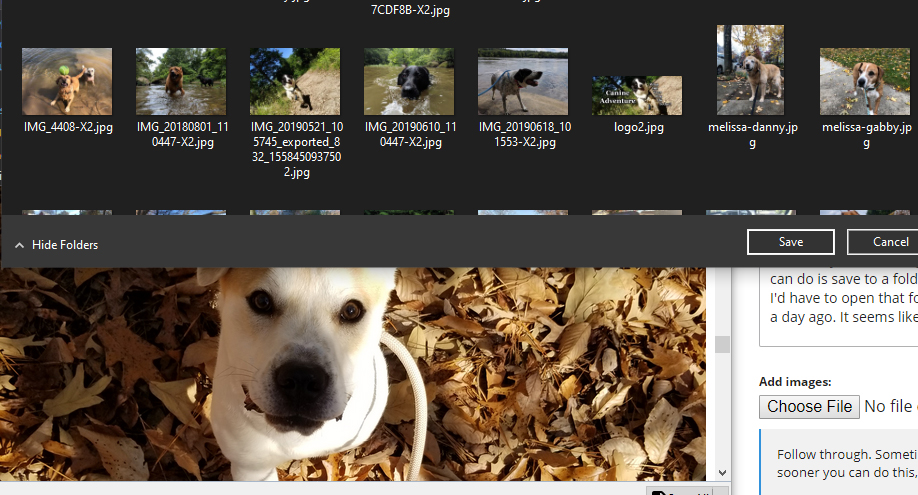
Save As (for images) dialog box missing a renaming field
When I try to save images in an email, in this case, dogs for the social media of a dog walking company, all I can do is save to a folder but not rename the file as I am saving, so 3 files in an email may be image1.jpeg, and I'd have to open that folder up to rename the image after saving to download the next one. It was not like this a day ago. It seems like a fairly simple fix, but I cannot figure it out, embarrassingly. How do I get this fixed?
When I try to save images in an email, in this case, dogs for the social media of a dog walking company, all I can do is save to a folder but not rename the file as I am saving, so 3 files in an email may be image1.jpeg, and I'd have to open that folder up to rename the image after saving to download the next one. It was not like this a day ago. It seems like a fairly simple fix, but I cannot figure it out, embarrassingly. How do I get this fixed?
Tutte le risposte (1)
if you use the save all button I do not think you get a name prompts, but it you right click the attachments and select save as you do.