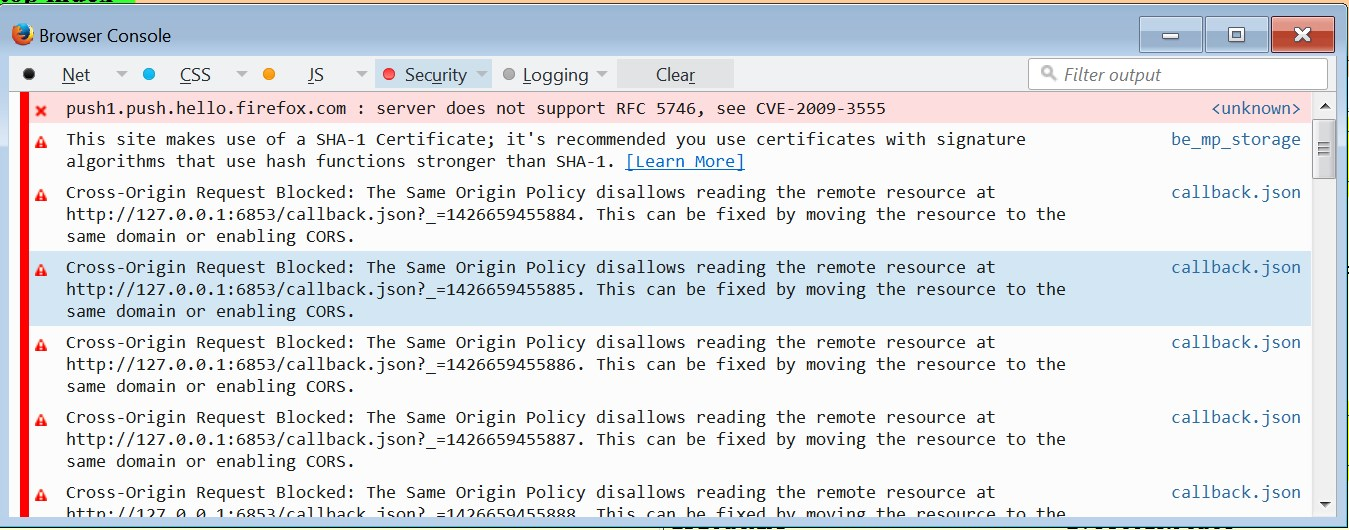
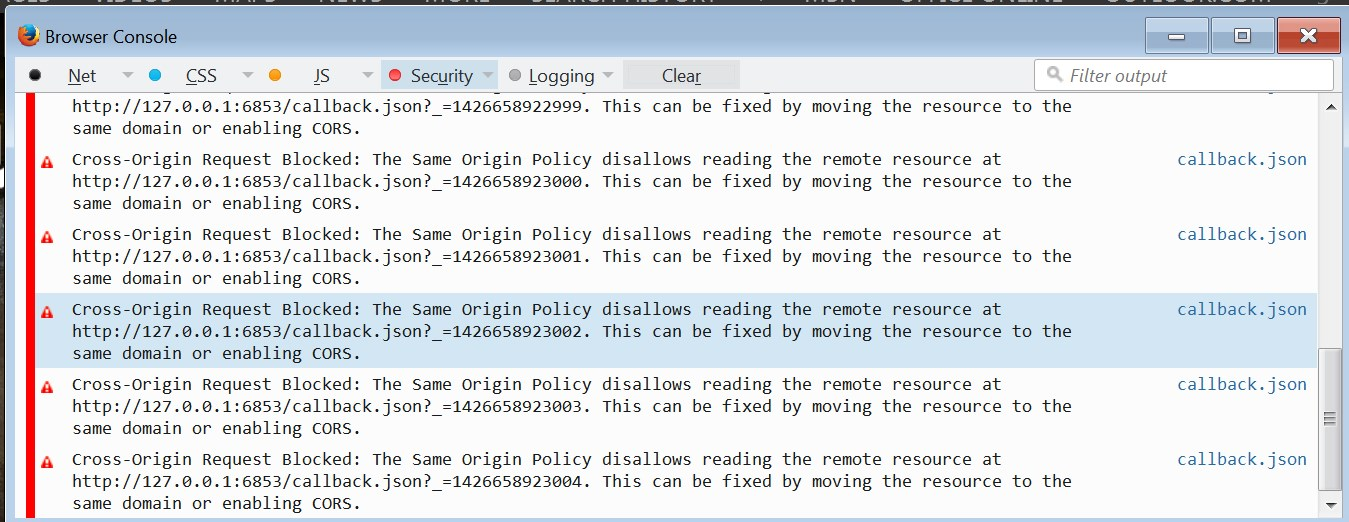
[CTRL]+[SHFT]+[J] browser console errors

Opening the browser console i see an error that keeps reporting an error..
It seems to never stop, no matter what FF is displaying ?.
Tutte le risposte (3)
You can check the connection settings.
- Tools > Options > Advanced > Network : Connection > Settings
- https://support.mozilla.org/kb/Options+window+-+Advanced+panel
If you do not need to use a proxy to connect to internet then try to select "No Proxy" if "Use the system proxy settings" or one of the others do not work properly.
See "Firefox connection settings":
I already have "no proxy" set as my default.
My default home page is set to a local HTML file that doesn't use or load any internet content, it's just a HTML file with no external links or graphics.
Found the problem.
It turns out a proxy was the source of the errors.
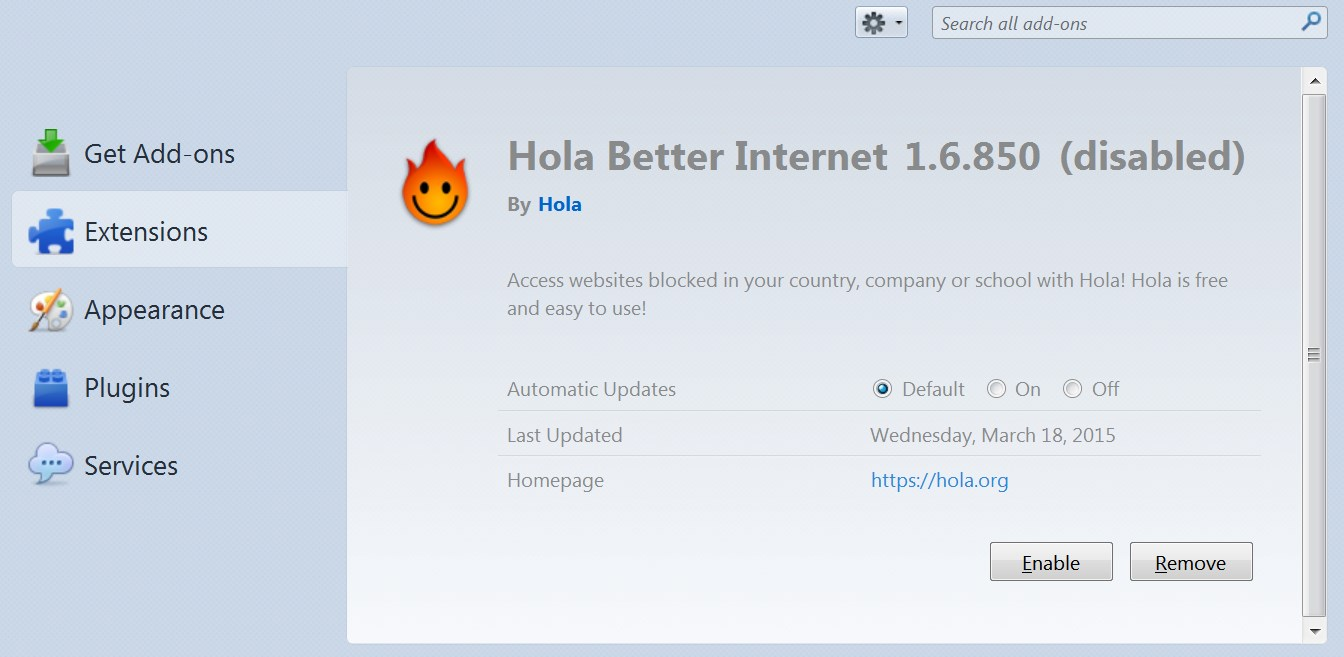
disabling the "Hola Better internet utility" an anonymous proxy utility add-on, stopped the errors from popping up.
As it turns out, i would like to continue using this proxy.
So is there a way to fix this constant stream of errors ??