


Problems connecting to multiple websites in Firefox

Hello, for some time now I've been experiencing a number of problems with the latest Firefox updates.
Today I have version 152.0 (64-bit), which was updated again this morning. I restarted my mid-2015 MacBook Pro Retina. I have fiber optic internet, which is very high speed.
I've been using Firefox for over two years.
1) For the past eight days, I've been experiencing many problems with Google Meet; I get freezes, audio and video dropouts...
2) For the past three days, I haven't been able to log in to this website: https://creators.spotify.com/pod/login
3) For about ten days, I've been having trouble logging into my Stripe dashboard, with significant slowness and/or crashes.
4) In Notion, I'm also experiencing significant slowness, with pages taking a long time to load.
In short, several problems that I didn't have at all a month ago or before.
But now it's a nightmare.
I don't have any of these problems in Safari or Google Chrome.
So what's going on in Firefox?
Why is it such a hassle?
Thanks for your feedback.

Semua Balasan (9)
Are you using any VPN, filtering/blocking DNS setup, or antivirus/phishing/malware security software that would be perhaps scanning the HTTPS connections?
None VPN, none filtering/blocking DNS setup Only Adblock https://getadblock.com/fr/
If you have experienced an actual crash, that, while might be eventually unrelated, might still be interesting to check as to what was the culprit. To see if it was properly submitted, and sharing it here:
- Enter about:crashes in the Firefox address bar and press Enter. A list of Submitted (and Unsubmitted, if any) Crash Reports will appear, similar to the one shown below.
- Copy the 5 most recent Submitted Report IDs that start with bp- and then go back to your forum question and paste those IDs into the "Post a Reply" box.
Note: If a recent Report ID does not start with bp- click on it to submit the report.
(Please don't take a screenshot of your crashes, just copy and paste the IDs. The below image is just an example of what your Firefox screen should look like.)

In general, do you feel the same happens in Private Window browsing — i.e. Stripe or Spotify logins fail there the same way?
The more involved but significant steps are first restarting into Troubleshooter Mode or creating a separate testing Profile to see how the existing setup impacts that.
The steps to go through are from the easier to the complex ones:
- Please check if you have Enhanced Tracking Protection (ETP) enabled. You can do that by clicking the shield
 icon in the left part of the address bar.
- If ETP is enabled, try disabling it.
- If the problem is not fixed, try clearing Firefox cache.
- If it does not help, try clearing cookies and data for the website you experience troubles with (warning: you will be logged out on this website).
- If it also does not help, try running Firefox in Troubleshoot Mode. If the problem doesn't persist, please follow the steps from this article to troubleshoot further.
- If nothing from the above helps, try creating a new Firefox profile and check if the issue persists there. If it doesn't, you can start copying files from your old profile to the new one to identify which one causes the issue. See this article on what files to copy.
In a way I oftentimes just go ahead and download the separate Firefox Nightly nightly.mozilla.org as a testing canary — it comes with its separate clean profile isolated from your normal release browsing, and while it won't have your usual credentials/history/bookmarks at hand it's a fast way to just try to verify you observe the same behavior there, in a completely isolated channel.
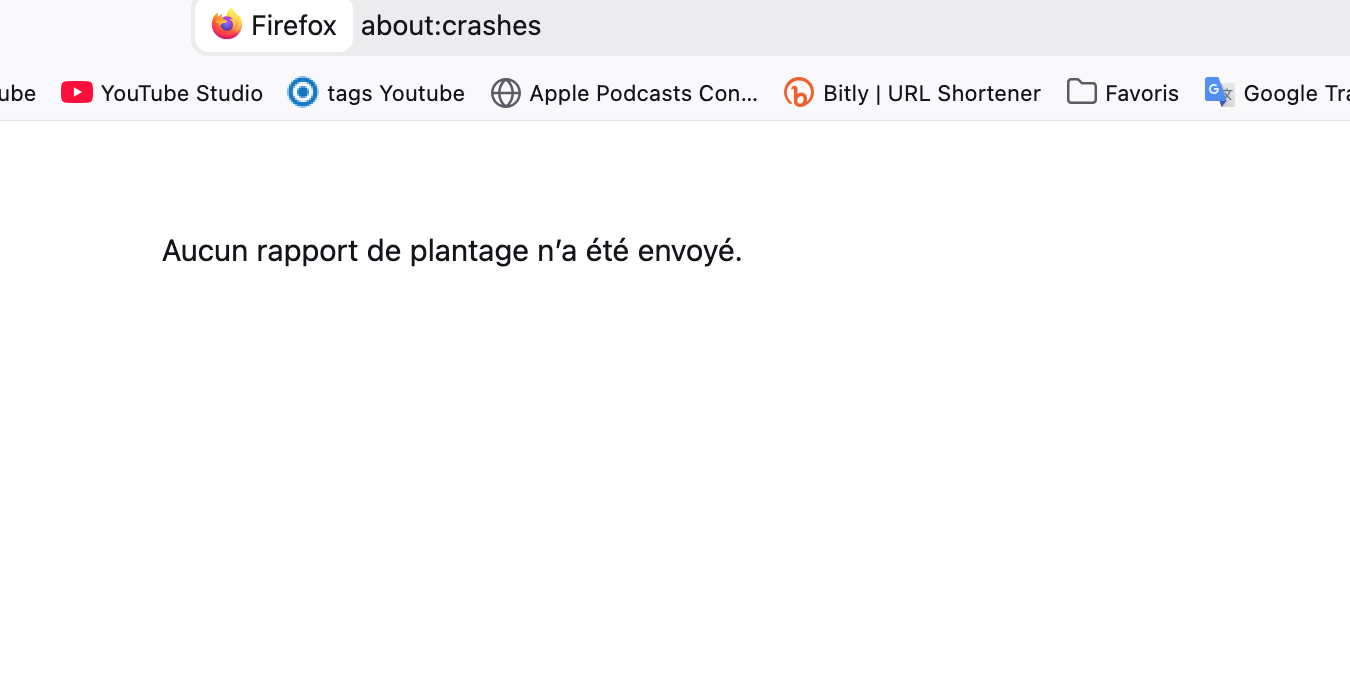
1) Any crash reports in Firefox !
2) none problem in Firefox Private Window browsing with Spotify an Stripe logins. I' think navigation is smoother
Before the Troubleshooter Mode in Firefox, is the informations I gave you above interesting to you and can it help me stop the problems I am currently experiencing ?
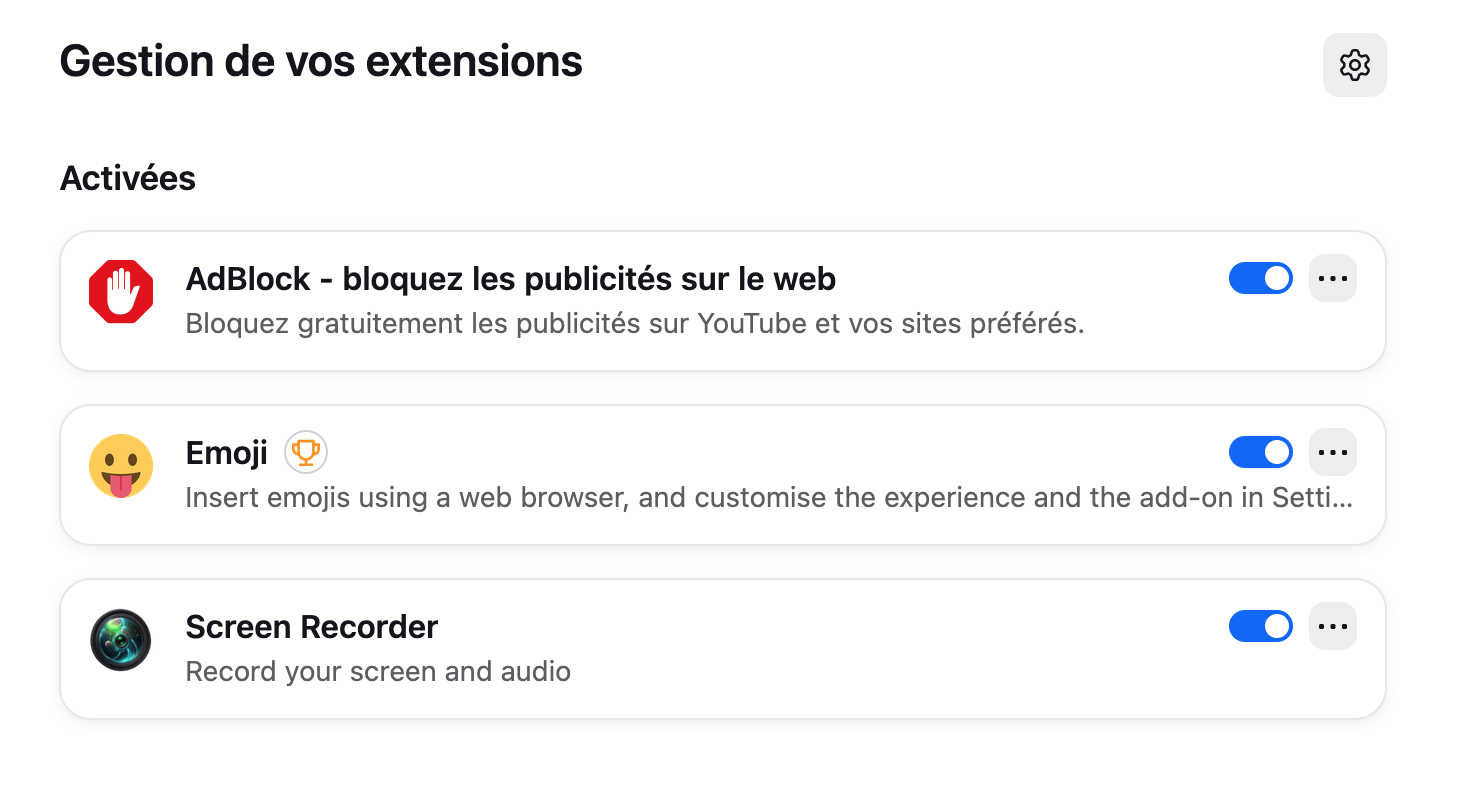
My 3 extensions are ...
and my 2 plugins are (automatic installs by Mozilla)

So generally it can be two things — an addon is interfering with the site content that much that it causes timeouts, connection errors if it tampers with essential components etc., bot protections triggered on the provider side and similar. If you disable the addons and browse without them for a bit, to see any effects? Their authors publish updates frequently so if there's some major incompatibility, they will hopefully publish a newer version soon.
Or the other culprit is outdated site data that's been stored since previous versions, and the sites now don't like to process these. So once on stripe.com or spotify.com if you're okay with being logged out and maybe losing some tiny session preferences, you want to click the shield icon of the location bar, and "Clear cookies and site data" in that panel for that current site — and see if that one site will now perform better and proceed with signing in just fine. — You can do that selectively per site, or just open "Manage browsing data" in settings (search for "Gérer les données de navigation" in French preferences) and remove these data stores for any of the domains you'd like from the list there.
OHHHH crazy, your second solution is done in Stripe and Spotify ✅
I de-actived Adblock too !
1) Do you think this solution will also solve the problems I'm having in Google Meet?
2) I don't quite understand, because yesterday I had already deleted the history and data for Stripe and Spotify under History / Manage History.