

Utas ini telah diarsipkan.
Silakan membuat pertanyaan baru jika Anda membutuhkan bantuan.

Diarsipkan
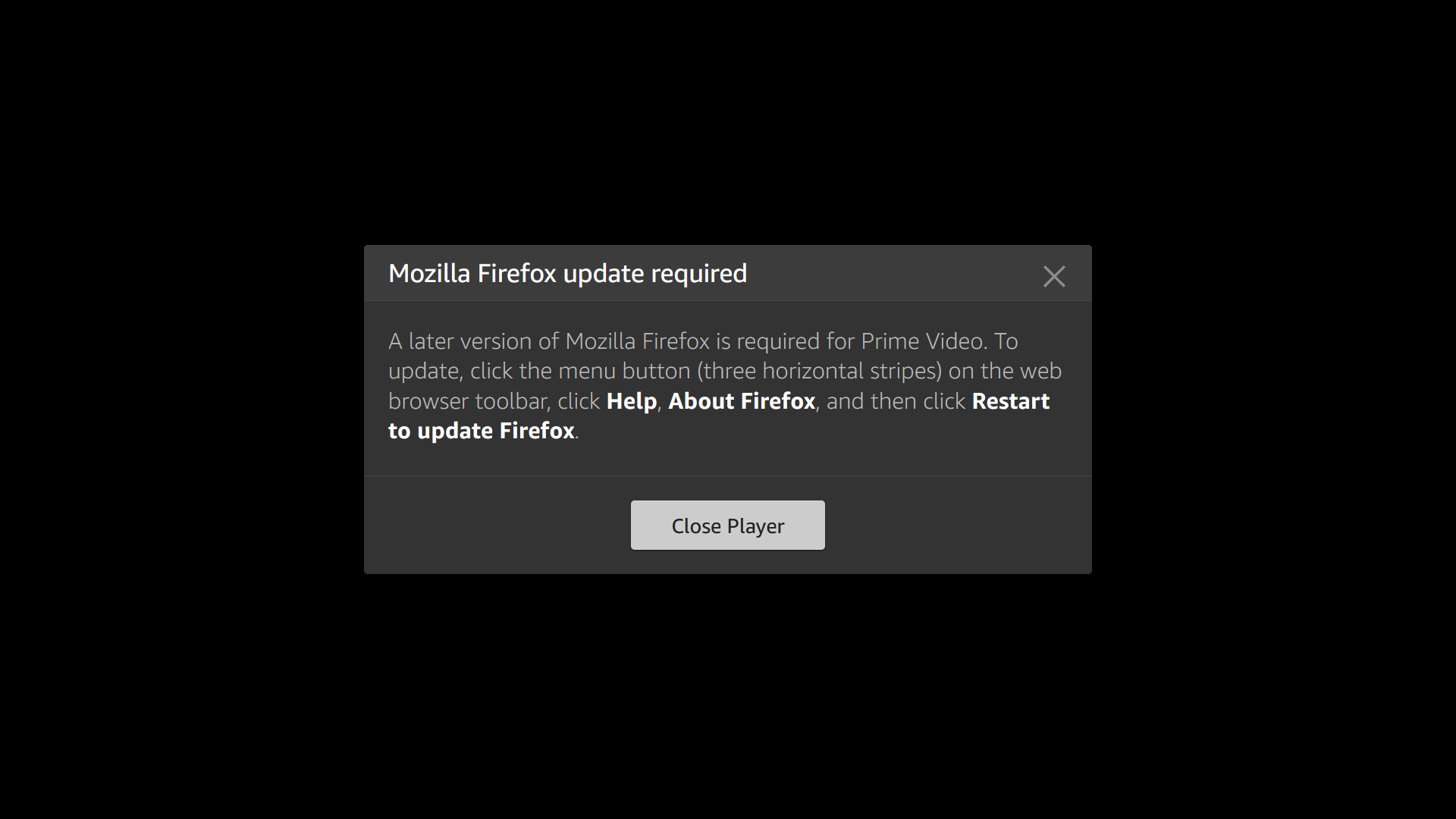
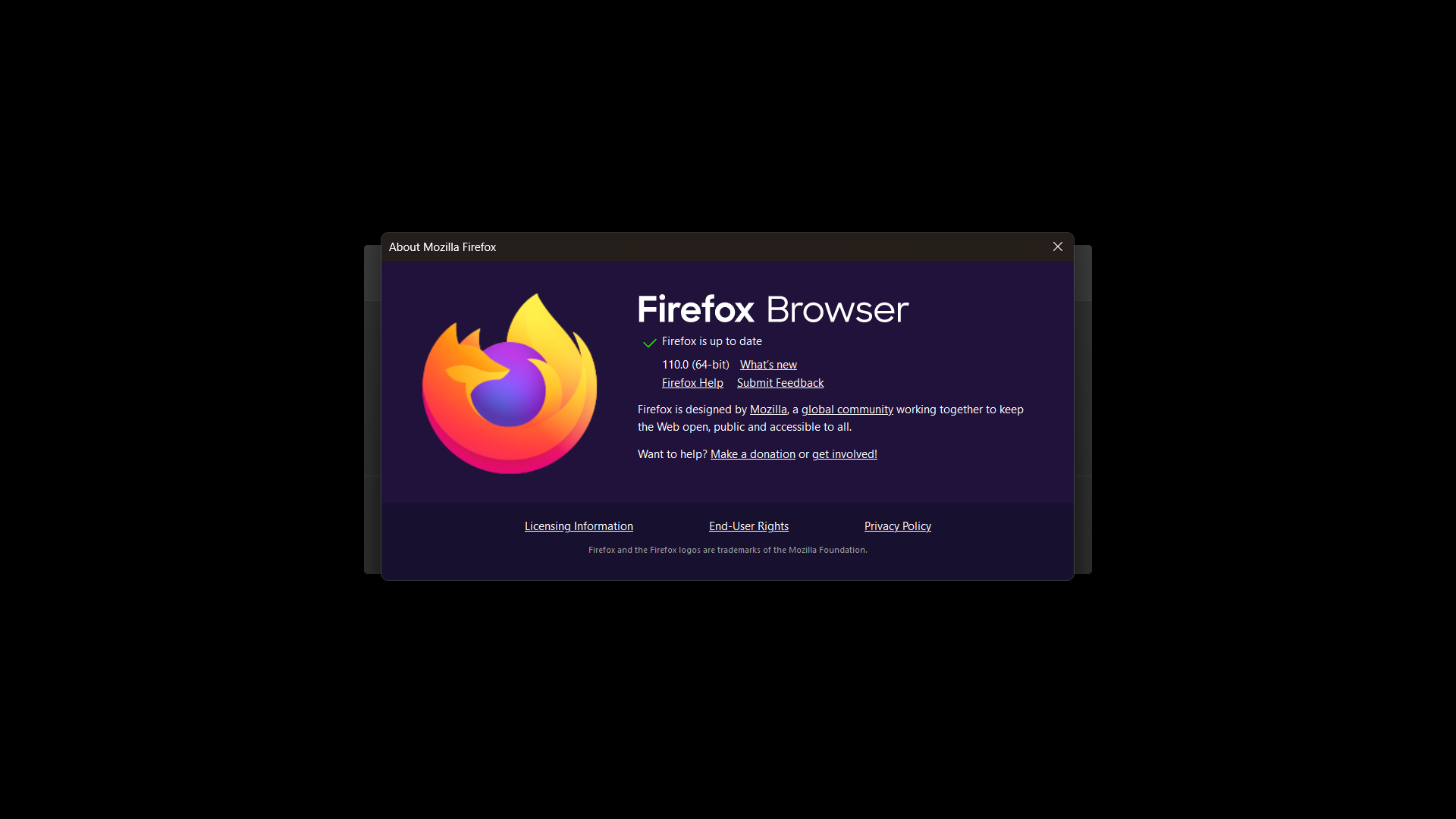
prime videos is not working

prime videos is not working, asking for updates but is already updated
prime videos is not working, asking for updates but is already updated
Semua Balasan (2)

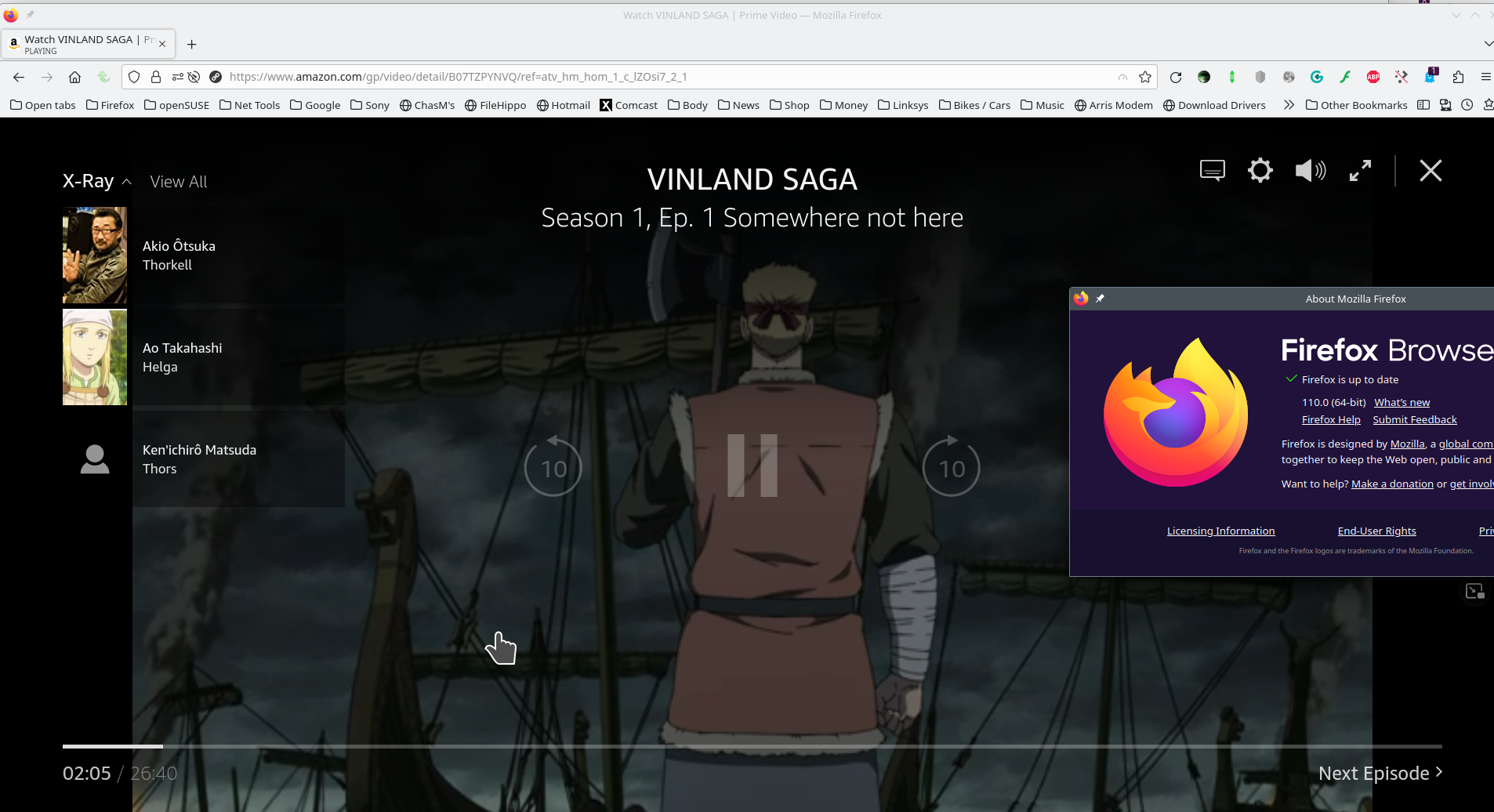
A full browser screenshot is always more helpful. It would allow us to see your add-ons. see screenshot Did you try with Firefox in Safe Mode? https://support.mozilla.org/en-US/kb/diagnose-firefox-issues-using-troubleshoot-mode
What security software are you running?
Diperbarui oleh jonzn4SUSE pada
Make sure you have updated the Widevine plugin to the latest version (4.10.2557.0).
- Tools -> Add-ons -> Plugins
You can toggle DRM off/on to see if that makes Firefox (re)load DRM components.
- Settings -> General: Play DRM
- https://support.mozilla.org/en-US/kb/enable-drm
You can possibly check the XHR requests in the Browser Console if this doesn't work.