


Hyperlink in MS Office do not work in Firefox
I have always been able to use Firefox as the default browser when launching hyperlinks from MS Office products. Last week, i received notice that FLASH is no longer supported and should be removed.
I did this.
Now - when i have a hyperlink in ANY MS product - it does not launch. When i change default browser to MS Edge - they work
How do i get this back to working in Firefox
I have always been able to use Firefox as the default browser when launching hyperlinks from MS Office products.
Last week, i received notice that FLASH is no longer supported and should be removed.
I did this.
Now - when i have a hyperlink in ANY MS product - it does not launch.
When i change default browser to MS Edge - they work
How do i get this back to working in Firefox
Semua Balasan (2)
So what is your current default app? see screenshot
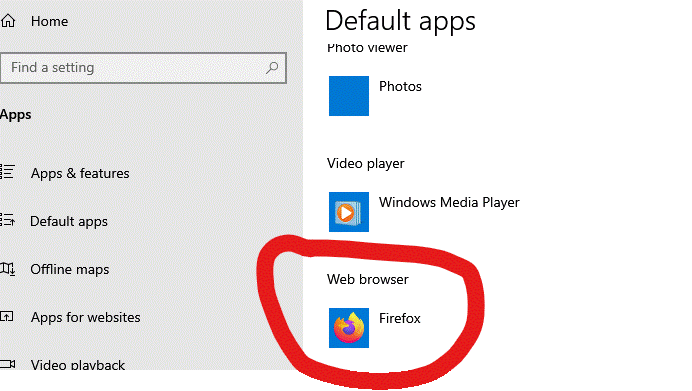
I have tried both - Firefox and Edge When I select Edge as the default, the hyperlinks work When I select Firefox - nothing happens. I have used Firefox for years - everything worked fine. The issue appears to have started when I deleted Flash Thank you