


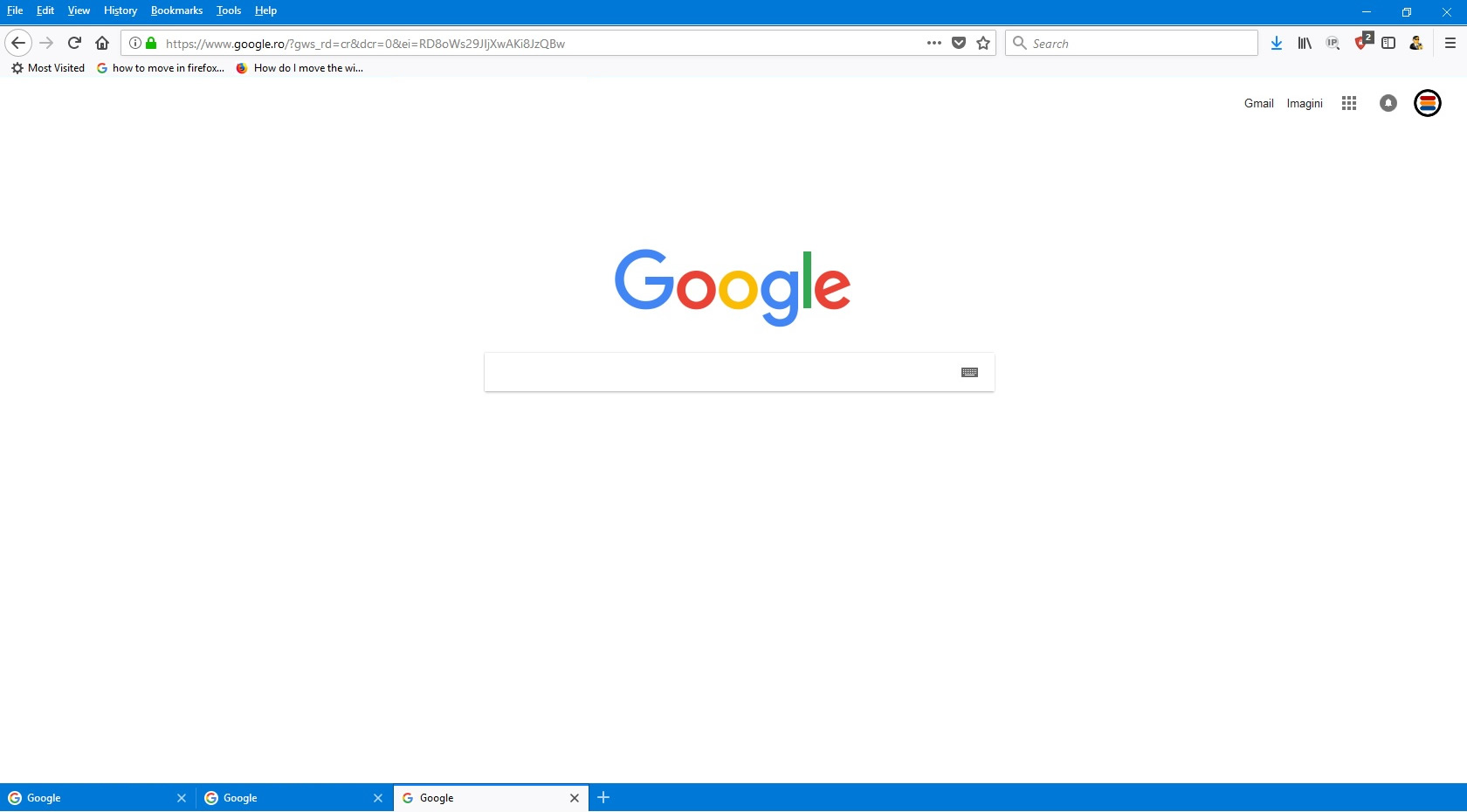
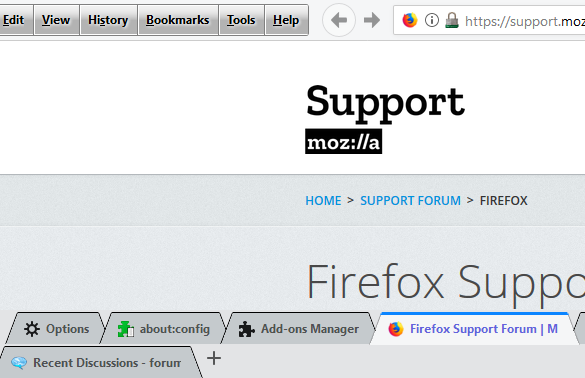
How to move in Firefox Quantum tabs menu to bottom of page? Like in screenshoot

Hello,
I need a little help to customize my Firefox Quantum.
1. Please help me to move tabs menu to bottom of page (like in picture) 2. If i have 20 tabs open, how to make my Firefox tabs in 2 or 3 rows?
Thank you!
Semua Balasan (5)
Can move entire top section to bottom with css. Is possible for only tabs on bottom, but requires a javascript. This for tabs multi-rows:
/* Tabs Multi Rows */

#main-window:not(#f) #TabsToolbar[movingtab] {
  padding-bottom: 0 !important;
}
#main-window:not(#f) #TabsToolbar[movingtab] > .tabbrowser-tabs {
  padding-bottom: 0 !important;
  margin-bottom: 0 !important;
}
#main-window:not(#f) #TabsToolbar[movingtab] + #nav-bar {
  margin-top: 0 !important;
}
#main-window:not(#f) #titlebar-buttonbox {
  display: block !important;
}
.tabbrowser-arrowscrollbox scrollbox > box {
  display: block !important;
}
#main-window:not(#f) .tabbrowser-tab {
  -moz-box-sizing: border-box !important;
  min-height: 33px !important;
  vertical-align: top !important;
}
#main-window:not(#f) #titlebar-buttonbox {
  vertical-align: top !important;
}
#main-window:not(#f) .tabbrowser-arrowscrollbox scrollbox {
  overflow: visible !important;
}
#main-window:not(#f) .tab-label-container[textoverflow]:not([pinned]) {
  mask-image: unset !important;
}
#main-window:not(#f) .scrollbutton-up,
#main-window:not(#f) .scrollbutton-down {
  display: none !important;
}
Diperbarui oleh Sonny pada
Would you please take a look at this :
https://gist.github.com/Arty2/e6e61801531ec5ee1f9f
'Hope this will work for you .....
And for your second question :
Sonny said
Can move entire top section to bottom with css. Is possible for only tabs on bottom, but requires a javascript. This for tabs multi-rows:/* Tabs Multi Rows */ #main-window:not(#f) #TabsToolbar[movingtab] { padding-bottom: 0 !important; } #main-window:not(#f) #TabsToolbar[movingtab] > .tabbrowser-tabs { padding-bottom: 0 !important; margin-bottom: 0 !important; } #main-window:not(#f) #TabsToolbar[movingtab] + #nav-bar { margin-top: 0 !important; } #main-window:not(#f) #titlebar-buttonbox { display: block !important; } .tabbrowser-arrowscrollbox scrollbox > box { display: block !important; } #main-window:not(#f) .tabbrowser-tab { -moz-box-sizing: border-box !important; min-height: 33px !important; vertical-align: top !important; } #main-window:not(#f) #titlebar-buttonbox { vertical-align: top !important; } #main-window:not(#f) .tabbrowser-arrowscrollbox scrollbox { overflow: visible !important; } #main-window:not(#f) .tab-label-container[textoverflow]:not([pinned]) { mask-image: unset !important; } #main-window:not(#f) .scrollbutton-up, #main-window:not(#f) .scrollbutton-down { display: none !important; }
Hei Sony!
Thank you! It's working fot multi row.
Can you give me the script to move only the tabs on bottom?
(1) Download tabsOnBottom.zip folder from my GitHub page https://github.com/srazzano/TabsOnBottom (contains 3 files: tabsOnBottom.uc.js, userChrome.css and userChrome.xml) by using Download Zip
(2) Unpack/Unzip the tabsOnBottom.zip folder into your user profile > chrome folder or unzip in temp folder. It will create a sub folder named TabsOnBottom-master
(3) Rename your current userChrome.css file in your user profile > chrome folder to XuserChrome.css before moving the files or the new userChrome.css file will overwrite yours before you get a chance to copy the contents
(4) Move the three files from TabsOnBottom-master sub folder into the chrome folder and delete the sub folder
(5) Copy and paste everything from the XuserChrome.css file into the new userChrome.css file except for the tabs multi-rows css. I included the tabs multi-rows css in the new userChrome.css file and added code to compensate for when menubar is hidden, then when everything checks out alright, delete the XuserChrome.css file
(6) Should be good to go!
Feel free to PM me if my instructions are confusing.
Diperbarui oleh Sonny pada