


Recently Firefox refuses to load full page or some elements

As of recently, I have problems with Firefox that do not happen in other browsers. But Firefox is my favorite, and I'd like to have this solved so I can keep using it.
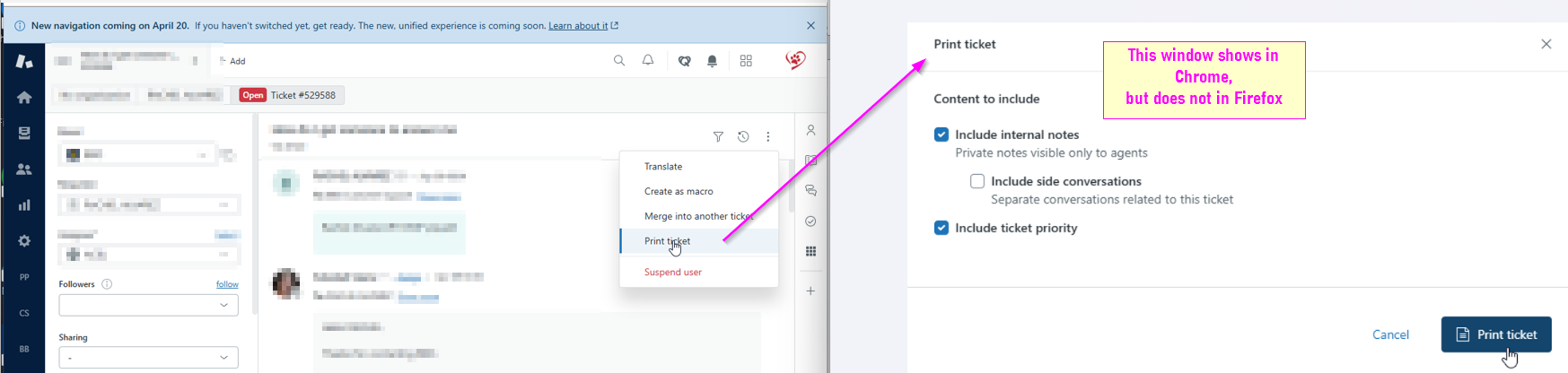
In Zendesk, there is an option "Print ticket" which should open Print dialog and we then can print whole email to PDF. This worked for years, but as of recently that dialog simply does not show. I tried change Firefox settings for printing, but problem remains. Attached is a screenshot how it looks in chrome, and how it used to work in firefox.
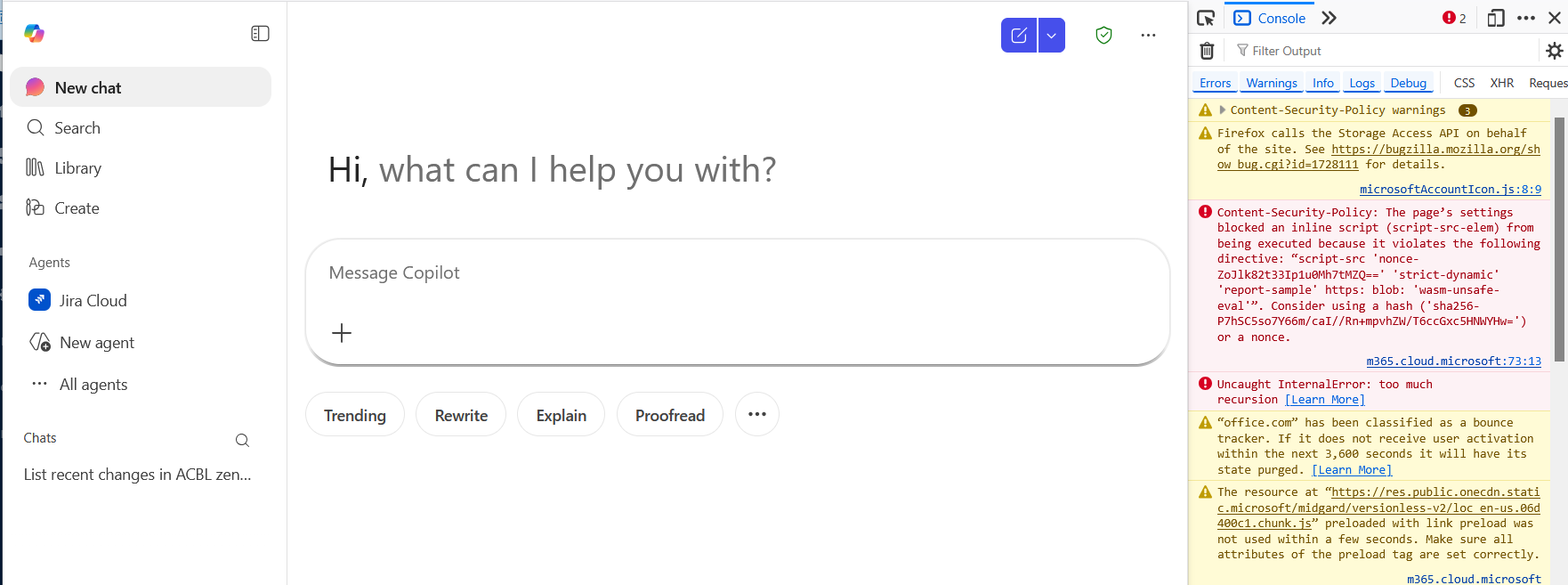
As from yesterday, April 17, Firefox will not load correctly https://m365.cloud.microsoft page. It loads, but no element reacts when clicked. I cleared cache, cookies, removed extensions, refreshed firefox, but to no avail.
Thanks for the help!
Wšě wotmołwy (4)
You can check for issues with Enhanced Tracking Protection and Total Cookie Protection. Firefox shows a purple shield instead of a gray shield at the left end of the location/address bar in case Enhanced Tracking Protection is blocking content.
- click the shield icon for more detail and possibly disable the protection
You can check the Web Console for relevant-looking messages like about blocked content.
- https://support.mozilla.org/en-US/kb/enhanced-tracking-protection-firefox-desktop
- https://support.mozilla.org/en-US/kb/total-cookie-protection-and-website-breakage-faq
- https://support.mozilla.org/en-US/kb/trackers-and-scripts-firefox-blocks-enhanced-track
You can reload webpage(s) and bypass the cache to refresh possibly outdated or corrupted files.
- hold down the Shift key and left-click the Reload button
- press "Ctrl+F5" or press "Ctrl+Shift+R" (Windows,Linux)
- press "Command+Shift+R" (Mac)
Thanks for your reply, but sadly neither of suggested helped. I turned shield protection off for both zendesk and m365 copilot pages, added the links as exception to always allow to use cookies, refreshed pages several times, but both problems persist.
I have essentially the same issues since Friday 04/17/26. Firefox will load most of the page https://m365.cloud.microsoft/ after logging in, but some links are missing. Scrolling over the links will change the cursor but clicking on the links will do nothing. The apps links in copilot are all missing and I am unable to access the log out menu. I have followed all the troubleshooting suggestions here and on similar older threads and searches. I have cleared cache, checked for Windows updates, granted full permissions to https://m365.cloud.microsoft/, "reset" Firefox, and this morning saw there was an update for Firefox version 150.0. Firefox has been up to date since this started. As mentioned https://m365.cloud.microsoft/ has loaded and worked fine in Firefox for years until 04/17/26 and continues to work flawlessly in other browsers such as Brave and Edge.
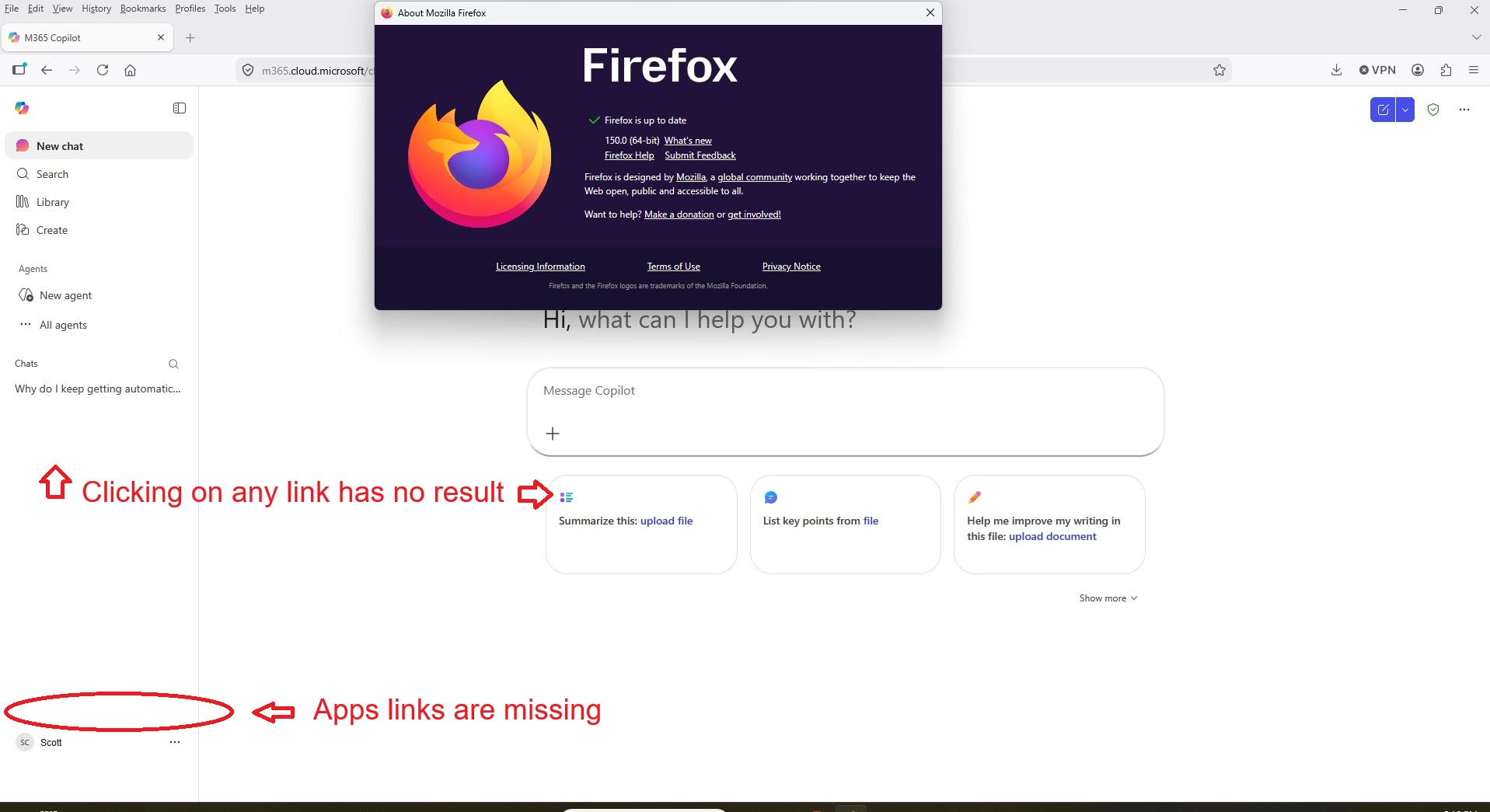
Same issue here as well Apps link will not load in M365 Chrome is fine Tried everything settings and extension related without any improvement