Extension wiped all my saved passwords...

Hello,
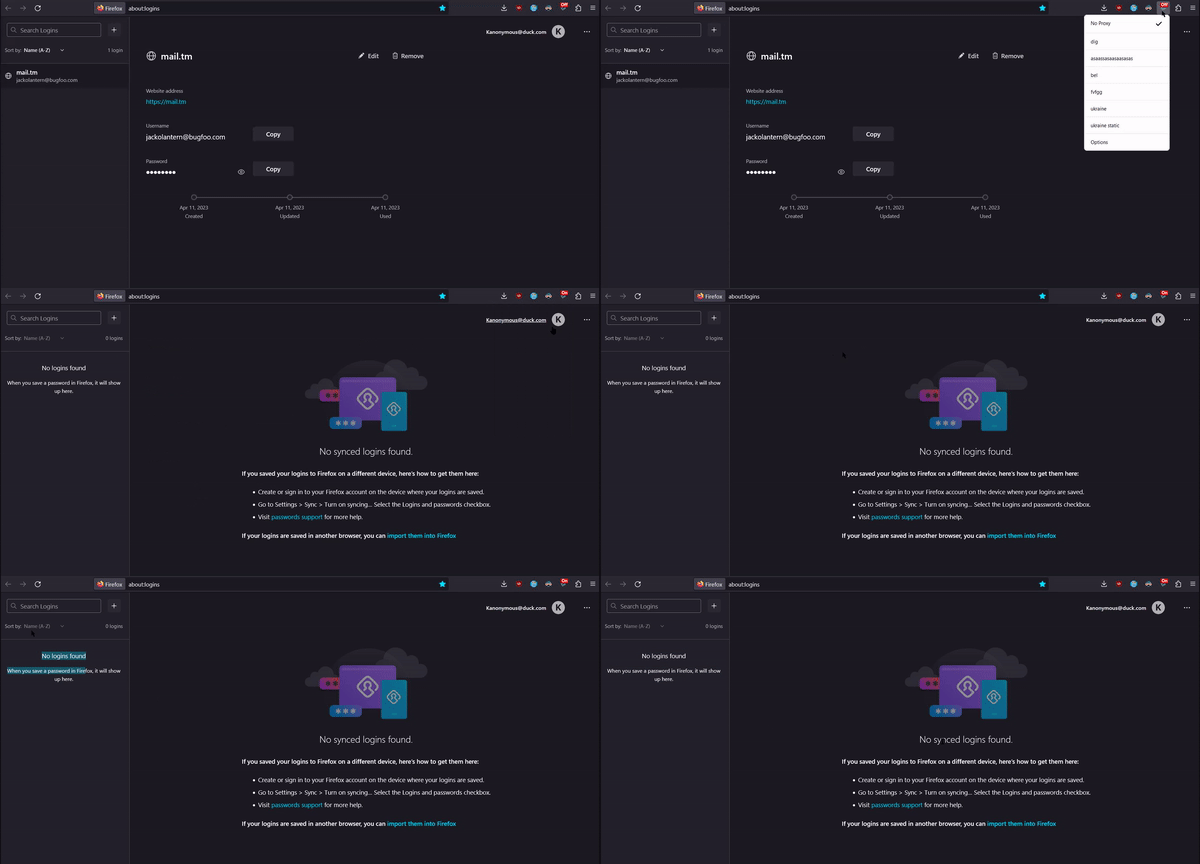
An extension just wiped all my freaking saved passwords How can an extension even do that what the f....
https://gyazo.com/bd7f50800006ae2bde71210bc9a6d99b
is there anything I can do to get my passwords back?
Wšě wotmołwy (5)
Dropa said
Firefox has no control what a extension does. Extension issue needs to be direct at the site or extension developer site or links you download from to provide support. https://support.mozilla.org/en-US/questions/1303031
How the fck can extension access the saved passwords tab... thats insane. I have always been pro-firefox but if an extension can delete stuff they shouldnt even been able to access.....
Firefox 80+ has a logins-backup.json file in the profile folder that can be used in case of issues with logins.json or to undo an accidental delete/update of a password. You can check if you can find this logins-backup.json file in the profile folder or in a backup.
Make sure to keep a backup of the current logins.json and logins-backup.json before replacing logins.json with logins-backup.json with Firefox closed.
You can use the button on the "Help -> More Troubleshooting Information" (about:support) page to go to the current Firefox profile folder or use the about:profiles page (Root directory).
- Help -> More Troubleshooting Information -> Profile Folder/Directory:
Windows: Open Folder; Linux: Open Directory; Mac: Show in Finder - https://support.mozilla.org/en-US/kb/profiles-where-firefox-stores-user-data
cor-el said
Firefox 80+ has a logins-backup.json file in the profile folder that can be used in case of issues with logins.json or to undo an accidental delete/update of a password. You can check if you can find this logins-backup.json file in the profile folder or in a backup. Make sure to keep a backup of the current logins.json and logins-backup.json before replacing logins.json with logins-backup.json with Firefox closed. You can use the button on the "Help -> More Troubleshooting Information" (about:support) page to go to the current Firefox profile folder or use the about:profiles page (Root directory).
- Help -> More Troubleshooting Information -> Profile Folder/Directory:
Windows: Open Folder; Linux: Open Directory; Mac: Show in Finder- https://support.mozilla.org/en-US/kb/profiles-where-firefox-stores-user-data
Nope everything is wiped there too. How does no one finds it strange that an extension can delete your saved passwords in firefox lol
Which extension do you suspect as causing this issue ?
So, both logins.json and logins-backup.json are completely empty and do not have any logins stored ? Are you using Sync ? Do you still have all other personal data ?
cor-el said
Which extension do you suspect as causing this issue ? So, both logins.json and logins-backup.json are completely empty and do not have any logins stored ? Are you using Sync ? Do you still have all other personal data ?
Yes all empty what is sync Only saved password was nuked, everything else remains untouched.
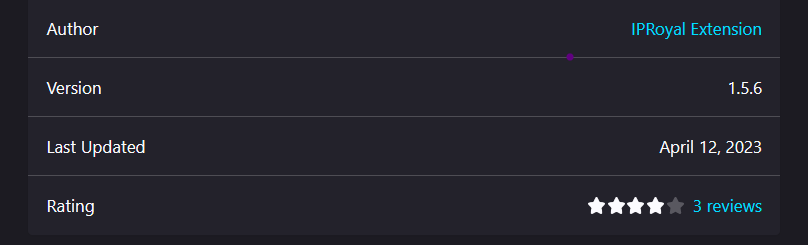
Extension that caused it is: https://addons.mozilla.org/en-US/firefox/addon/iproyal-proxy-manager/ They quickly updated their extension today so its fixed now I think. Glad I made the clip where it shows how turning the extension on causes the password to be deleted. https://gyazo.com/bd7f50800006ae2bde71210bc9a6d99b