


Minimize, maximize and close buttons are missing

Just upgraded to 40.0 and the minimize, maximize and close buttons are now gone while maximized. When not maximized, I can see the icons but can't click them.
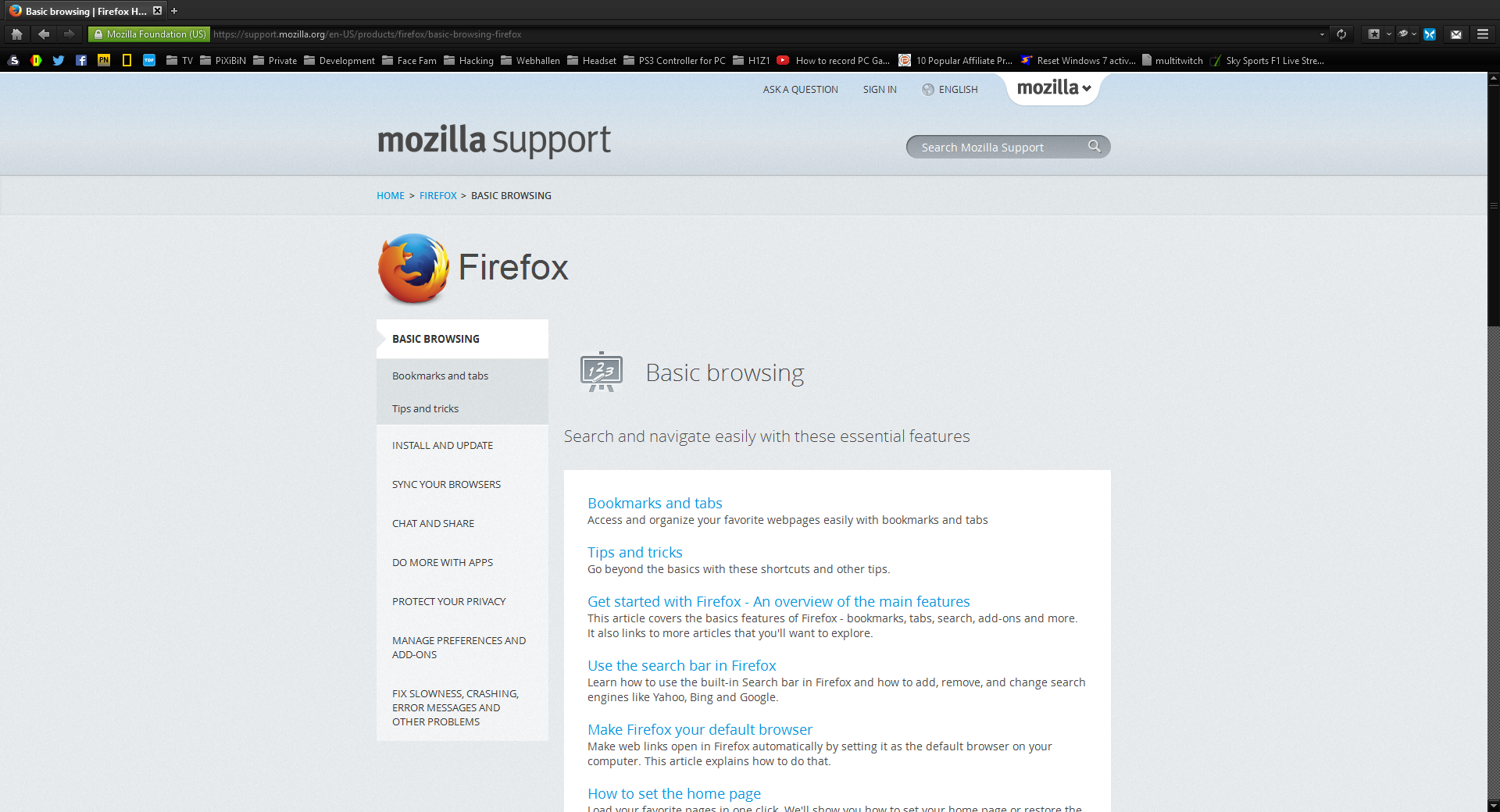
Wot ScottyG změnjeny
Wubrane rozrisanje
If you use a non standard Windows theme or made other appearance changes then try to revert those changes and use a (different) standard theme or Windows wallpaper.
Start Firefox in Safe Mode to check if one of the extensions (Firefox/Tools > Add-ons > Extensions) or if hardware acceleration is causing the problem.
- Switch to the DEFAULT theme: Firefox/Tools > Add-ons > Appearance
- Do NOT click the Reset button on the Safe Mode start window
- https://support.mozilla.org/kb/Safe+Mode
- https://support.mozilla.org/kb/Troubleshooting+extensions+and+themes
Wšě wotmołwy (1)
Wubrane rozrisanje
If you use a non standard Windows theme or made other appearance changes then try to revert those changes and use a (different) standard theme or Windows wallpaper.
Start Firefox in Safe Mode to check if one of the extensions (Firefox/Tools > Add-ons > Extensions) or if hardware acceleration is causing the problem.
- Switch to the DEFAULT theme: Firefox/Tools > Add-ons > Appearance
- Do NOT click the Reset button on the Safe Mode start window