


Riješeno
Day and week view calendar orientation stuck on horizontal
Hi,
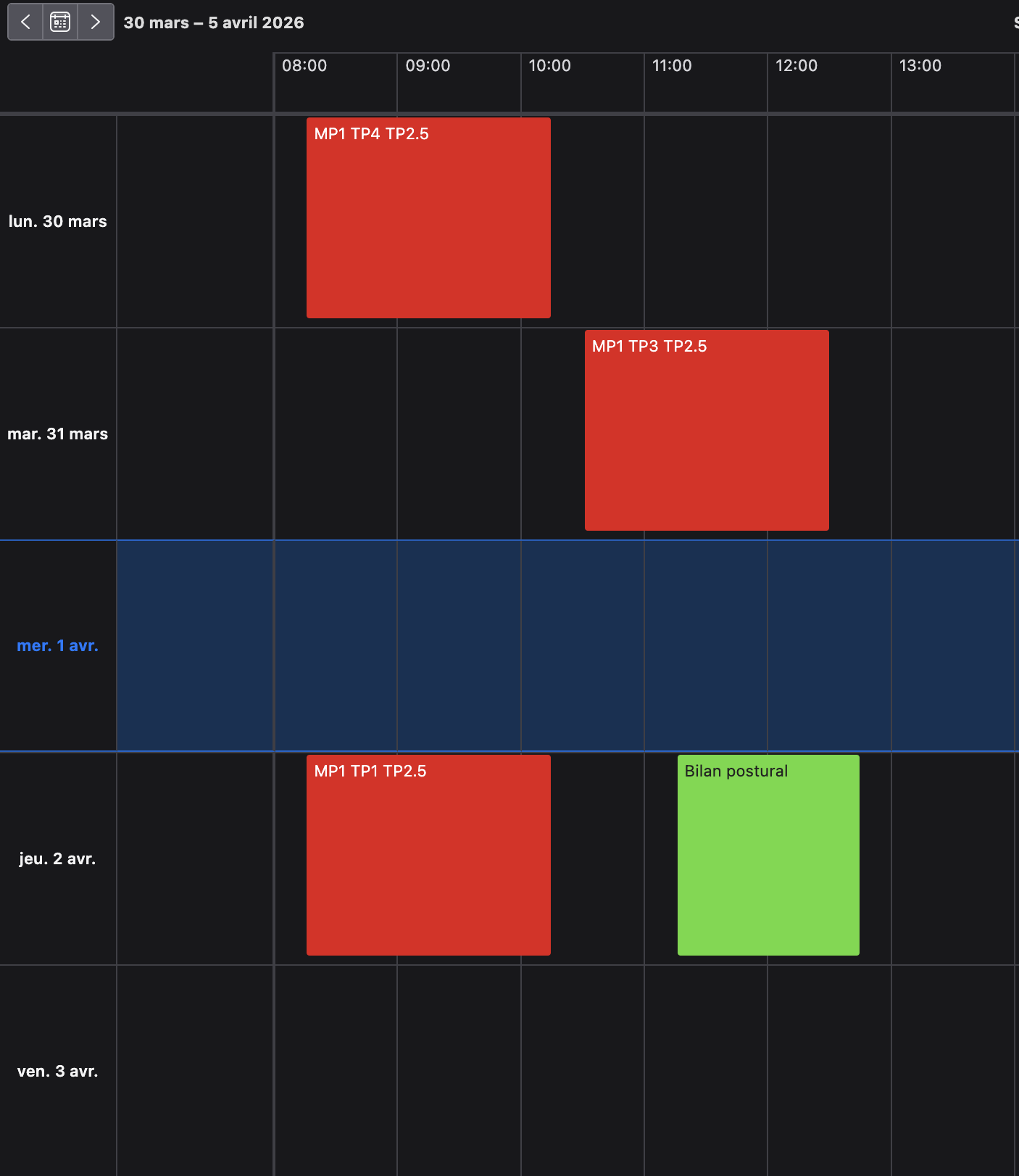
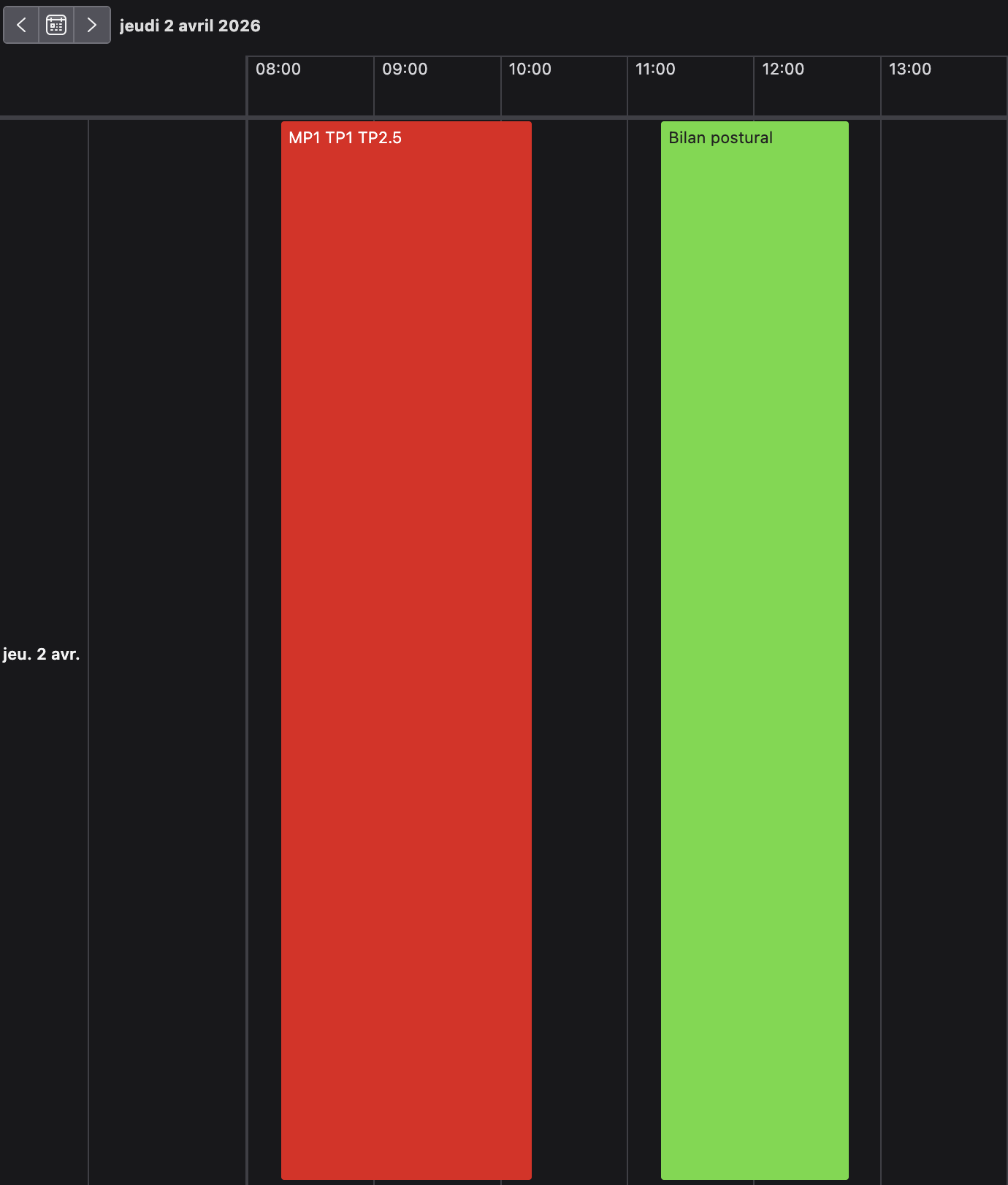
I'm not sure how, but the default orientation of my calendar items in day or week view is stuck on horizontal. I don't remember any express change that I made, and combing through the settings and online research has not yielded a solution. I'm not sure how to switch it back, and it's pretty inconvenient!
Any help would be gratefully appreciated.
Thanks!
Hi,
I'm not sure how, but the default orientation of my calendar items in day or week view is stuck on horizontal. I don't remember any express change that I made, and combing through the settings and online research has not yielded a solution. I'm not sure how to switch it back, and it's pretty inconvenient!
Any help would be gratefully appreciated.
Thanks!
Svi odgovori (2)
Odabrano rješenje
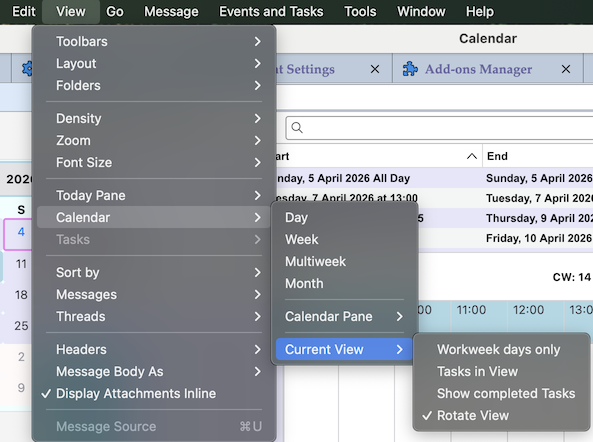
Hi, the setting you're looking for is very well hidden by the developers, recently I even didn't know that it existed! Go to View > Calendar > Current View and uncheck "Rotate view"
That's fixed it, thank you so much!