


Windows 10 reached EOS (end of support) on October 14, 2025. If you are on Windows 10, see this article.

Pretraži podršku

Izbjegni prevare podrške. Nikad te nećemo tražiti da nas nazoveš, da nam pošalješ telefonski broj ili da podijeliš osobne podatke. Prijavi sumnjive radnje pomoću opcije „Prijavi zlouporabu”.

Saznaj više

Firefox deleting history and data for hotmail, when closing a tab but not the browser

  • 1 odgovor
  • 2 imaju ovaj problem
  • 145 prikaza
  • Posljednji odgovor od itsizzi
  • Arhivirano

I have used Firefox to log in to Hotmail.com for years. Suddenly Firefox is deleting login data when I close the tab, but not the browser. And when I return to hotmail in a new tab, I now get a window that says it "can't sign me in, try again later." I have to close Firefox and reopen in order to get a new login page. I have always had Firefox set to delete cookies and site data when I close it. Under History setting, it's "use custom settings", "delete history on closing." Under those settings I have browsing and download history unchecked. My hotmail setting is to stay logged in. What's up?! I've always been able to return to a logged in hotmail all day no matter how many times I close the tab and return to it. I've never had that problem before and don't have it with Safari. I also do not have that issue with yahoo mail.
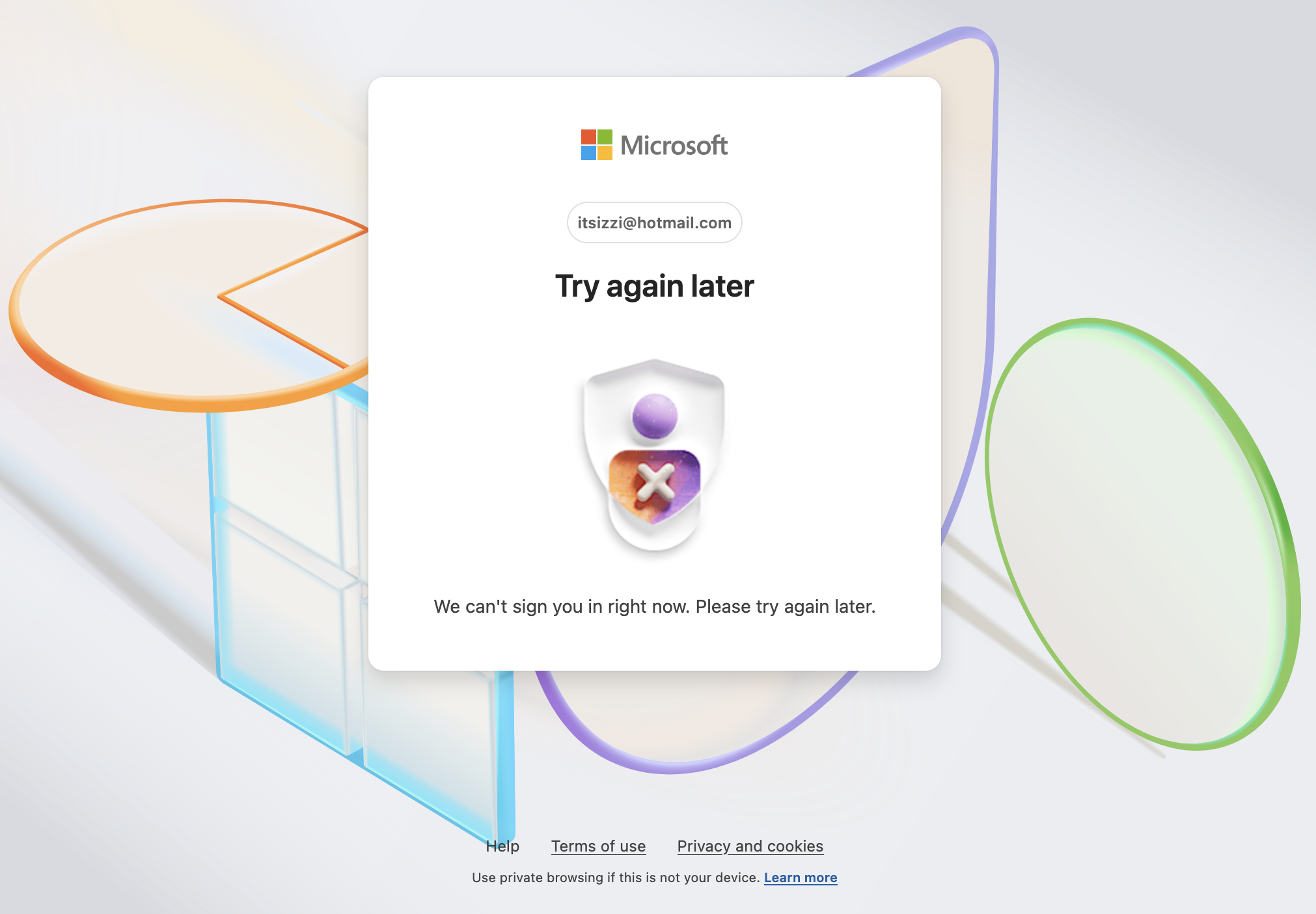
I have used Firefox to log in to Hotmail.com for years. Suddenly Firefox is deleting login data when I close the tab, but not the browser. And when I return to hotmail in a new tab, I now get a window that says it "can't sign me in, try again later." I have to close Firefox and reopen in order to get a new login page. I have always had Firefox set to delete cookies and site data when I close it. Under History setting, it's "use custom settings", "delete history on closing." Under those settings I have browsing and download history unchecked. My hotmail setting is to stay logged in. What's up?! I've always been able to return to a logged in hotmail all day no matter how many times I close the tab and return to it. I've never had that problem before and don't have it with Safari. I also do not have that issue with yahoo mail.
Priložene slike ekrana

Svi odgovori (1)

Also, just to note I'm using a Macbook Air, OS 15.5 Sequoia.