


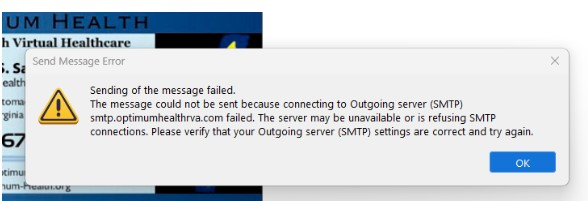
Can't send message error because connecting to SMTP failed

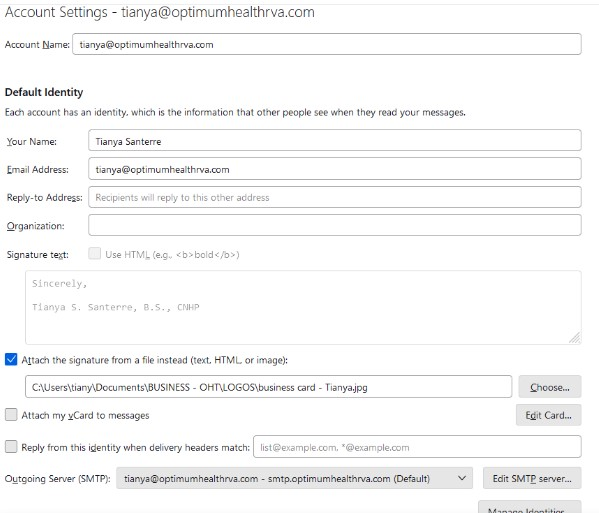
Please send emails to [edited] @gmail.com because I can't receive any emails at my regular email address. The error message that I keep getting when I try to send email from my regular email account ([edited] @optimumhealthrva.com) is attached.
screenshot of your SMTP settings is attached
mail provider = Optimumhealthrva.com
ISP = Xfinity
firewall version = Microsoft Defender Firewall
antivirus software = Microsoft Defender Antiviris
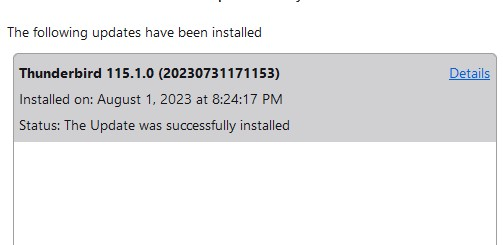
operating system and version = Windows 11 Thunderbird version is 115.1.0 because, when Thunderbird quit working today, I uninstalled it and downloaded a new copy hoping that would make it work. It did not.
Izmjenjeno od James
Svi odgovori (5)
You did not post your SMTP server settings.
I hope this is it.
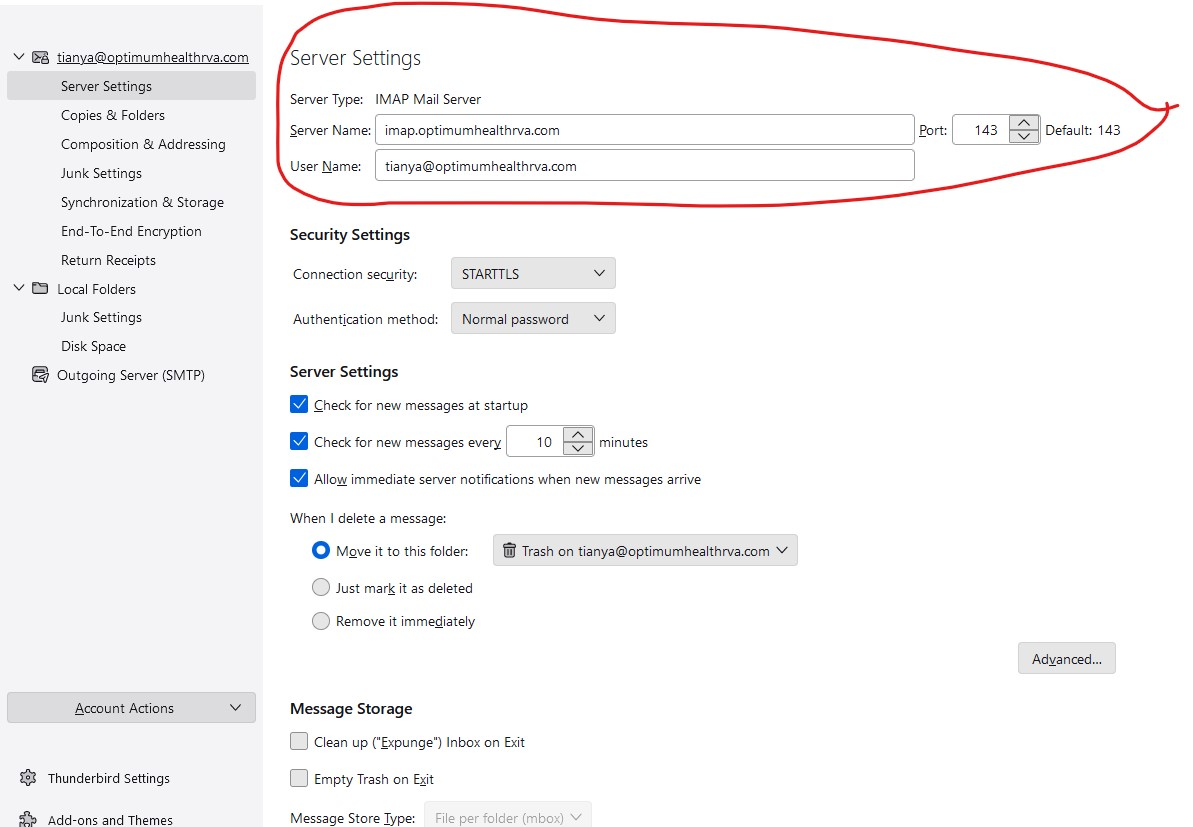
click 'account settings, scroll down the left side to 'Outgoing servers SMTP, and do a screenshot there of the server. There should be one for each account.
Hopefully, I finally gave you what you have been asking for.
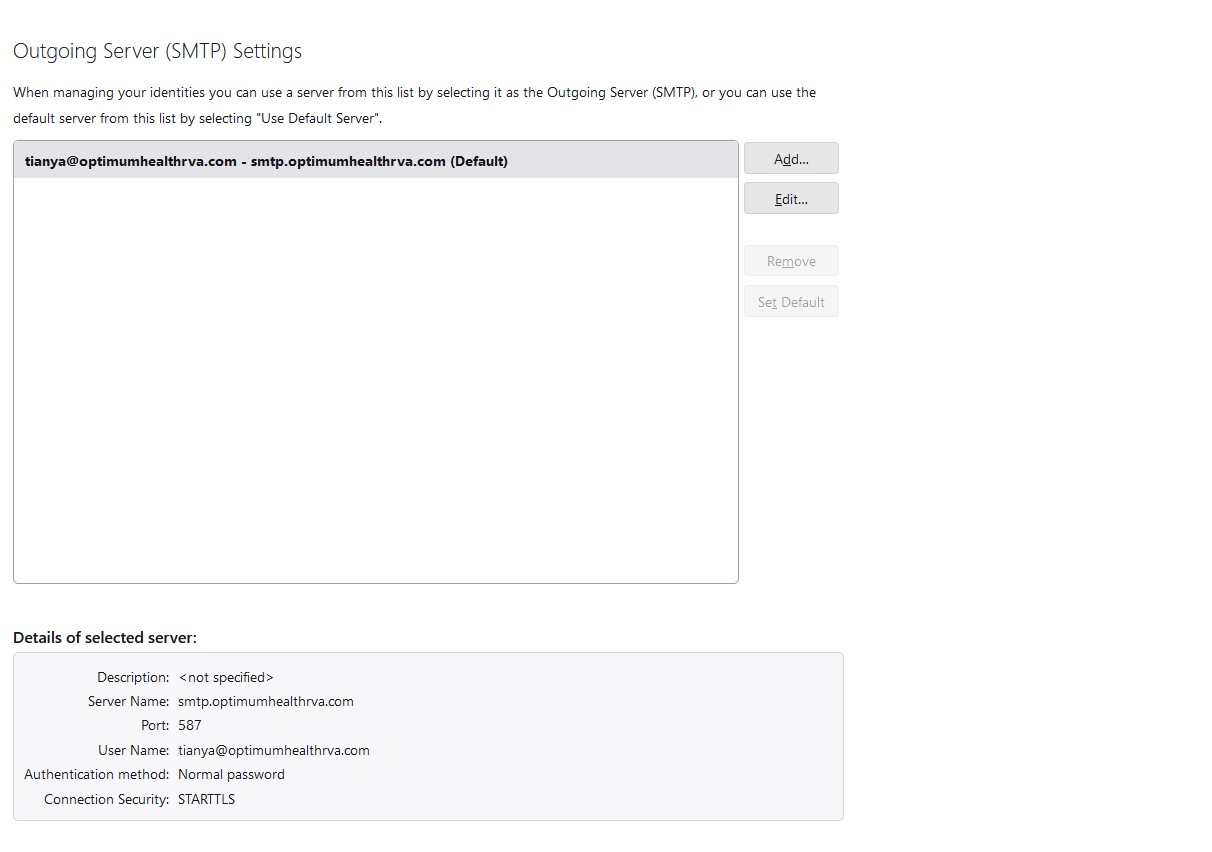
All looks okay, but many email providers have changed requirements for more security. i suggest a first attempt would be to change STARTTLS to SSL/TLS. This article may help: https://www.xfinity.com/support/articles/update-your-xfinity-email-settings Otherwise, I have no other suggestions.