Setting a Master Sync computer
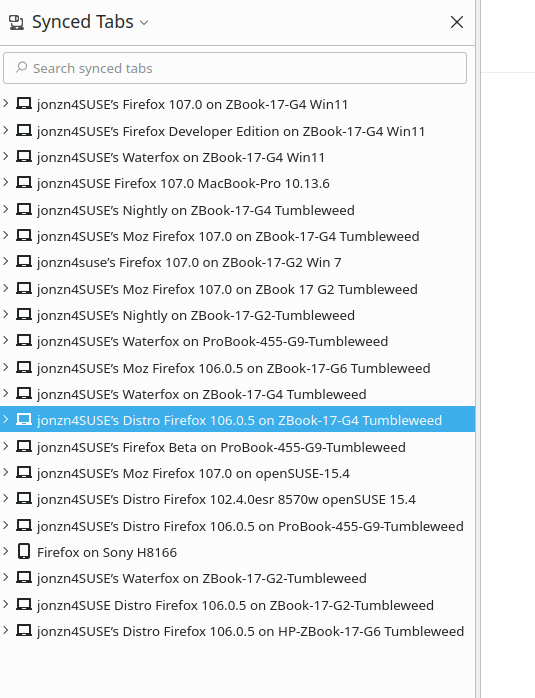
I had several devices connected to sync. I want my main desktop to be the "mothership" so to say, and all other devices mimic its settings. I'm terrified I'm going to hit sync on my new laptop and it'll just sync its empty bookmarks to all devices.
What do I have to do to ensure that everything copies my PC, instead of pushing their own changes?
Actually ideally what I want to happen is for all my devices to get their settings from the master computer, but any changes they make after that to be sent upstream to the mothership and vice versa
I had several devices connected to sync. I want my main desktop to be the "mothership" so to say, and all other devices mimic its settings. I'm terrified I'm going to hit sync on my new laptop and it'll just sync its empty bookmarks to all devices.
What do I have to do to ensure that everything copies my PC, instead of pushing their own changes?
Actually ideally what I want to happen is for all my devices to get their settings from the master computer, but any changes they make after that to be sent upstream to the mothership and vice versa
Svi odgovori (1)

For the new computer, just log into sync and watch your data populate. If you then make changes on the new computer, those changes will then go upstream.