


Youtube TV - Stopped working post 102.0 install

Updated Firefox to 102.0 Youtube TV stopped working. (Macbook user) I am using the web version of Youtube TV through Firefox. Youtube TV starts, allows me to select channels but then i get the never ending spinning wheel. I have disabled ad blockers, cleared the cache. Restarted Firefox, Restarted Macbook Pro. Restarted router and modem. Youtube TV is playing fine using Safari which uses the same ad blocking software.
My question: What have I overlooked? Youtube TV was working fine prior to the Firefox 102.0 update.
Svi odgovori (5)

How about regular YouTube? Did you try Firefox in Safe Mode? https://support.mozilla.org/en-US/kb/diagnose-firefox-issues-using-troubleshoot-mode
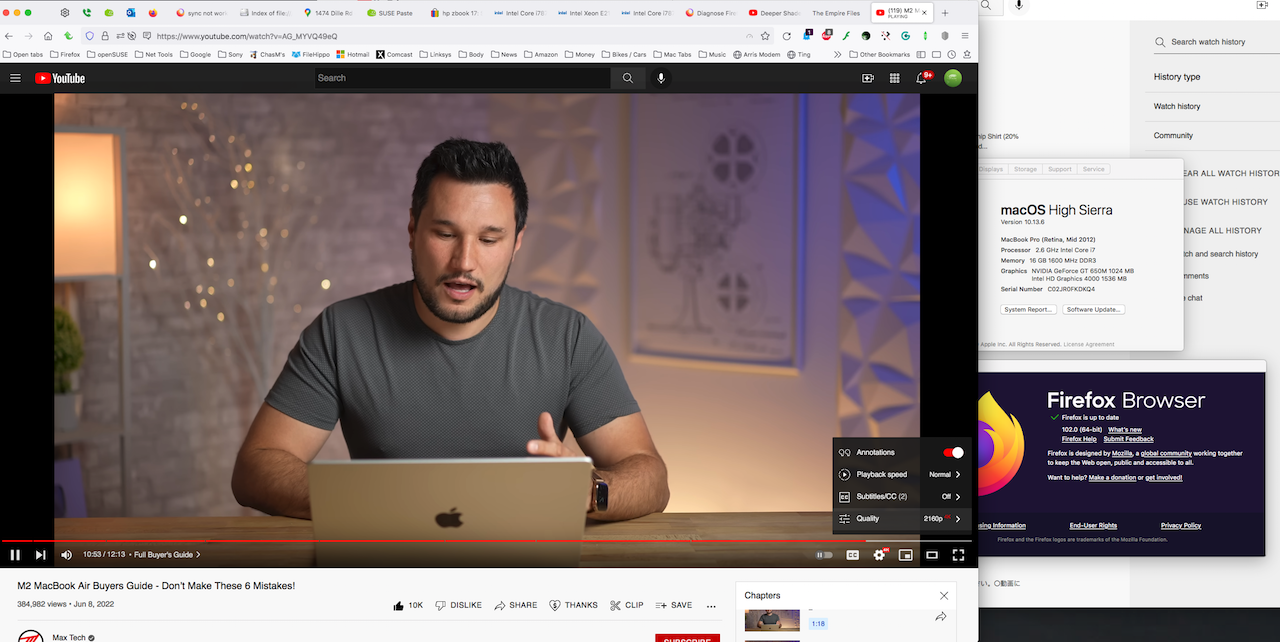
Youtube works fine. Restarted in trouble shooting mode and no change. Youtube TV loads and allows selection of a channel but doesn't stream video. (wheel continues to spin)
BTW - Safari does stream Youtube Tv which provides me with a work around but I prefer to use Firefox.
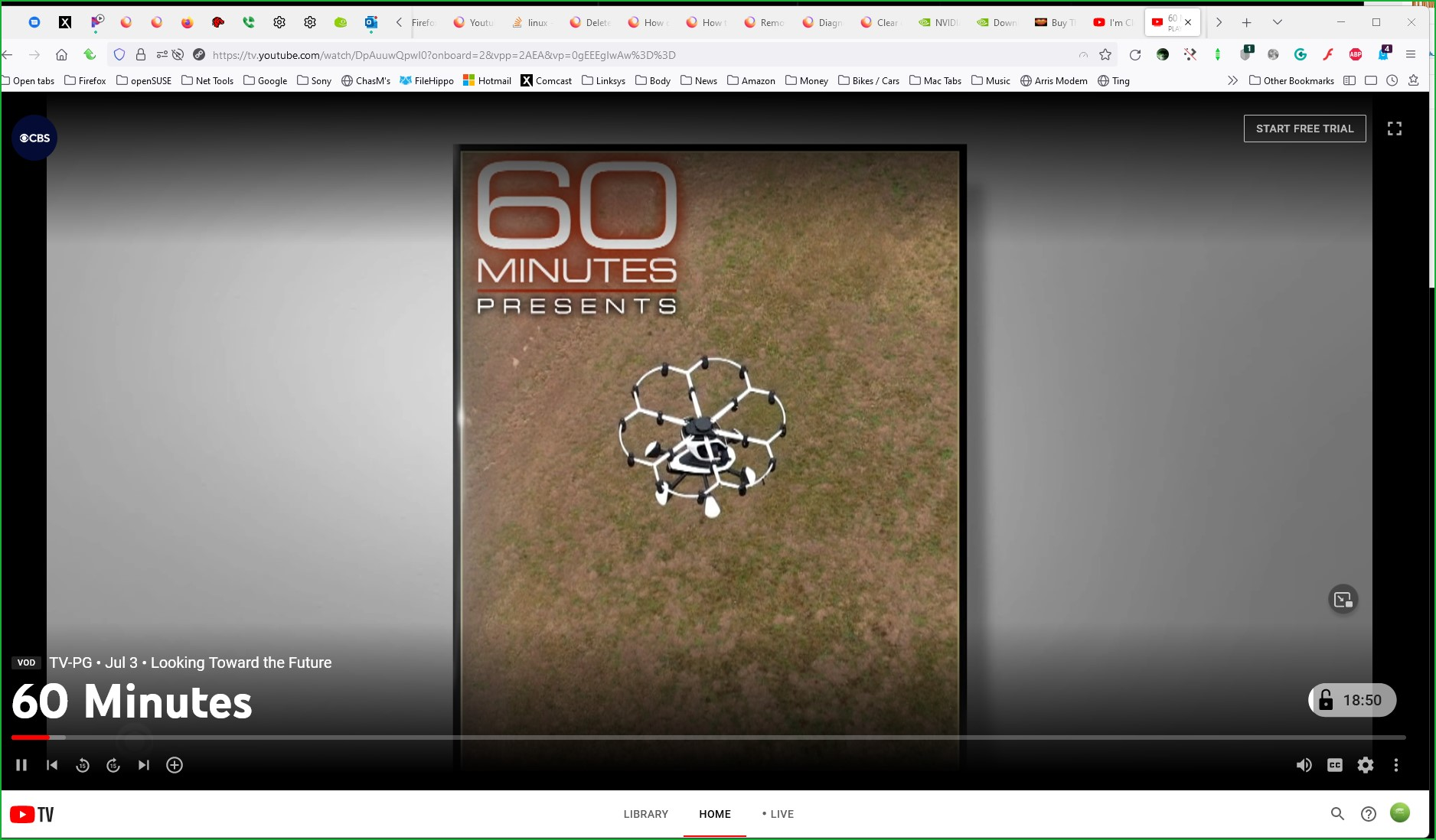
I have no issue with YouTube TV. see my screenshot --> https://paste.opensuse.org/48972643 YT TV provides an option to test the service for 20mins. You should post a similar screenshot if the upload process works. ;-/
Izmjenjeno od jonzn4SUSE
Fixed. I went down the path of debugging Firefox and got to the suggestion if running Youtube tv in Private mode. I don't understand the difference in Firefox mode (normal vs. private) and will keep investigating at a lower priority.
Thanks for your help.