


Prevent recently visited sites from showing a shortcut on my homepage
I am tired of continuely having to "dismiss" or "delete" from homepage sites I have visited. On my homepage. The homepage quickly becomes cluttered with shortcuts that I have to dismiss or delete. How can I prevent the browser from placing these shortcut on my homepage?
All Replies (4)
Hi B Brown,
You can prevent Firefox from displaying recently visited sites as shortcuts by changing the settings for Firefox Home.
Open a new tab and click the gear icon in the top-right corner of the page (Page Settings). Under Shortcuts, untick the option to stop these sites from appearing on your homepage.
You can also access these options by opening Settings and selecting Home, where you can customise what appears on Firefox Home.
You can find more information here: https://support.mozilla.org/en-US/kb/customize-items-on-firefox-new-tab-page
This should prevent the shortcuts from appearing, rather than having to dismiss them individually.

This solution, at its best, only lets you choose to see less rows of the garbage added to your shortcuts. That garbage being recently visited sites that you have not explicitly added as a shortcut. Before anyone recommends deleting history, consider that it is the same as throwing the baby out with the bath-water.
Can Mozilla please provide a "real" solution to this highly flawed idea that recently visited sites are most assuredly items the user would want as shortcuts, and stop adding them to the home page as clutter?
An gyara daga 9dragonsguild
I have the same irritation! There was NO reason for this change. The only links on the home page should be what the user has pinned. Firefox should never assume a visited site should be added. Why was this changed? Was it done on purpose or an inadvertently created bug.
There is no way to prevent Firefox from adding a visited site to the home page in 161.0 that I can find.
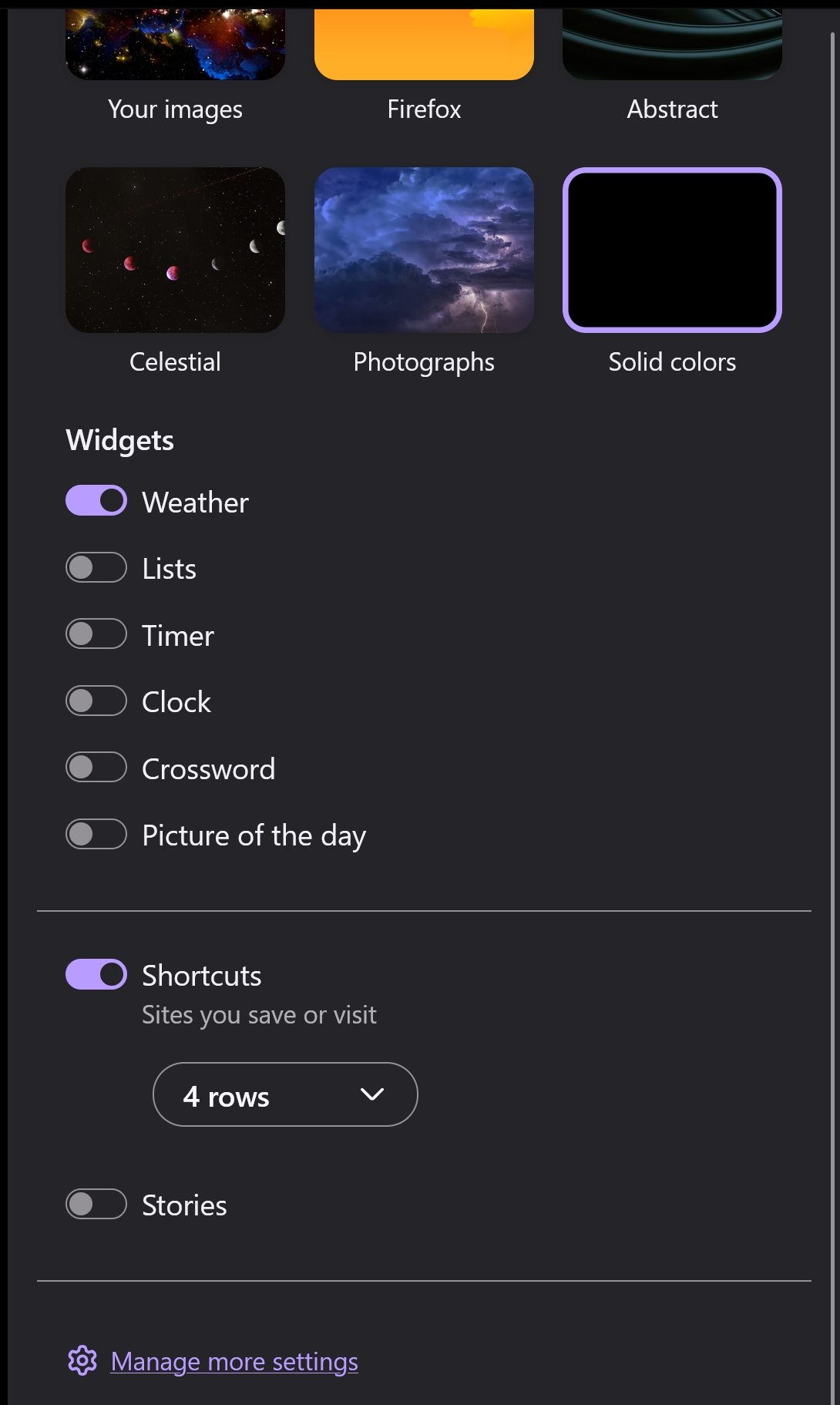
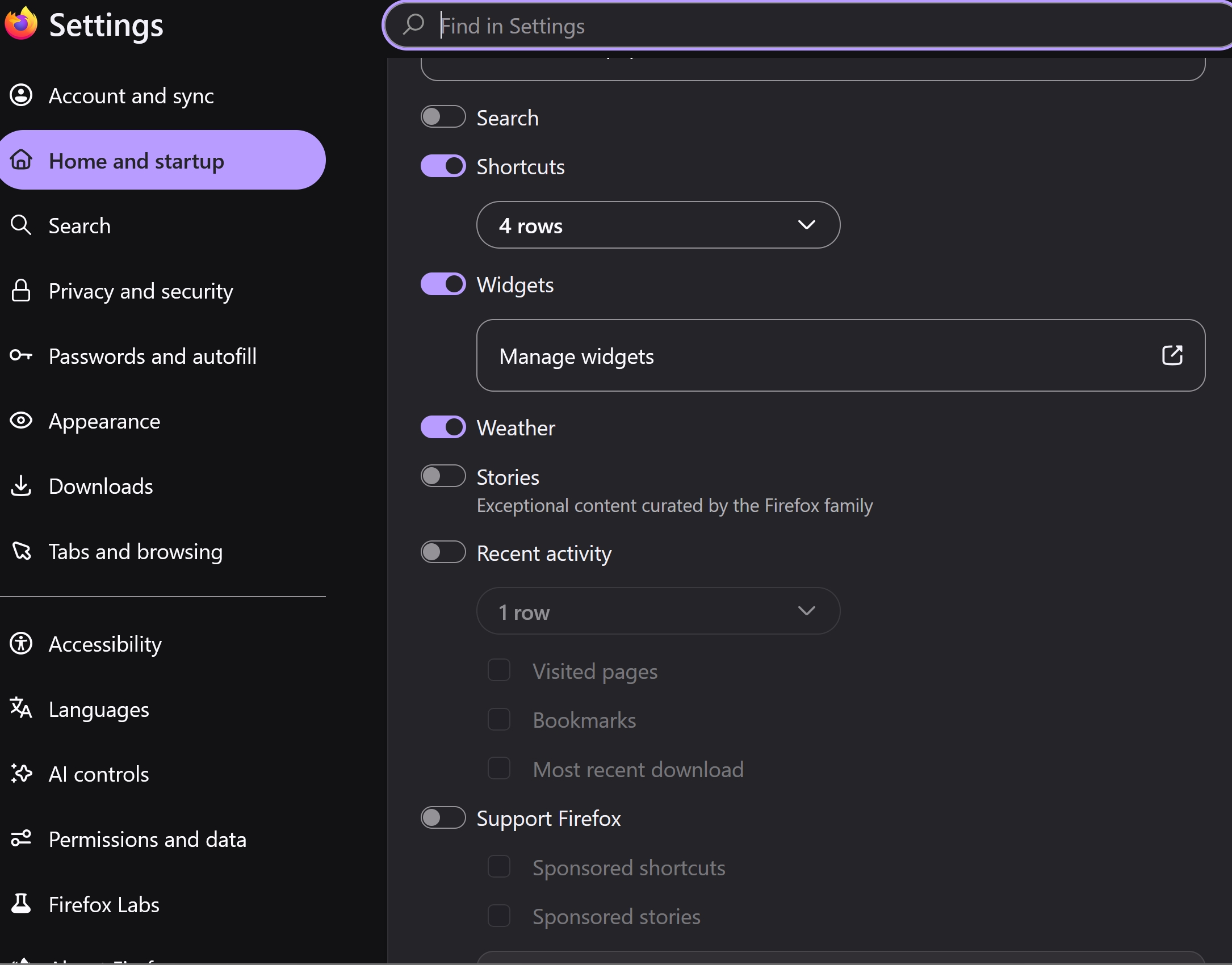
I cannot Discern a way either. I am mystified as to why this was ever thought to be a good idea and an acceptable use. Recent history all but hijacks shortcuts filling it with clutter that you have to constantly delete. I do hope that it turns out to be a bug and not someone's flawed decision.
An gyara daga 9dragonsguild