


My blog posts open with font size too big

When I open one of my blog posts on my Android phone in Firefox, the font size is too big. This doesn't happen in Chrome.
Chosen solution
Thanks. Tried that. Seems to have worked. But fault was kind of intermitent, so needs time...
Read this answer in context 👍 0All Replies (14)
Just realised, it only happens when I open a post from within one of my blogposts.
Er... Just realised - it doesn't happen for viewers. It only happens if I edit a post in Firefox and then View it. So... it's wrong but not a problem! 🤓
But... this doesn't happen in Chrome. So it looks like a Firefox issue, rather than a platform (Wordpress.com) issue.
It also happens if I click on a link inserted by WordPress.com at the end of a post to an adjacent post. Wierd.
Hey Chris,
Are you saying that the font was too big when you preview a WP blog post from your admin panel?
Maybe try to clean up website data and see if it make a difference?
Chosen Solution
Thanks. Tried that. Seems to have worked. But fault was kind of intermitent, so needs time...
Got it. I'll mark your answer as a solution for now, but feel free to bump the thread if you need further assistance.
Update: still happening. No definite pattern. Following links to posts through my blog, eventually one opens with font too big...
Modified by chris1235
The difference isn't huge. Just very annoying (when you've lovingly handmade it with DIY HTML and a carefully chosen WP.com 'theme'.)
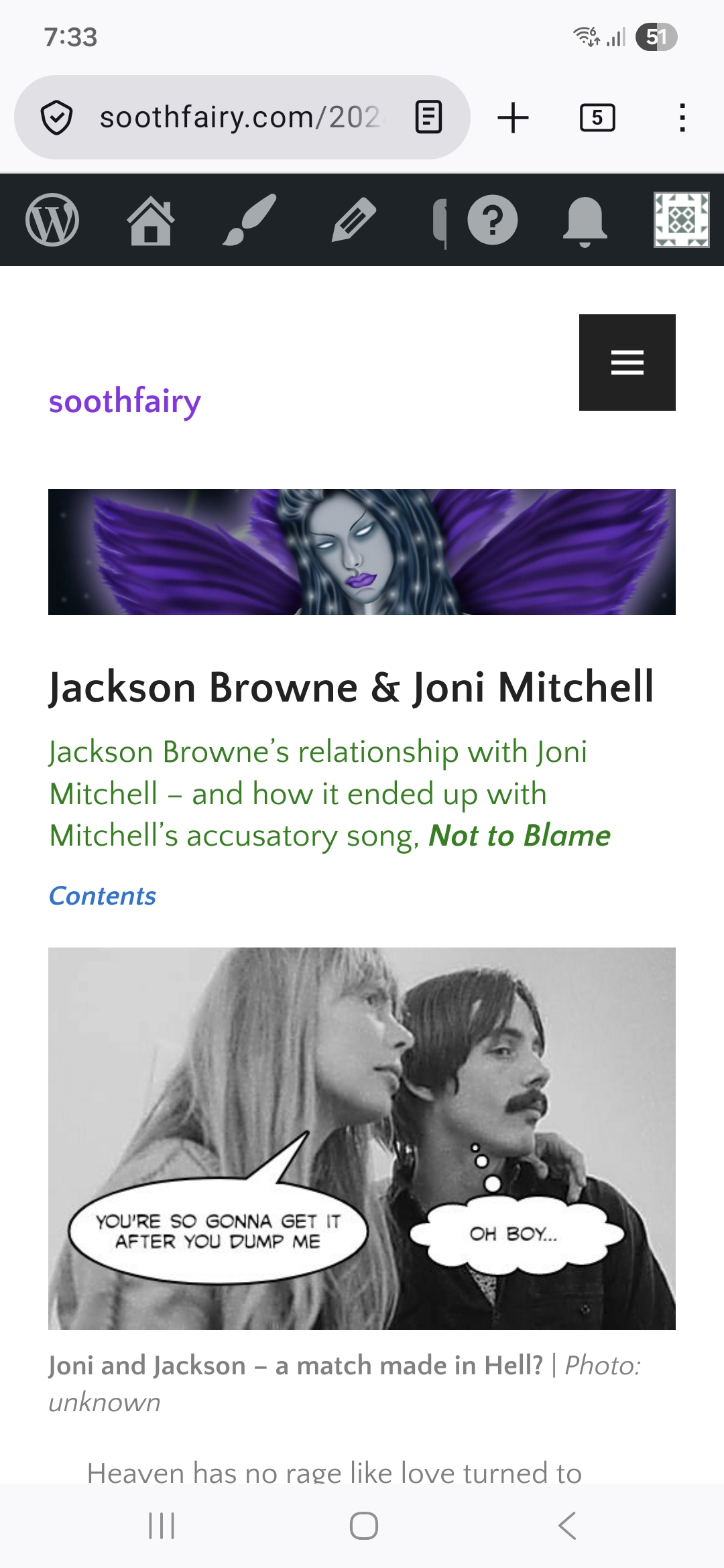

Modified by chris1235
I can see the difference. But honestly, the more I look at it, the more I think that the problem is with the WP theme instead of Firefox. Especially if this happen only in this instance and not in any other pages.
Yes, but that was an example. It can happen with any post. It only started happening recently - I've been using the same "theme" for many years. This doesn't happen in Chrome.