

This thread was archived.
Please ask a new question if you need help.

Solved
Archived
Signing in to Outlook

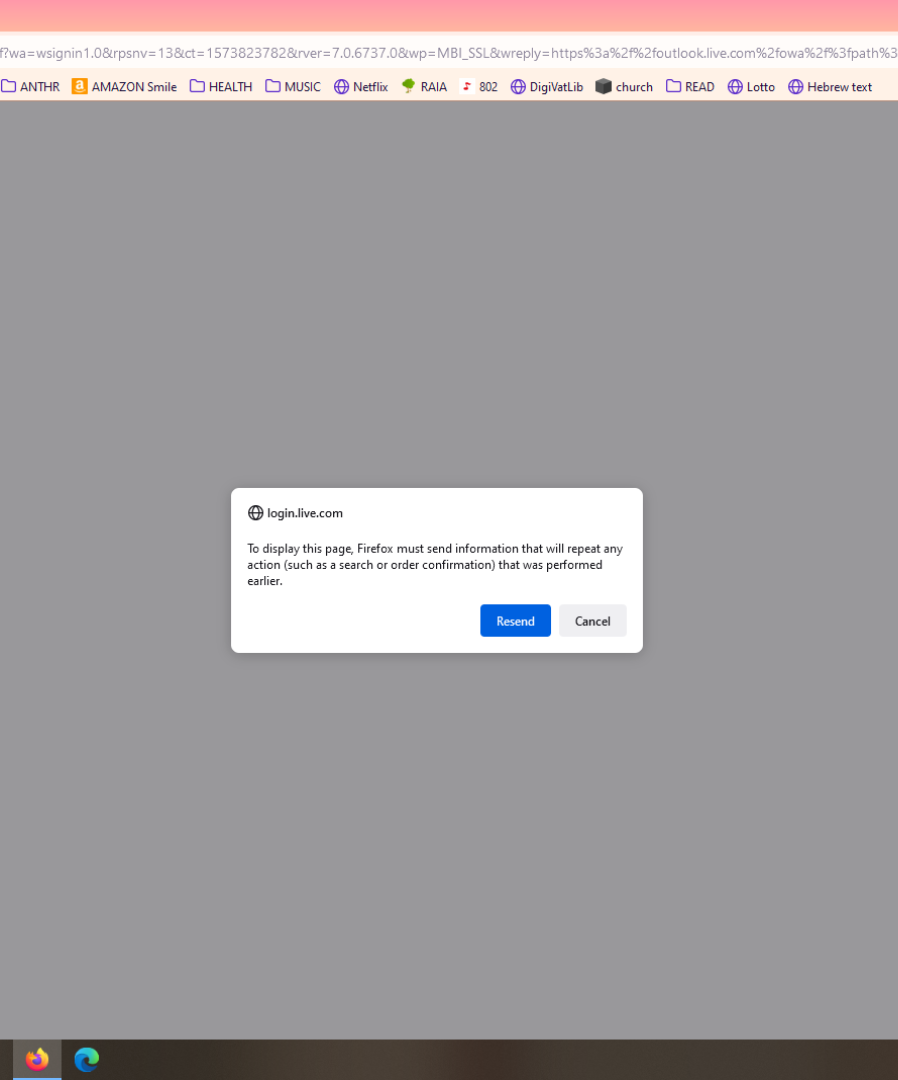
When I sign in to Outlook, I have to refresh the page, then it tells me that the password is wrong (which it isn't), so I have to sign in twice to get my email account.
When I sign in to Outlook, I have to refresh the page, then it tells me that the password is wrong (which it isn't), so I have to sign in twice to get my email account.
All Replies (2)
Chosen Solution
Hi klavier46,
Try Clearing all cookies, site data and cache
- Click the menu button. and select Options. Preferences.
- Select the Privacy & Security panel and go to the Cookies and Site Data section.
- Click the Clear Data button. The Clear Data dialog will appear.
- Click Clear.
If it doesn't solved your problem, then feel free to ask in Mozilla Support Forum. Thanks for raising your question in Mozilla Support Forum.
Thanks! Worked right away.