


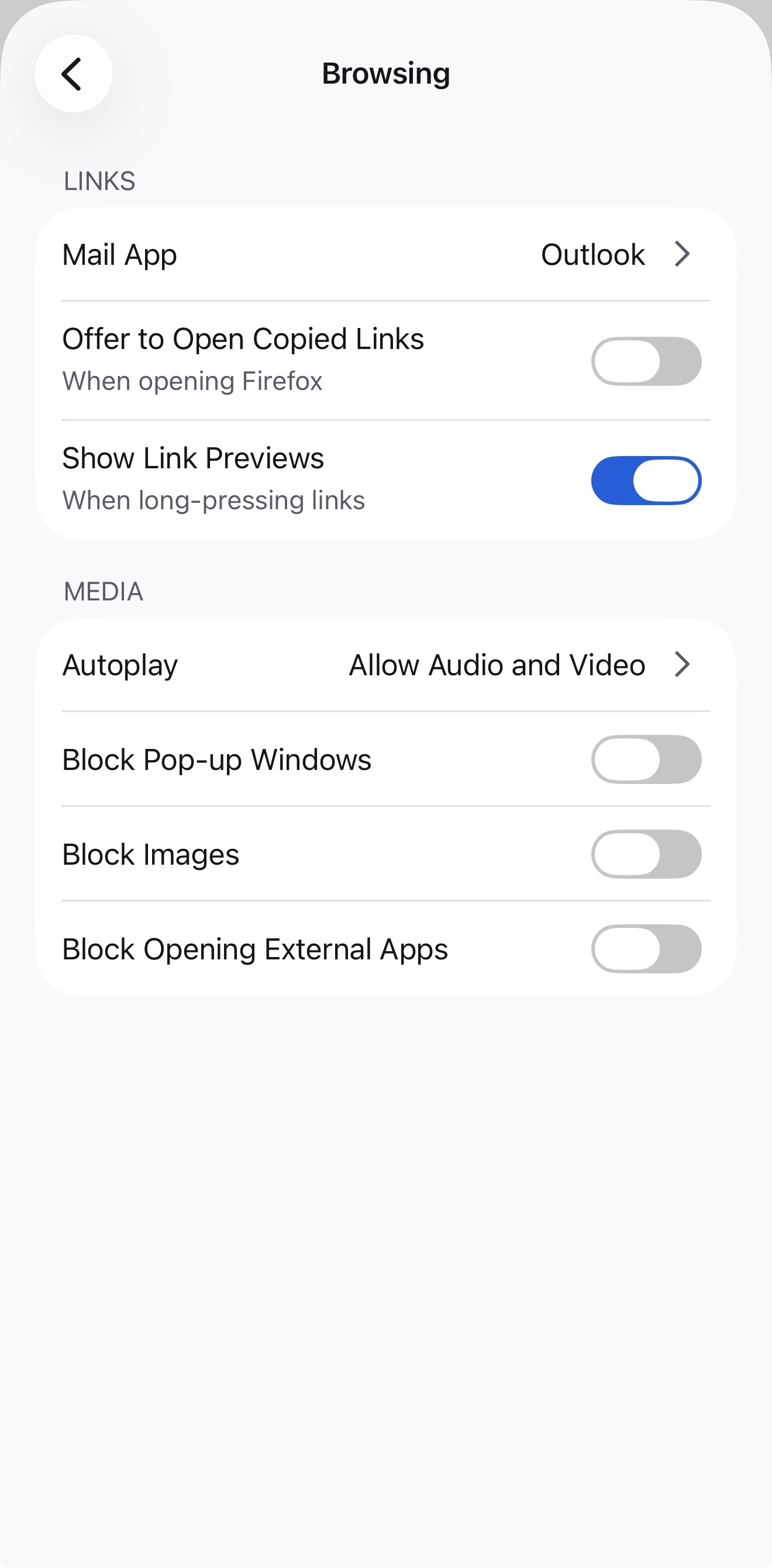
Block Pop-up Windows

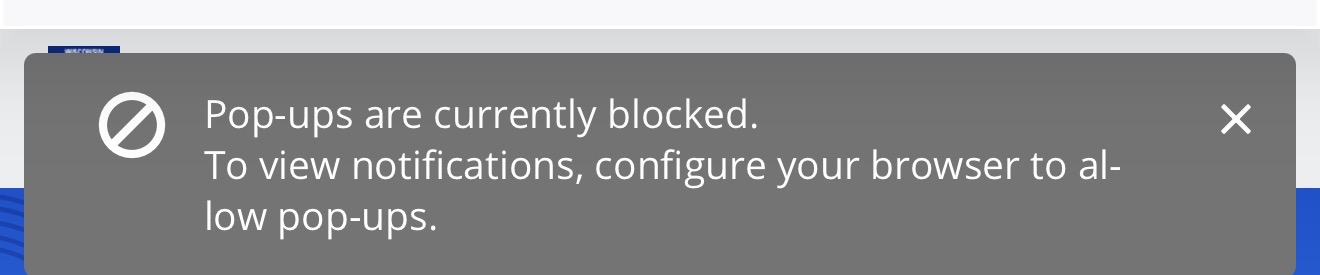
I have turned off Block Pop-up Windows but it still blocking the access to websites.
Chosen solution
I have posted a bug report. Thank you
Ler a resposta no contexto 👍 0All Replies (19)
I have turned off pop up blocker on Safari. I can open those websites on Safari without any issue. I have Firefox 146.1 (65627)
saadm modificouno o
Hey saadm,
If you disable the pop up blocker, does it work?
Can you try again in Private Browsing mode?
I tried it in Private browsing mode, same issue. This issue is not just with one website. latest Firefox installed, 147.1 (66967)
I have iPhone 16. There is no ETP setting on iOS. I think Android has this setting.
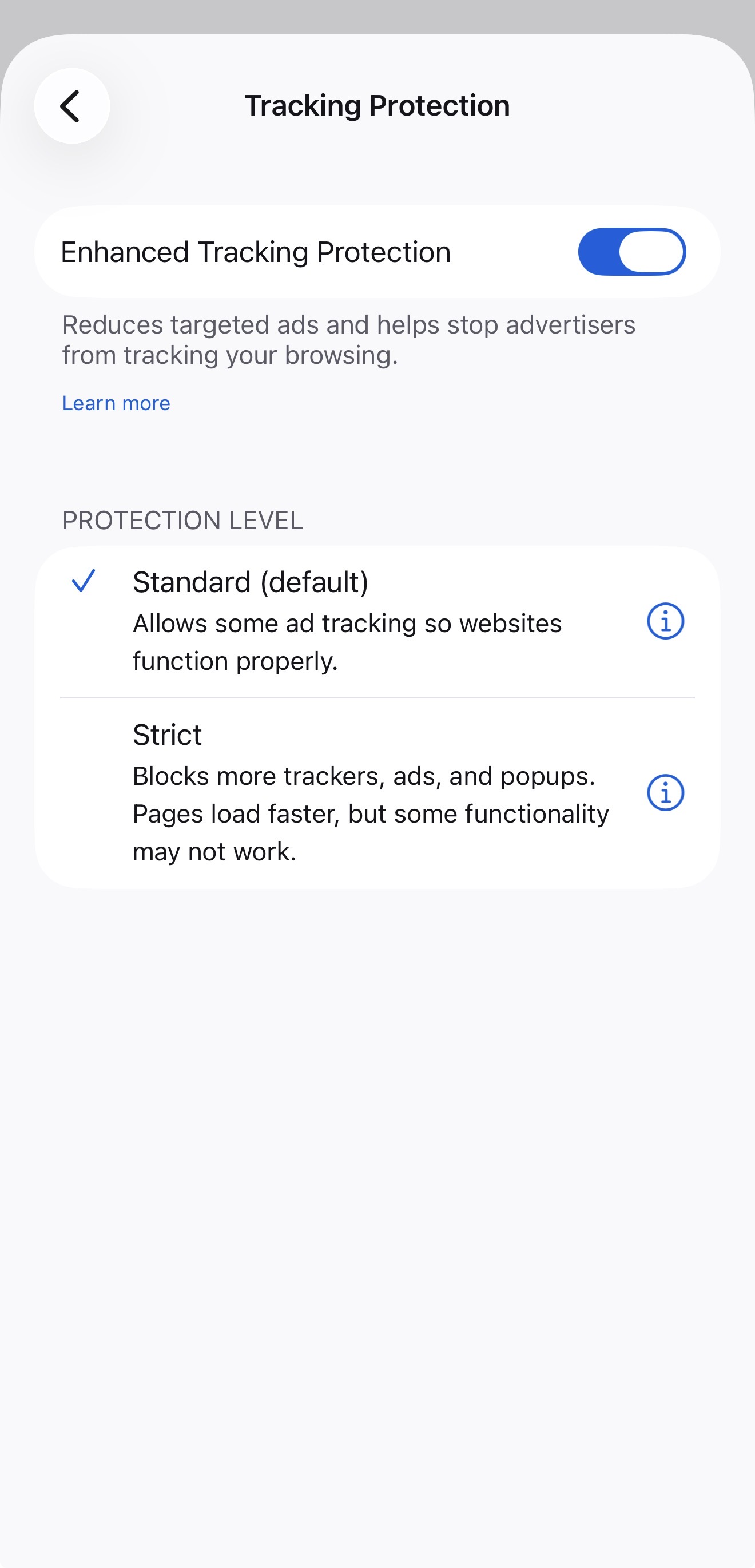
Interesting. I wouldn't be surprised if you have set ETP to strict. Can you try to disable the ETP altogether?
Also, would it be possible to share the link of the website for testing purposes?
I disabled ETP and tried again, same issue. I have removed Firefox and reinstalled it, same issue. I am going to send you the website in a message.
Thanks for sharing the links. I tried them, but found no issues on both, but I may just don't have the same use case you do.
Since you mentioned that the issue is related to opening a PDF, can you try to open a PDF from here and let us know how it goes?
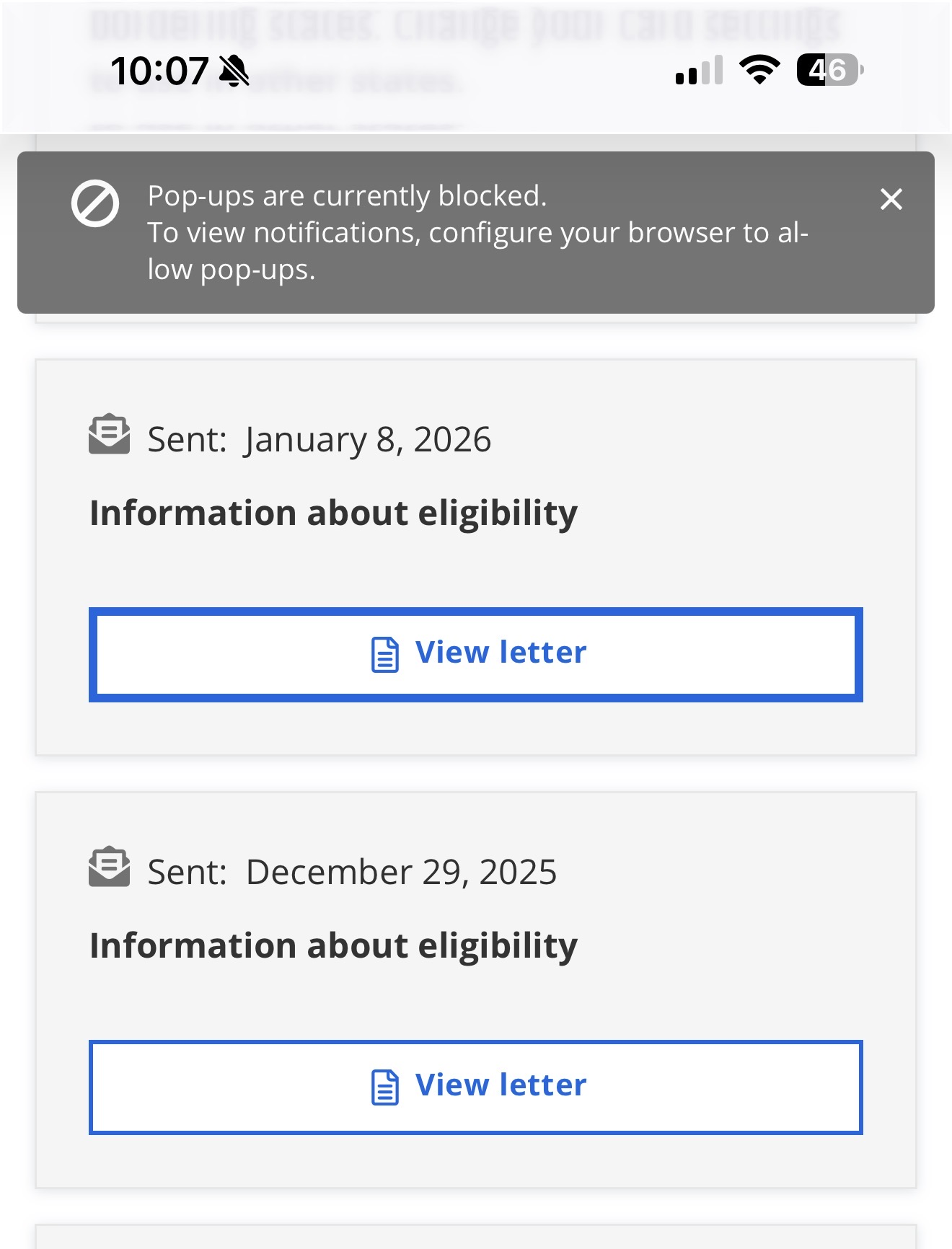
I have attached a screenshot for reference. When I click on the View Letter on the website I get “Pop-ups are currently blocked” window and it is not opening
I wonder if this is the same issue, which should be fixed with the 148.3 update. Can you check the issue if it's resonate with you?
I have the latest build 148.3, still the same. I have tried Brave browser, Google Chrome, Safari, DuckDuckGo, no such issue
saadm modificouno o
In that case, would you please file a new bug report on https://github.com/mozilla-mobile/firefox-ios/issues?
