


bookmarks

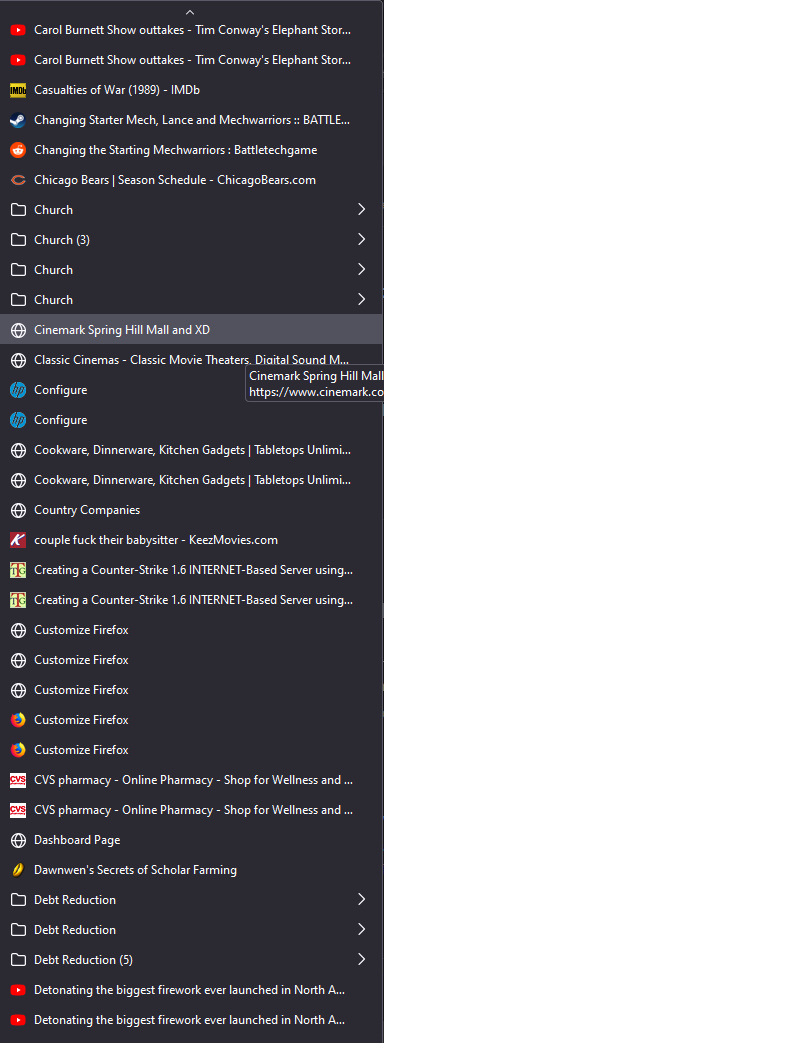
Why do my bookmarks look like this (see attached image)? I can go into manage bookmarks and restore them but they won't stay organized.
Why do my bookmarks look like this (see attached image)? I can go into manage bookmarks and restore them but they won't stay organized.
All Replies (3)

Is the problem the repetition?
My apologies for such a late reply, the answer is yes.
Note that the "Views -> Sorted" menu in the Bookmarks Manager (Library) is meant for viewing purposes and doesn't sort the bookmarks permanently (this is the same as clicking the header bar).
You can right-click a bookmarks folder to sort the bookmarks in this folder by name.
cor-el modificouno o