


Windows 10 reached EOS (end of support) on October 14, 2025. If you are on Windows 10, see this article.

Sykje yn Support

Mij stipescams. Wy sille jo nea freegje in telefoannûmer te beljen, der in sms nei ta te stjoeren of persoanlike gegevens te dielen. Meld fertochte aktiviteit mei de opsje ‘Misbrûk melde’.

Mear ynfo

二维码图片被不显示/The two-dimensional code picture is not displayed

  • 3 antwurd
  • 0 hawwe dit probleem
  • 126 werjeftes
  • Lêste antwurd fan TyDraniu
  • Iepenje

如图片所示,需要用二维码登录、分享的网站,二维码全部无法正常显示!

As shown in the picture, you need to use a two-dimensional code to log in and share the website, the two-dimensional code can not be displayed normally!
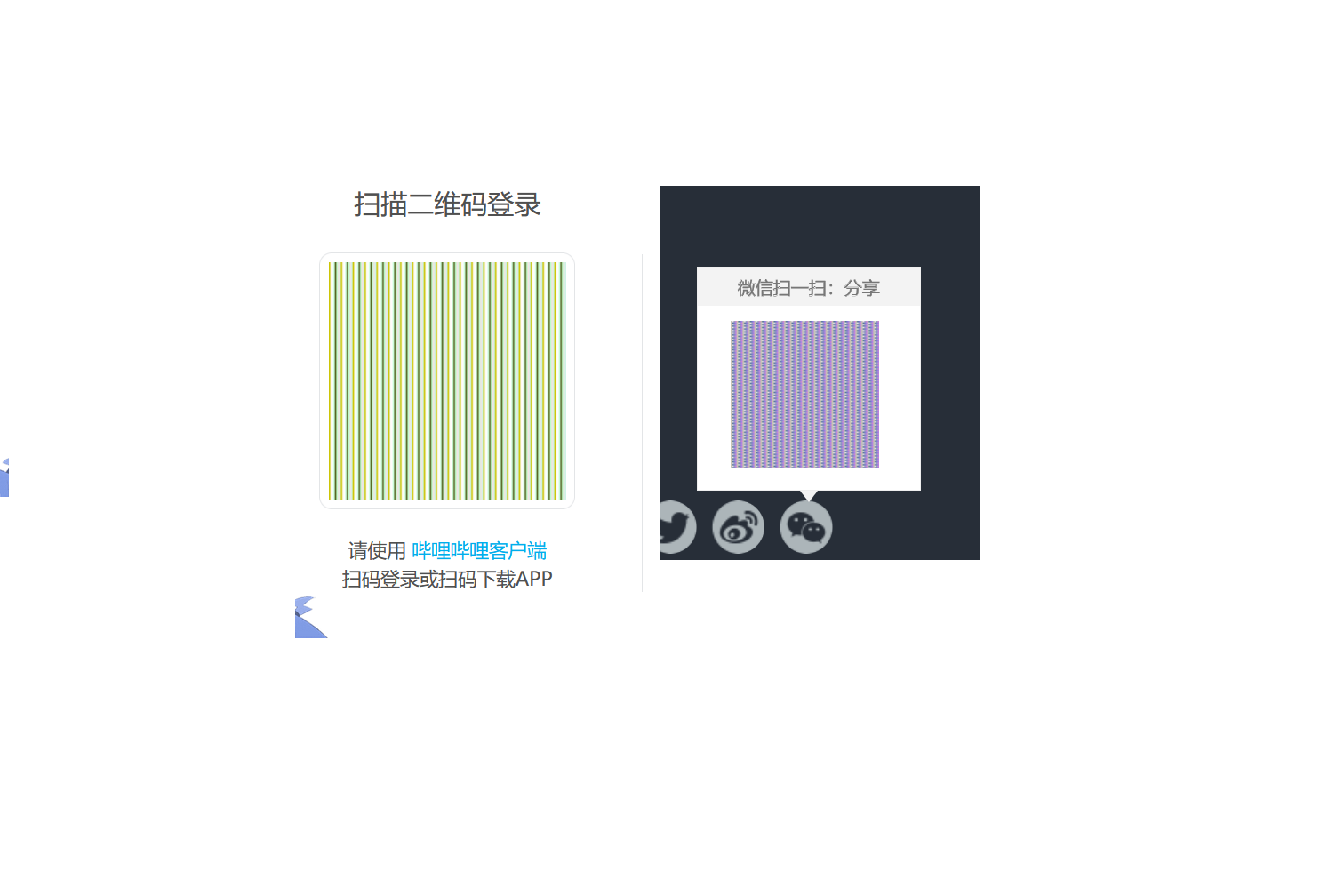
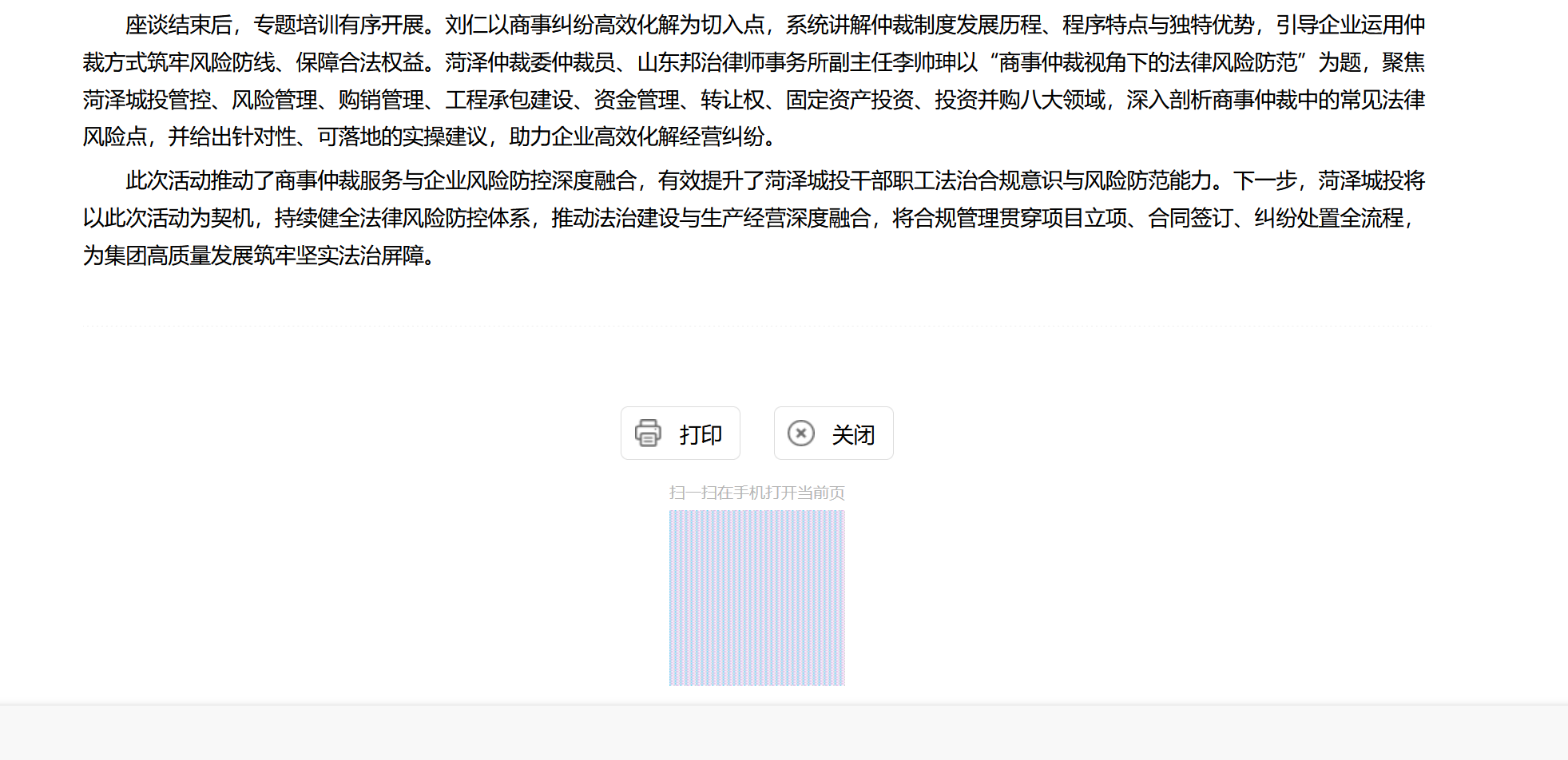
如图片所示,需要用二维码登录、分享的网站,二维码全部无法正常显示! As shown in the picture, you need to use a two-dimensional code to log in and share the website, the two-dimensional code can not be displayed normally!

Keppele skermôfbyldingen

Alle antwurden (3)

Do you have privacy.resistFingerprinting enabled in about:config?

like this

my firefox version is 140.9.1esr(64-bit )

Go to about:config and switch privacy.resistFingerprinting to false.

In fraach stelle

Jo moatte jo oanmelde by jo account om op berjochten te antwurdzjen. Stel in nije fraach as jo noch gjin account hawwe.