


Can't log into Mozilla Account
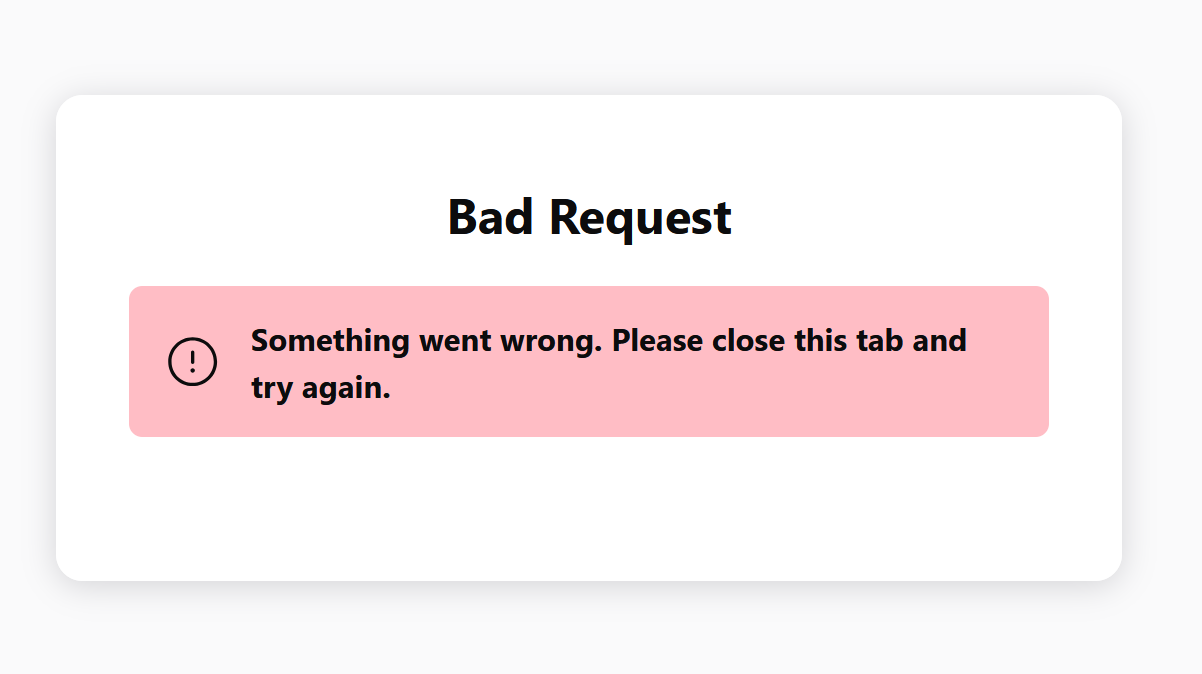
When I try to log into sync with firefox, I get asked for an email code rather than the 2fa totp token I normally use. When I use the code I've been emailed I get an error that says "Bad Request". I can't log in on either of my computers. I've attached the error.
Keazen oplossing
It was probably just a cookie issue, but I went ahead and refreshed firefox and waited a few hours and was able to log back into the browser. Thanks all.
Alle antwurden (5)

My mistake on sync question here.
Bewurke troch markwarner22 op
Interesting... I'm still logged in on other devices and can send tabs and whatnot... is that irrelevant?
This issue can be caused by corrupted cookies or blocked cookies.
- check the permissions for the domain in the selected tab in "Tools -> Page Info -> Permissions"
Clear the Cache and remove the Cookies for websites that cause problems via the "3-bar" Firefox menu button (Settings), click the padlock icon (Clear cookies and site data) for the domain in the selected tab.
"Remove the Cookies" for websites that cause problems:
- Settings -> Privacy & Security
Cookies and Site Data: "Manage Data"
"Clear the Cache":
- Settings -> Privacy & Security
Cookies and Site Data -> Clear Data -> [X] Cached Web Content -> Clear
- https://support.mozilla.org/en-US/kb/clear-cookies-and-site-data-firefox
- https://support.mozilla.org/en-US/kb/how-clear-firefox-cache
Start Firefox in Troubleshoot Mode to check if one of the extensions ("3-bar" menu button or Tools -> Add-ons -> Extensions) or if hardware acceleration or if userChrome.css/userContent.css is causing the problem.
- switch to the Default System theme: "3-bar" menu button or Tools -> Add-ons -> Themes
- do NOT click "Refresh Firefox" in the Troubleshoot Mode start window
markwarner22 said
Unfortunately when this happens there nothing more any users on here can do to help your situation. That account is "lost" and you have to make a new Firefox account.
How is a Mozilla Account that has been used to post here since 2019 now lost because the OP is having issues with Sync?
Keazen oplossing
It was probably just a cookie issue, but I went ahead and refreshed firefox and waited a few hours and was able to log back into the browser. Thanks all.