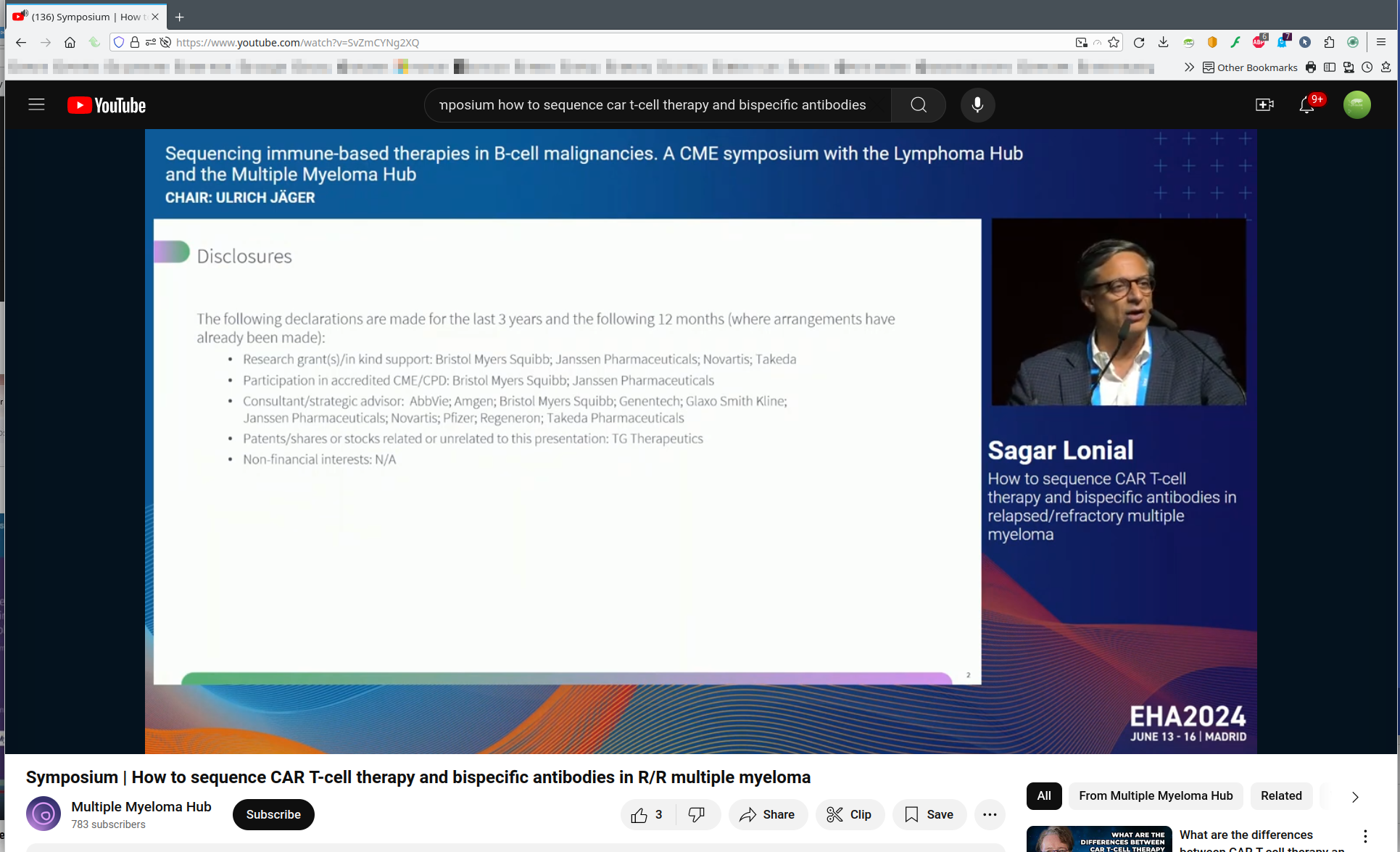
Youtube has stopped working suddenly

I've disabled all of my addons, cleared cache, and still youtube is broken for me. It works fine with Chrome still. Any ideas on how to fix? See attched screenshot.

Toutes les réponses (8)

gk16 said
Youtube has stopped working suddenly
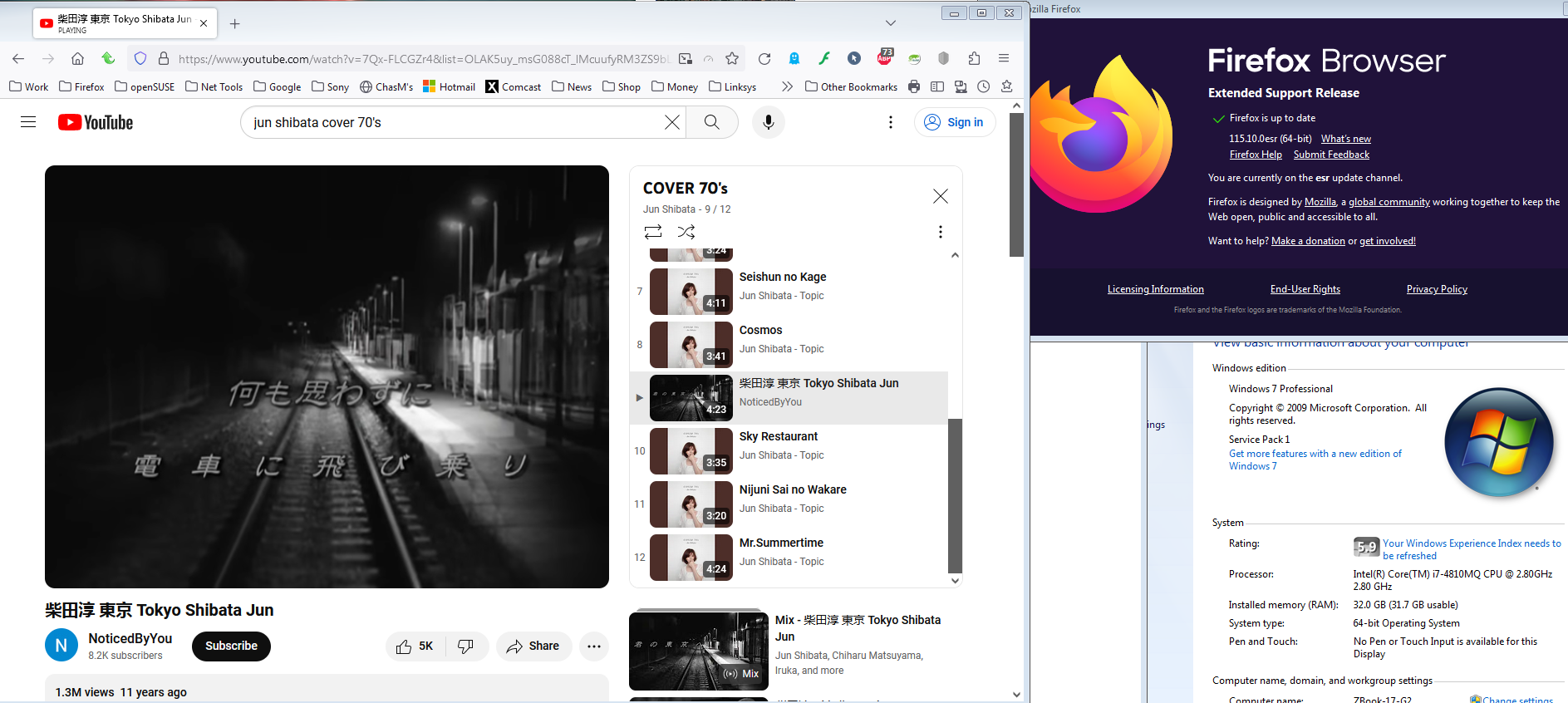
What has stopped working? More detail please. It's not a YouTube issue. see screenshot Let me try my Windows 7 laptop.
https://www.youtube.com/results?search_query=jun+shibata+cover+70%27s

You should update the browser to the current version. It works for me. see screenshot
I am up to date, and it's still nothing but blanks where things should be. I can however run videos. But full screen doesn't work. I'm using windows 7 on a dell laptop that is 10 years old. Why would things suddenly stop working I wonder.
My laptop HP ZBook 17 G2 is from the same time frame and works. Have you recently visited Dell to check for updates to the last one provided for the model?. Also, the current version of Firefox for Win 7 is 115.10. see screenshot
Current ESR --> https://www.mozilla.org/en-US/firefox/all/#product-desktop-esr
A full browser screenshot could be helpful.

Modifié le par jonzn4SUSE
You can also reset Firefox. https://support.mozilla.org/en-US/kb/refresh-firefox-reset-add-ons-and-settings
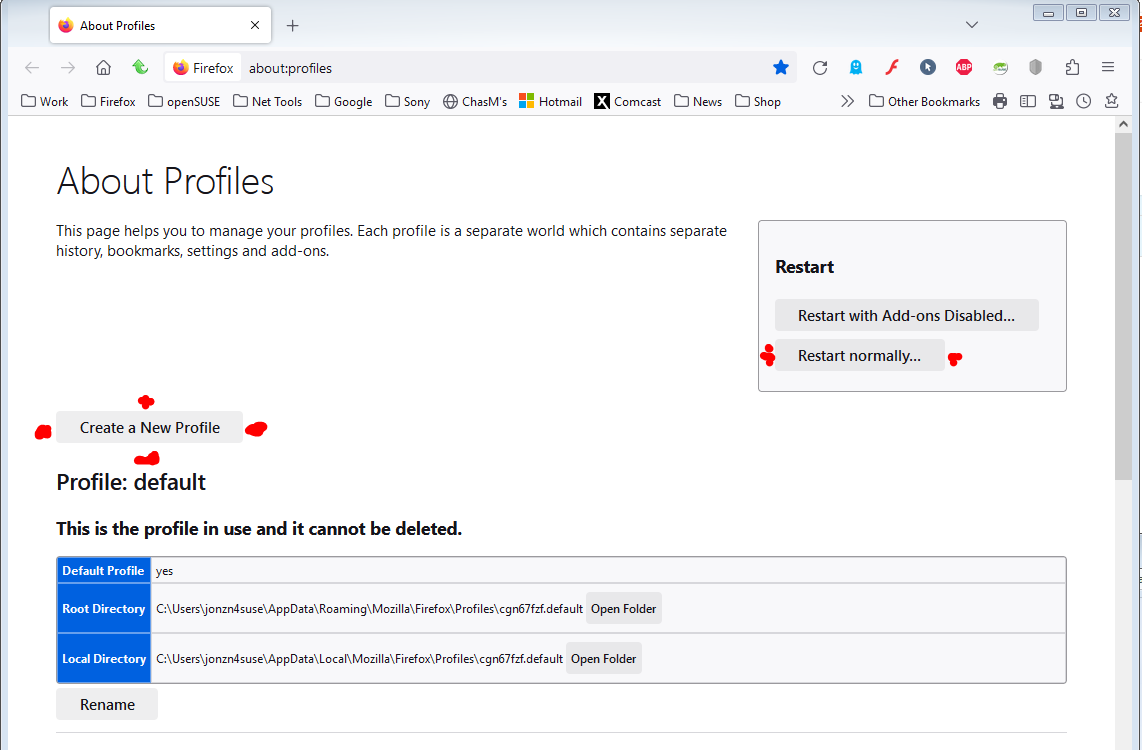
Can you try under a different user account or you can also create a new profile. see screenshot

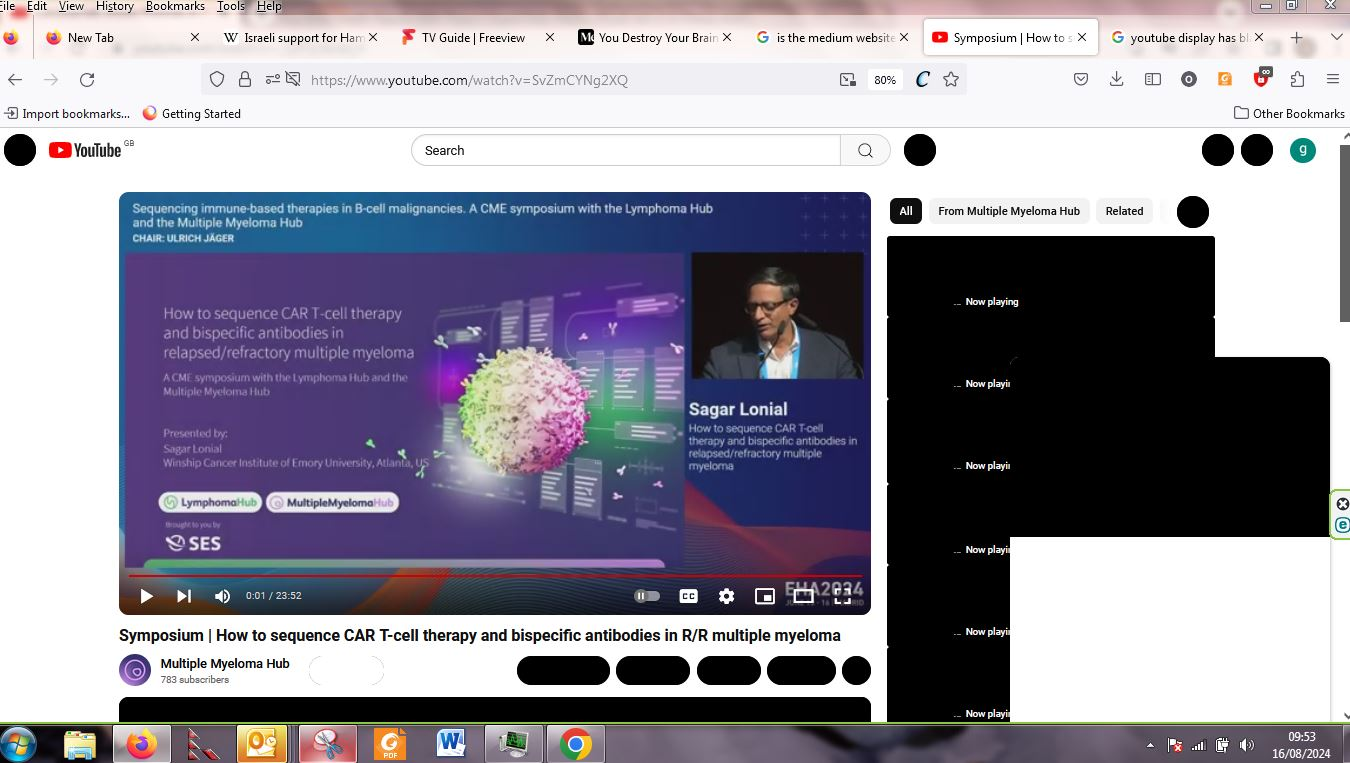
I think I may have the same problem. Since, I think, the latest upgrade of irefox for win7, YouTube pages just don't display properly at all. Many buttons are just black shapes, and YouTube is unusable. I attach screen snips of a video, sown with latest Firefox and with Chrome. I would appreciate knowing how tofix this problem :-)
Jon

Oldjon said
I think I may have the same problem. Since, I think, the latest upgrade of irefox for win7, YouTube pages just don't display properly at all. Many buttons are just black shapes, and YouTube is unusable. I attach screen snips of a video, sown with latest Firefox and with Chrome. I would appreciate knowing how tofix this problem :-) Jon
I see themes... Did you try Firefox in Troubleshoot Mode? https://support.mozilla.org/en-US/kb/diagnose-firefox-issues-using-troubleshoot-mode#search104
No issues for me with same video. see screenshot