


Microsoft Outlook authentication failure.

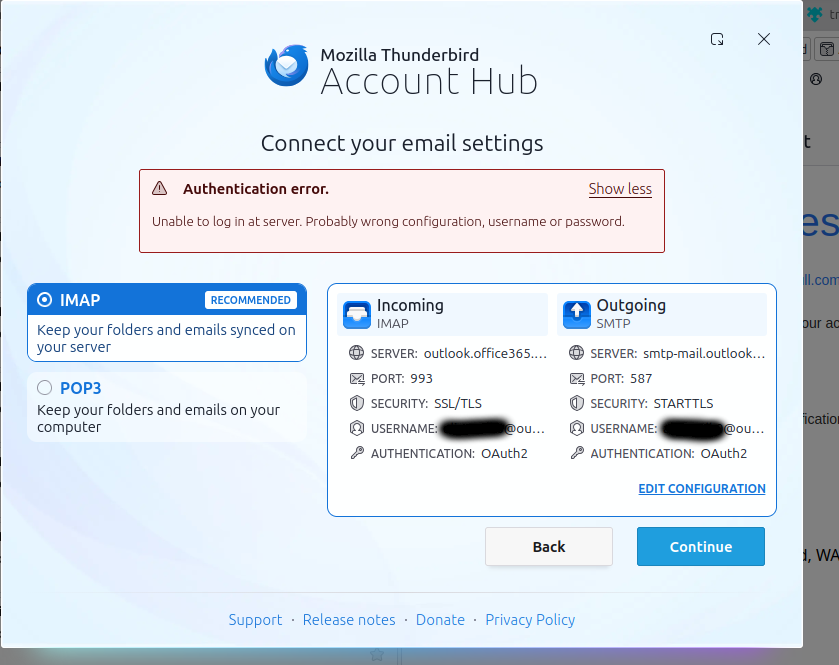
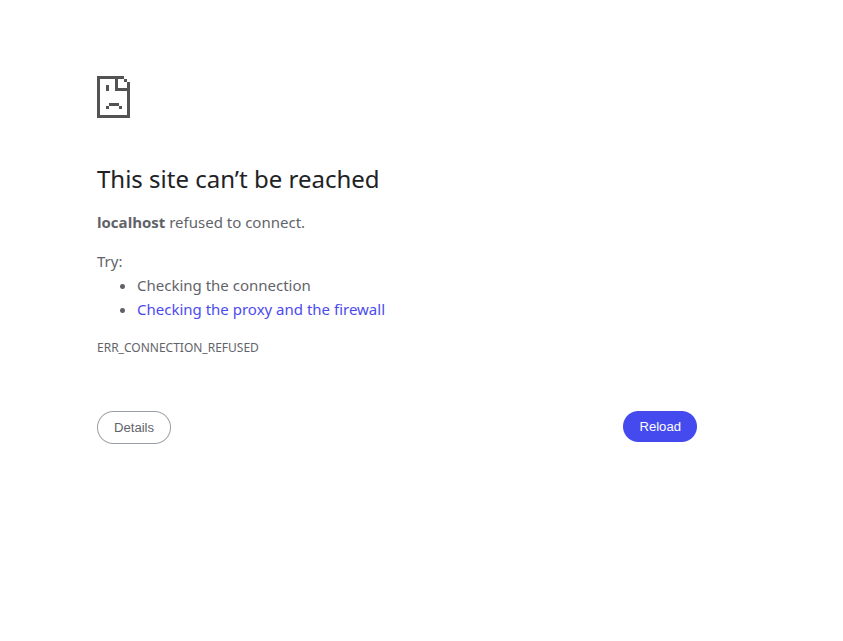
when I try and add my microsoft outlook account, it redirects to a webpage, which after saying yes a few times with an already signed in session, redirects to localhost 44645. localhost 44645 notably does not seemingly direct to anything, and thunderbird does not change. clicking "continue" re opens the microsoft webpage How should i connect my outlook account? system details; ``` OS: Linux Mint 22.3 x86_64 Host: ThinkPad L14 Gen 2a Kernel: 6.14.0-37-generic Uptime: 7 hours, 40 mins Packages: 2177 (dpkg) Shell: bash 5.2.21 Resolution: 1920x1080 DE: Cinnamon 6.6.4 WM: Mutter (Muffin) WM Theme: Mint-Y-Dark-Aqua (Mint-Y) Theme: Mint-Y-Aqua [GTK2/3] Icons: Mint-Y-Sand [GTK2/3] Terminal: gnome-terminal CPU: AMD Ryzen 7 PRO 5850U with Radeon Graphics (16) @ 4.508GHz GPU: AMD ATI Radeon Vega Series / Radeon Vega Mobile Series Memory: 14803MiB ```

All Replies (2)
Following https://support.mozilla.org/en-US/kb/microsoft-oauth-authentication-and-thunderbird-202, it still is a problem, but that probably would have caused problems later
attached is an attempt from chromium, in case librewolf was the problem (librewolf/firefox doesn't properly load the captcha for creating an account, so there was a decent chance that was the issue)
as advised by https://learn.microsoft.com/en-us/answers/questions/4660576/why-i-cant-sync-my-email-from-outlook-to-thunderbi, server settings are currently;
server type: IMAP mail server server name: imap-mail.outlook.com port: 993 user name: <my_outlook_account>@outlook.com connection security: ssl/tls Authentication method: OAuth2
I can't find it in settings, but when setting up the account, outgoing mail settings were; Server Hostname: smtp-mail.outlook.com port: 587 SSL: starttls Authentication: normal OAuth2