


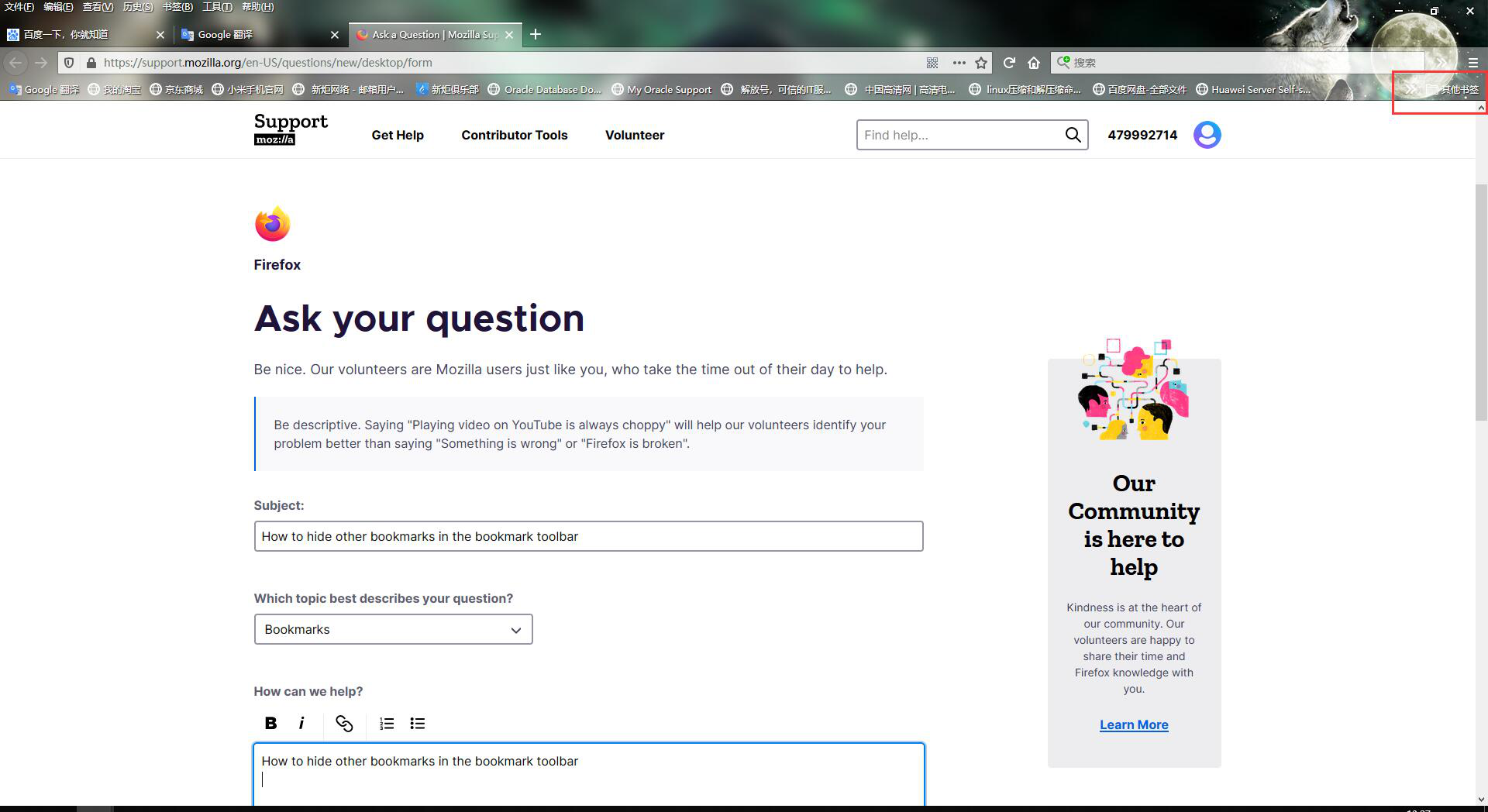
How to hide other bookmarks in the bookmark toolbar

How to hide other bookmarks in the bookmark toolbar
How to hide other bookmarks in the bookmark toolbar
All Replies (1)
You can set browser.toolbars.bookmarks.2h2020 = false on the about:config page to disable this new feature.
You can open the about:config page via the location/address bar. You can accept the warning and click "I accept the risk!" to continue.
Note that in Firefox 85+ you will be able to right-click this "Other Bookmarks" icon on the Bookmarks Toolbar to toggle its appearance (Show Other Bookmarks).