


What setting should I use in - view-charachter encoding

I have problem in that certain pages download as gibberish- this is not Helvetica font problem as the test url worked correctly
Όλες οι απαντήσεις (4)
Can you attach a screenshot?
Use a compressed image type like PNG or JPG to save the screenshot and make sure that you do not exceed the maximum file size (1 MB).
Attached screen shot of gibberish
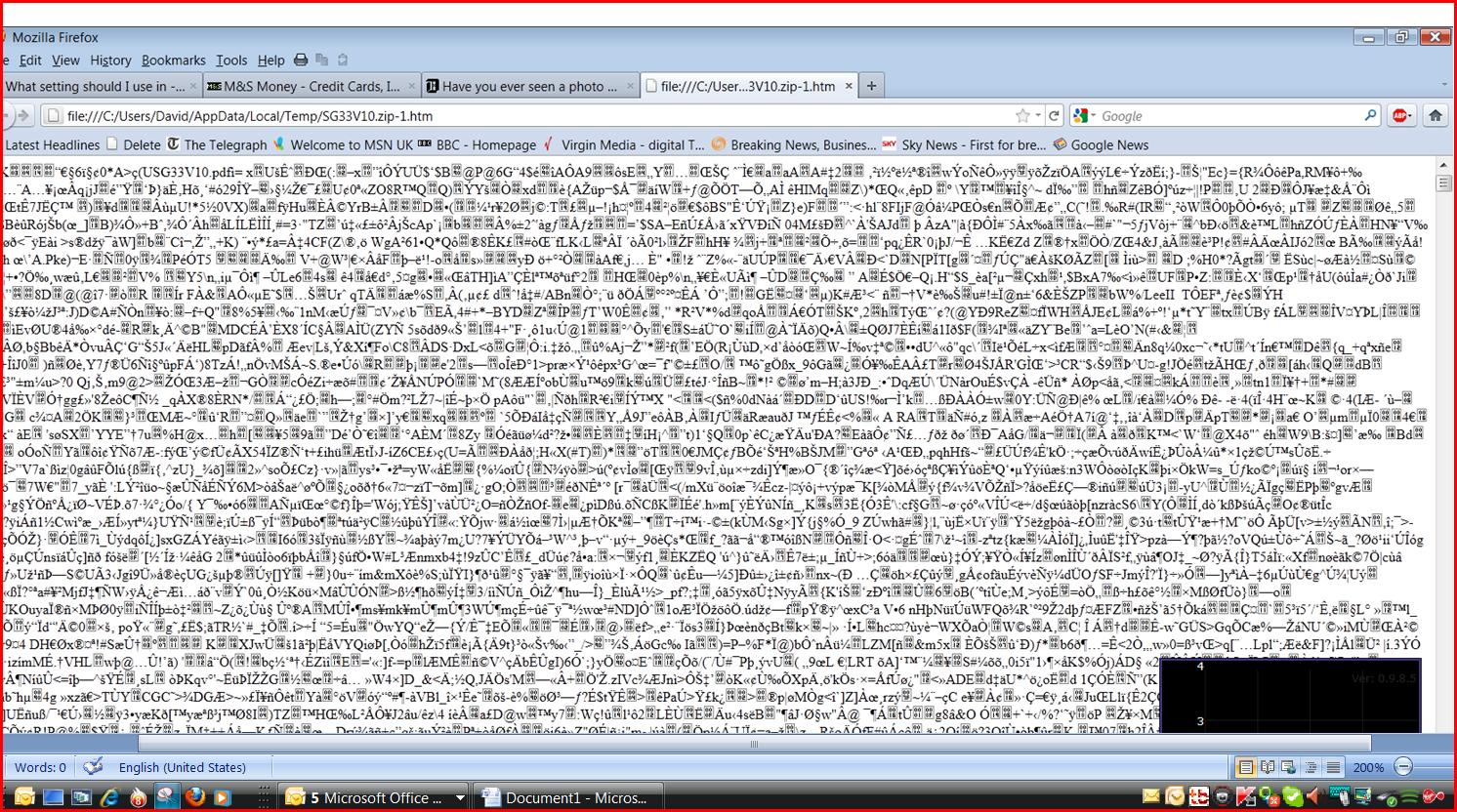
Judging from the name that looks like a ZIP archive that you try to display as an HTML file. Try to give that file a .zip file extension instead of .html and see if you can open it in Windows Explorer (not Firefox) to see which files are in it.
I think the problem is in this area. If explorer downloads and opens the file it appears to be opening a Pdf file rather than a html one How do i force the option of letting explorer open the file downloaded by Firefox. I have done this in past but the result is still gibberish