


DeepSeek resets the language to English

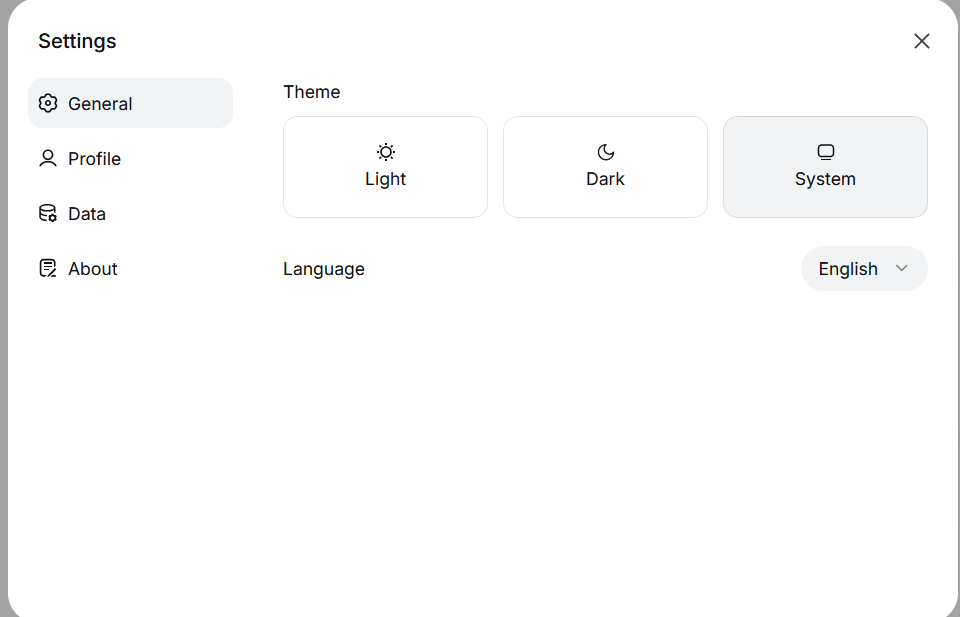
Hello. I have a problem with the chat.deepseek.com website - every time I launch the browser, the language settings are reset from the system (or Russian) language set manually to English. Interestingly, this problem only occurs in Firefox, while other browsers work as expected. Additionally, the test profile created again also works properly. What I have done: 1. Reinstalled the browser, but it did not help 2. Deleted the folders responsible for Local Storage in the profile folder - didn't help 3. Cleared the cookies - helped until the first restart, then it was the same. History is enabled, and cookies are not cleared when the browser is closed. How can I solve this issue without deleting my profile? I don't want to lose my bookmarks, passwords, and website settings. Thank you in advance for your assistance.
Όλες οι απαντήσεις (2)
Кор-эль said
Did you try to create a cookie allow exception for this origin?
Apparently not: I don't understand how to do this. My firefox is installed with the default settings on a fresh system, I didn't configure anything else in it, I just synchronized my Firefox account, nothing more. A small addition: Firefox is also installed on my work computer, but I did not log in to my profile there. And everything is fine on it, there is no such problem. That is, the problem is clearly in my profile.
Τροποποιήθηκε στις από τον/την Антон С