


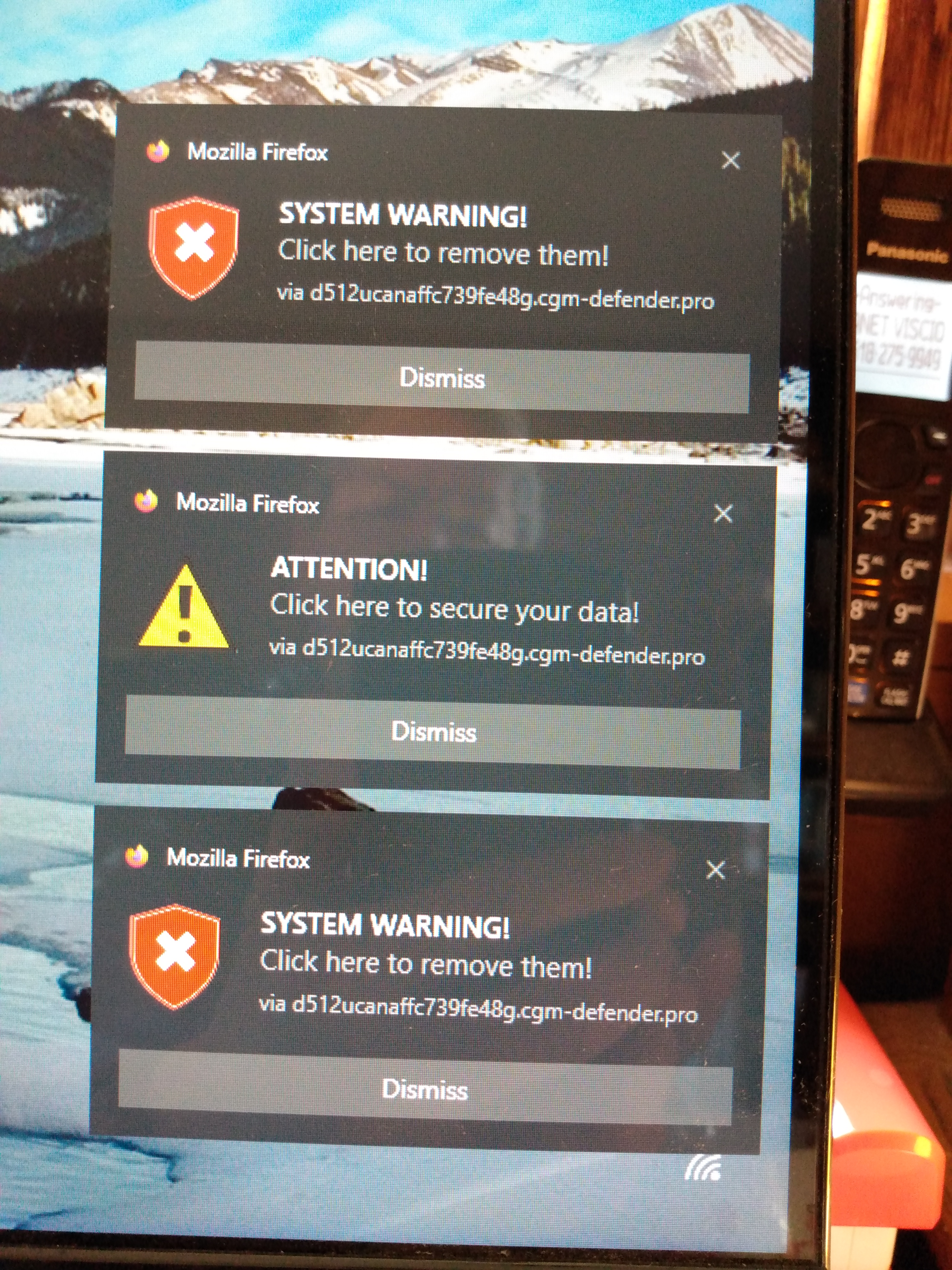
Supposed virus notification from Mozilla Firefox

I'm getting announcements of a virus threat that purports to come from Mozilla Firefox. Usually one or all three of the attached small windows that say: 1. "Viruses Found. Antivirus notification. via https+++d512ucanaffc739fe48g.cgm-defender.pro" With a Dismiss button. 2. Attention! Click here to secure your data!. via https+++d512ucanaffc739fe48g.cgm-defender.pro" With a Dismiss button. 3. "System Warning!. Click here to remove them! via https+++d512ucanaffc739fe48g.cgm-defender.pro" With a Dismiss button. I have run full scans and offline scans with MS Defender, but these warnings still appear. Is this legit? I suspect these are a virus of some sort. Either way, how do I deal with this?
Όλες οι απαντήσεις (3)
Hi
Have you installed any other apps on your device recently?
If you clear your browsing history and then do a second scan, do these alerts still appear?
https://support.mozilla.org/en-US/kb/push-notifications-firefox https://support.mozilla.org/en-US/kb/push-notifications-firefox#w_how-do-i-revoke-web-push-permissions-for-a-specific-site
These appear to be web push notifications from sites you have allowed to send you notifications. Instead of useful information some may send you junk, spam, fake virus/trojan alerts etc. You can revoke these sites from sending you notifications as second kb link above shows.
Many thanks to Paul and James. I did both of your suggestions, and so far the notifications have not reappeared. Fingers crossed.