


Some sites not working in Friefox.

Recently several sites, including Zoom.us and Genesis.com, no longer work in Firefox on my PC running Windows 11. For example, when I log into Zoom spinning wheel indicating the system is working keeps spinning and never lets me enter my password. Yet if I use Edge everything works as it should. I really want to be able to keep using Firefox as my default browser.

Επιλεγμένη λύση
If your problem did not occur in Troubleshoot Mode, the likely cause is an extension, theme or hardware acceleration. See this article for further troubleshooting steps.
Προβολή απάντησης εντός συζήτησης 👍 0Όλες οι απαντήσεις (7)
Hi there,
Sorry to hear that the websites don't work as expected. Please follow the steps below to troubleshoot the issue.
- Please check if you have Enhanced Tracking Protection (ETP) enabled. You can do that by clicking the shield
 icon at the left of the address bar.
- If ETP is enabled, try disabling it.
- If the problem is not fixed, try clearing Firefox cache.
- If it does not help, also try clearing cookies and data for the website you experience troubles with (warning: you will be logged out on this website).
- If it also does not help, try running Firefox in Troubleshoot Mode.
Does it help? Looking forward to your update!

What happens on this test site? https://app.zoom.us/test Site works for me. see screenshot Are you having only login issues?
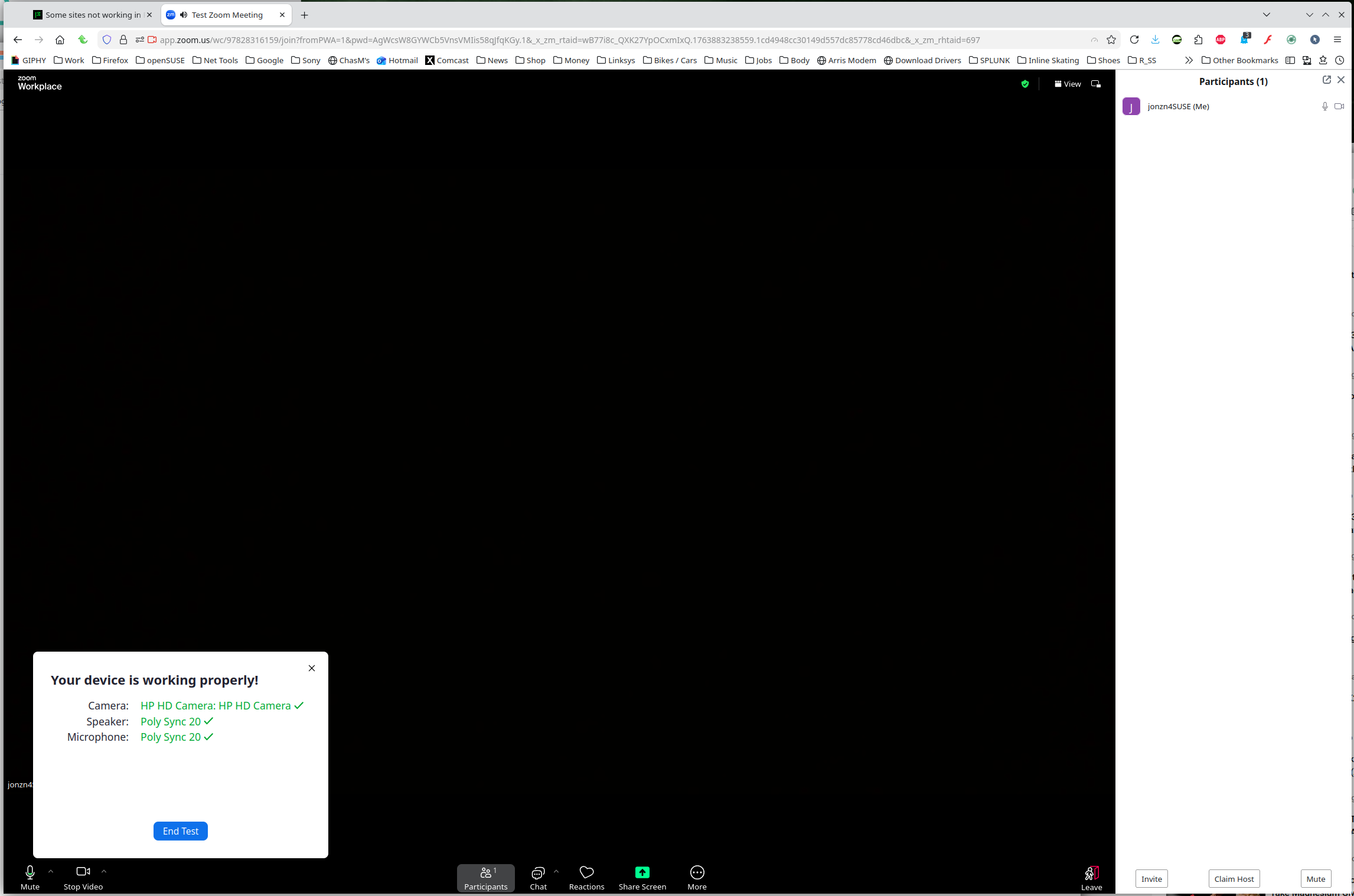
Thank you both.
Denys, I turned off ETP, but it had no effect and when I logged out and logged back in ETP was reset. I clear cookies, history, etc. whenever I close Firefox. I then ran Zoom in Troubleshoot Mode and it worked properly but when I restarted Firefox and tried to log in the problem returned. Does this mean I have to run this mode every time I want to go to Zoom or any other site that doesn't work without it?
Jon, when I ran the test Zoom link it worked properly but that doesn't help for my regular Zoom login.
Also, was there some recent change to Firefox that could cause these issues? I am running the current version, 145.0.1 (64-bit).
Επιλεγμένη λύση
If your problem did not occur in Troubleshoot Mode, the likely cause is an extension, theme or hardware acceleration. See this article for further troubleshooting steps.
Thanks again. My question, though, is what changed -- something in Firefox or these sites? I have not changed or added any extensions. I tried setting Performance to "Standard" but Zoom still won't let me enter my password. This is a recent problem; the first time I had difficulty was November 7, even though I have accessed this account for the past several years.
There haven't been any intentional changes, and we don't know about any widespread problems with these websites in Firefox.
If the cause is an extension, the issue may be related to its update / absence of update.
Good thought. I disabled my privacy/security extensions one at a time and one, Privacy Badger, turned out to be the culprit. I will leave it diasbeled for any affected sites.
Thanks again