


Unable to sync passwords bewteen laptop and iPhone

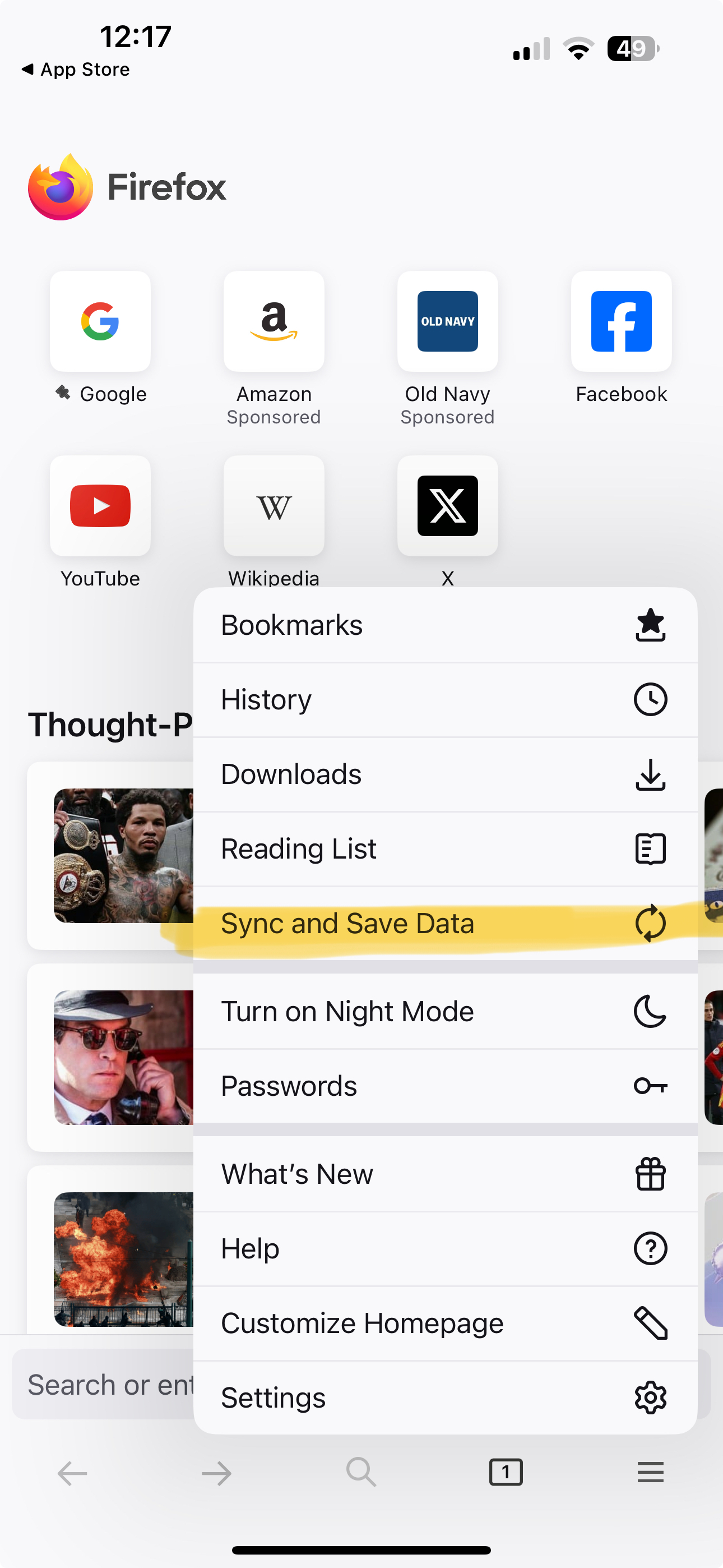
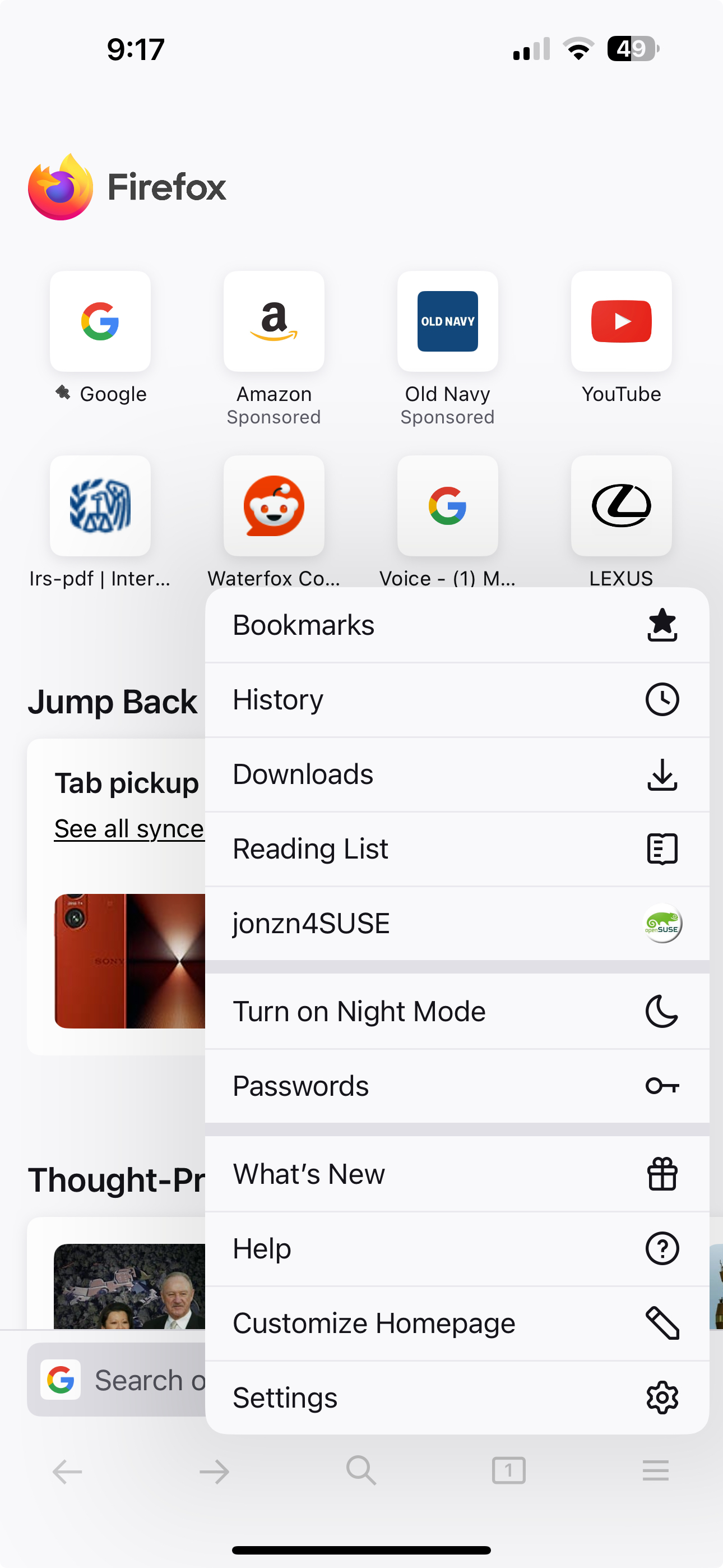
Since Mozilla no longer supports Lockwise, I am trying to sync my iPhone to my laptop to get all my passwords. INstructions tell me "Sync Firefox on your phone or tablet 1. Open Firefox on your mobile device. 2. Go to the menu ( on iOS or on Android) and tap Sync and save data 3. Tap Ready to Scan and hold your phone over this code" First of all, this choice does not exist in the iPhone Firefox menu. If I go into "Settings" and press "Sync now" none of my passwords show up within Firefox. Please help. Thank you.
Since Mozilla no longer supports Lockwise, I am trying to sync my iPhone to my laptop to get all my passwords. INstructions tell me "Sync Firefox on your phone or tablet 1. Open Firefox on your mobile device. 2. Go to the menu ( on iOS or on Android) and tap Sync and save data 3. Tap Ready to Scan and hold your phone over this code" First of all, this choice does not exist in the iPhone Firefox menu. If I go into "Settings" and press "Sync now" none of my passwords show up within Firefox. Please help. Thank you.
Όλες οι απαντήσεις (1)
Post screenshots showing your phone is logged into your Mozilla account. I ran a test in the past on the wife's iphone 15 pro and it worked. see screenshots
Τροποποιήθηκε στις από τον/την jonzn4SUSE